Receipt Scanning App: A Guide for UK Freelancers and FreeAgent Users
If you're a freelancer or small business owner in the UK, you know the drill: a wallet overflowing with crumpled receipts, an inbox cluttered with digital invoices, and that nagging feeling you’re missing out on valuable tax deductions. That year-end scramble to get your books in order is a stressful, time-consuming nightmare. A receipt scanning app is your ticket out of this mess. But it's more than just a digital filing cabinet.
These tools use smart technology to read your receipts, automatically pull out key details like the vendor and amount, and send them straight to your accounting software. The right app saves you hours of manual data entry, helps you stay organised for tax time, and maximises your claimable expenses. This guide isn't a ranked list; it's a practical roundup of the best options for UK professionals, with a special focus on what works for FreeAgent users. We'll explore seven standout solutions, detailing how they work and what makes each one a solid choice for different needs.
1. Receipt Router
Receipt Router is a powerful, automated receipt scanning app built from the ground up for UK freelancers and small businesses who rely on FreeAgent. It moves beyond simple scanning, creating a complete 'set-it-and-forget-it' system that tackles the most tedious parts of expense management. Instead of you manually uploading receipts, Receipt Router gives you a unique email address for each business. You just forward digital receipts to it, and the service handles the rest.
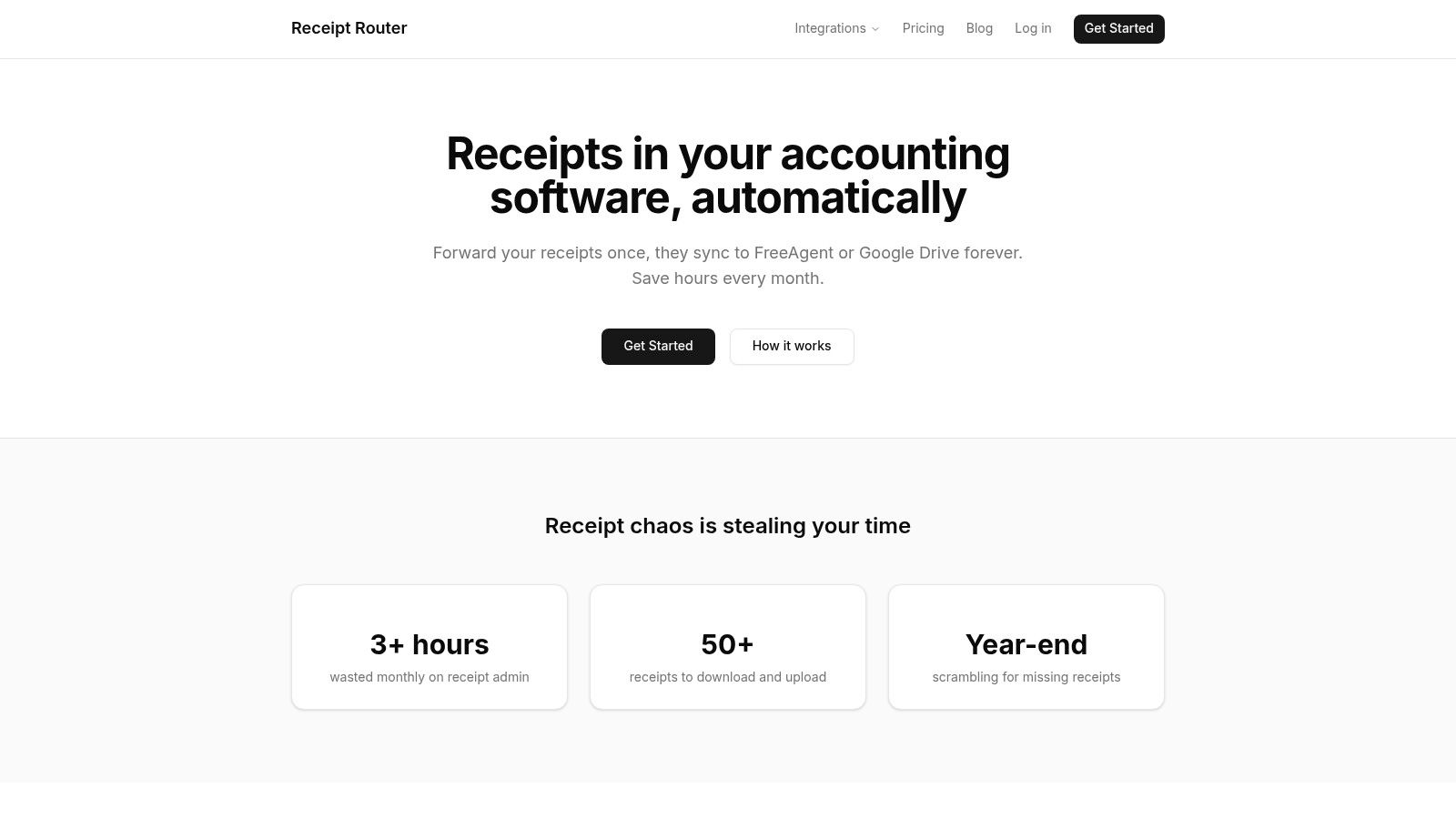
The platform’s real strength lies in its deep, native integration with FreeAgent. It doesn't just store your receipts; its smart matching technology automatically finds the corresponding transaction in your FreeAgent account and attaches the receipt directly. This is a game-changer for staying organised and ensuring your accountant has everything they need without any last-minute scrambling. It even handles multi-currency transactions, converting the amount and reconciling it correctly.
Standout Features
- Deep FreeAgent Integration: Receipts are automatically matched and attached to the correct bank transactions within FreeAgent, making reconciliation seamless.
- Automated Google Drive Backup: Every receipt is instantly archived to a neatly organised and searchable Google Drive folder, giving you a permanent, independent record of your expenses.
- Privacy-First Approach: The service only processes emails you actively forward. It never needs access to your full inbox, which is a major advantage for security-conscious users.
- Multi-Currency Handling: It accurately converts and reconciles expenses from international purchases (like AWS or Stripe fees), a common headache for modern businesses.
The Bottom Line
Receipt Router is the ideal receipt scanning app if you're a FreeAgent user in the UK. Its core design solves the exact pain points of freelancers and sole traders, like handling dozens of digital invoices and staying on top of multi-currency expenses. The automatic backup to Google Drive provides excellent peace of mind.
While its focus on the FreeAgent and Google Drive ecosystem means it won't be for everyone, this specialisation is precisely what makes it so effective for its target audience.
| Best For | UK freelancers & small businesses using FreeAgent |
|---|---|
| Pricing | Starts at £10/month with a 30-day money-back guarantee. |
| Key Strengths | Native FreeAgent integration, privacy-focused workflow, automatic Google Drive backup. |
| Website | https://receiptrouter.app |
2. FreeAgent – Smart Capture
If you’re a UK-based freelancer or small business owner already using FreeAgent for your bookkeeping, its built-in Smart Capture feature is an incredibly convenient choice. It’s not a standalone receipt scanning app, but rather an integrated tool within the FreeAgent mobile app. This eliminates the need for a separate subscription and keeps all your financial data tidily in one place.
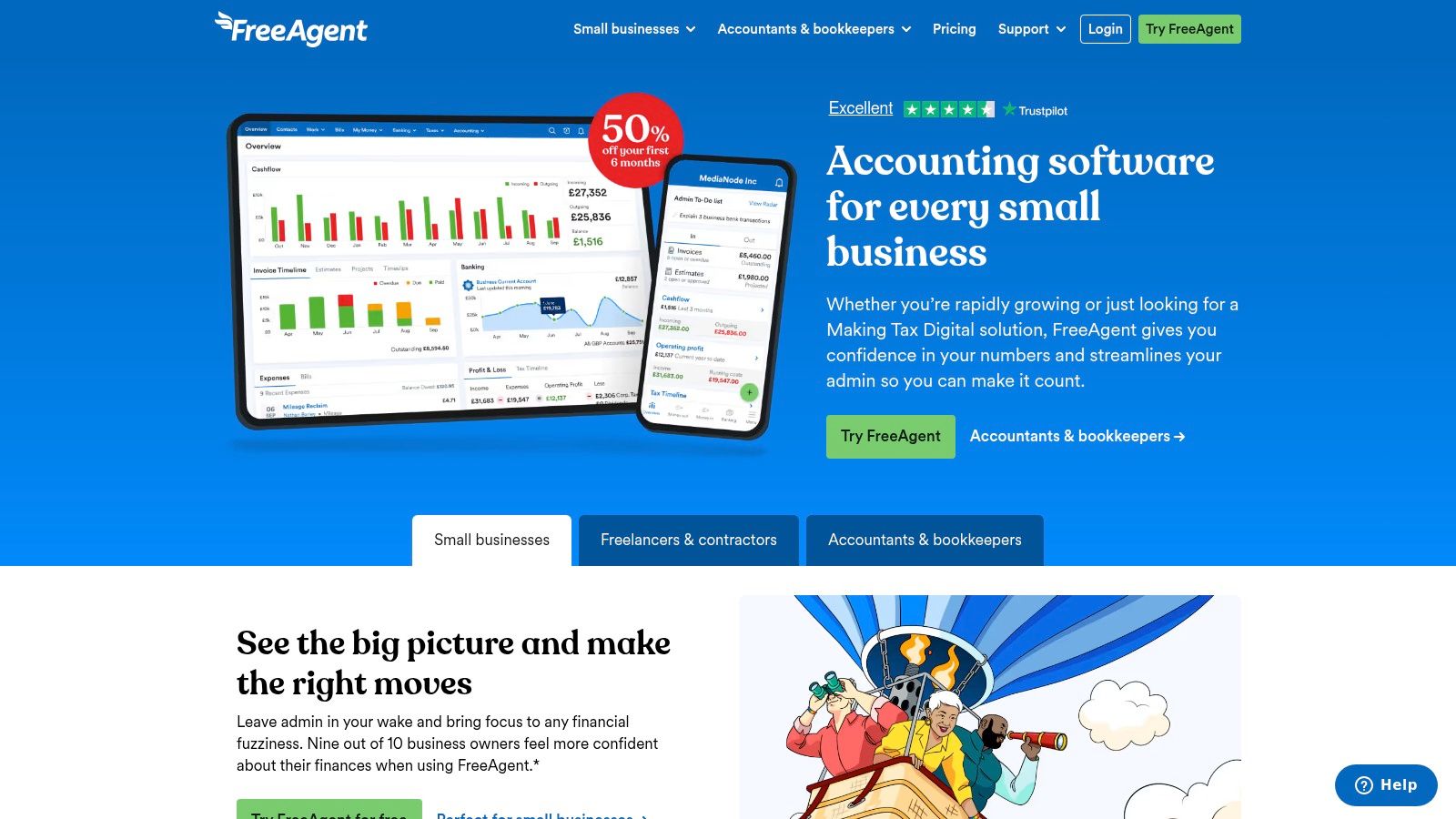
The workflow is straightforward. You snap a photo of a receipt, and Smart Capture automatically extracts the date and total amount. What makes it stand out is its ability to automatically match these captured receipts to the corresponding ‘Money Out’ transactions from your bank feed. This significantly reduces manual reconciliation time, a key benefit for anyone looking to streamline their accounts payable process.
Key Features and Costs
- Integrated Workflow: Capture and attach receipts directly to expenses, bills, or bank transactions within the FreeAgent ecosystem.
- Automatic Matching: Smartly links receipt images to existing bank transactions, saving you the hassle of manual matching.
- UK-Focused: Designed from the ground up for UK tax, VAT, and Making Tax Digital (MTD) compliance.
The main limitation is the 10-file monthly cap included in standard plans. To remove this, you'll need the Smart Capture Unlimited add-on, which costs around £5 per month + VAT.
Who Is It Best For?
FreeAgent Smart Capture is ideal for existing FreeAgent users who want a seamless, all-in-one solution for their accounting and receipt management. While not the best choice as a standalone tool, its deep integration and UK-specific design make it a powerful and efficient option if you're already committed to the platform.
Website: https://www.freeagent.com
3. Xero (Hubdoc and Xero Expenses)
Xero users have a powerful, integrated solution for receipt management right at their fingertips. The platform bundles Hubdoc, its data capture tool, into its core UK plans, making it an excellent starting point for businesses looking to digitise their paperwork. Hubdoc acts as your central inbox for bills and receipts, ingesting documents via its mobile app, email forwarding, or a scanner.
Once captured, Hubdoc extracts the key data and publishes the transaction directly into Xero, attaching the source document for a clear audit trail. This integration is a huge step towards better automation in accounting and helps keep your records organised. For businesses needing to manage employee expense claims, Xero also offers the Xero Expenses add-on, which provides dedicated workflows for submission and approval.
Key Features and Costs
- Bundled Data Capture: Hubdoc is included with Xero Starter, Standard, and Premium plans in the UK, offering great value.
- Multi-Channel Ingestion: Submit documents easily via the mobile app, a unique email address, or a desktop scanner.
- Seamless Integration: Captured documents are published as transactions in Xero, with the receipt image attached for easy reconciliation against the bank feed.
- Optional Expense Management: The Xero Expenses add-on can be added for team expense claims, priced per active user (starting from £2.50 per user, per month).
While the inclusion of Hubdoc is a major plus, some user reviews mention that its data extraction accuracy can be mixed. Additionally, the cost of Xero Expenses can add up for larger teams.
Who Is It Best For?
Xero is the ideal choice for small to medium-sized UK businesses already using the platform for their bookkeeping. The bundled Hubdoc feature makes it a cost-effective and highly integrated receipt scanning app. If you need robust team expense management, the Xero Expenses add-on provides a clear, scalable path.
Website: https://www.xero.com/uk
4. QuickBooks Online UK – Receipt capture
As one of the world's most recognised accounting platforms, it's no surprise that QuickBooks Online includes a native receipt capture feature. For UK businesses already invested in its ecosystem, this built-in tool provides a convenient way to digitise expenses without needing a third-party app. It is designed to keep your financial records organised within a single, familiar environment.
The process is simple: use the 'Receipt snap' feature in the mobile app to take a photo, or forward digital receipts via email. QuickBooks then uses OCR technology to extract the vendor, date, and amount. From there, it will try to match the receipt to an existing bank transaction or allow you to create a new expense or bill on the spot, making it a solid integrated receipt scanning app for existing users.
Key Features and Costs
- Integrated Capture: Snap photos, upload images, or forward PDF receipts directly into your QuickBooks account.
- Automatic Matching: The system suggests potential matches with bank feed transactions to speed up reconciliation.
- Create New Entries: Quickly generate new expense or bill entries directly from a captured receipt.
The receipt capture functionality is included across all standard QuickBooks Online plans, so there's no extra add-on fee. However, a key limitation is that it only processes receipts in your home currency (GBP for UK accounts), and recent price increases on some tiers may affect its overall value.
Who Is It Best For?
QuickBooks Online's receipt capture is perfect for UK-based small businesses and sole traders who are already using the platform for their main bookkeeping. If you want a no-fuss, integrated solution for basic receipt management and are happy to work within the QuickBooks environment, this is an efficient and cost-effective choice.
Website: https://quickbooks.intuit.com/uk
5. Dext Prepare (formerly Receipt Bank)
Dext Prepare is a powerful, dedicated platform for receipt and invoice processing, highly regarded among UK accountants and small businesses. It moves beyond simple scanning to offer a comprehensive pre-accounting tool designed to capture, categorise, and publish financial documents with remarkable efficiency. Its strength lies in its versatility and deep integration capabilities.
Unlike integrated tools, Dext is a specialist receipt scanning app focused entirely on streamlining data entry. It offers multiple ways to submit documents, including a mobile app, a unique email-in address, and even a 'Fetch' feature that automatically pulls invoices from online supplier portals. This multi-channel approach makes it incredibly flexible for businesses with varied purchasing habits. The AI-driven data extraction is exceptionally detailed, even capturing individual line items from receipts.
Key Features and Costs
- Multiple Ingestion Methods: Submit documents via the mobile app, email, direct upload, or have Dext automatically fetch them from supplier websites.
- Detailed Data Extraction: Advanced AI and OCR technology capture not just totals and dates but also line-item details, providing richer data for your accounts.
- Robust Integrations: Seamlessly publishes organised data to major accounting software like Xero, QuickBooks, and Sage, complete with supplier rules and coding.
Pricing for Dext Prepare isn't always publicly listed and often requires a direct enquiry, as plans are tailored to business size and document volume. This depth of features can be excessive for a freelancer who only needs basic receipt capture, but it's invaluable for a growing business.
Who Is It Best For?
Dext Prepare is the ideal solution for small to medium-sized businesses and accounting professionals who need a robust, high-volume document management system. If your business handles a large number of invoices and receipts and you want to automate data entry into your accounting software as much as possible, Dext is a market-leading choice.
Website: https://dext.com
6. AutoEntry by Sage
For businesses that handle more than just simple receipts, AutoEntry by Sage offers a powerful, dedicated data capture service. It's a specialist tool designed to extract information from a wide variety of documents including receipts, supplier invoices, and bank statements. Its ownership by Sage gives it strong credibility, and it integrates seamlessly not just with Sage products but also with Xero and QuickBooks.
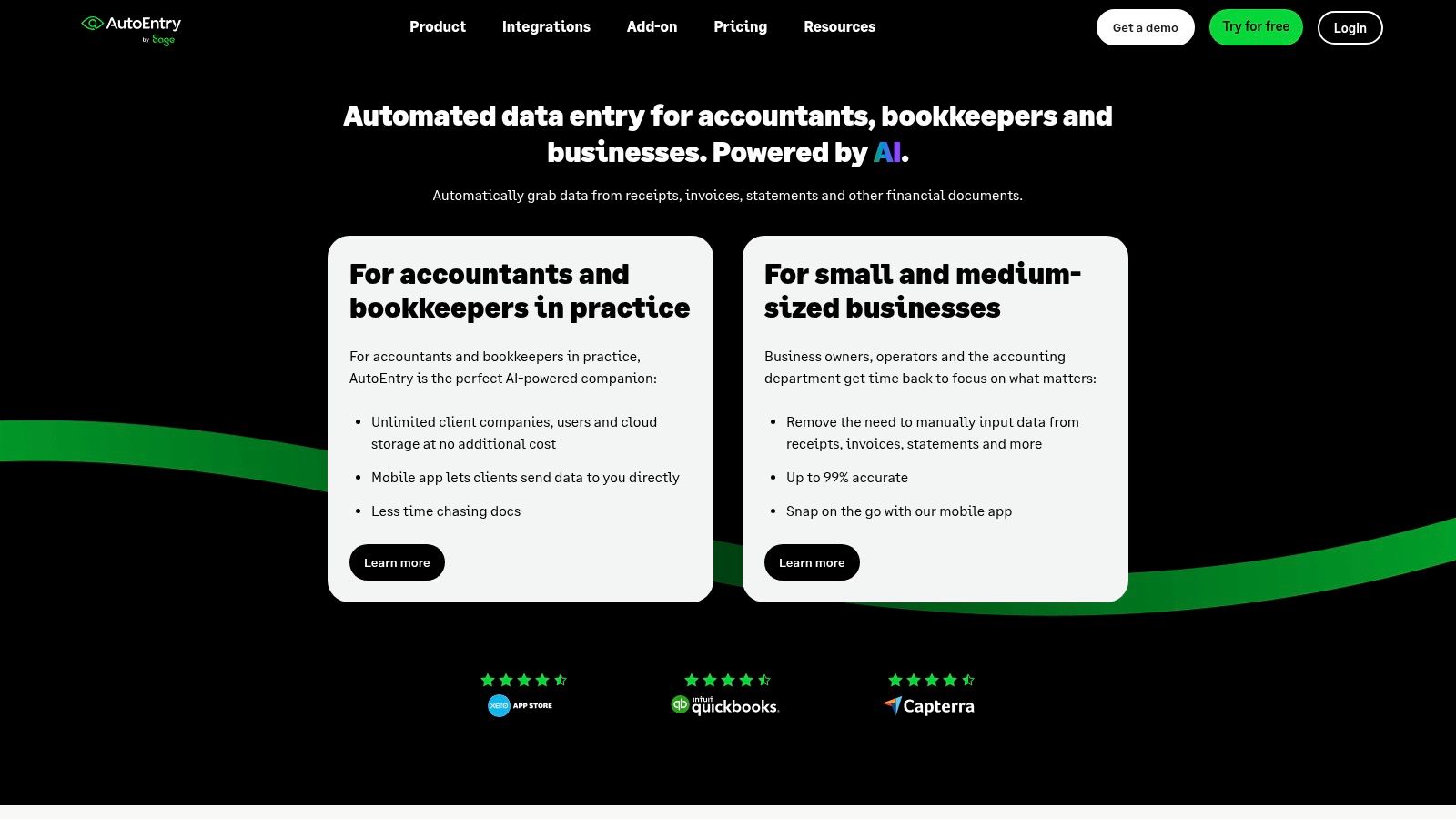
AutoEntry stands out with its flexible, credit-based pricing model, making it scalable for freelancers and larger accounting practices alike. You can submit documents via the mobile receipt scanning app, email-in, or bulk upload, giving you multiple ways to get your data into the system. This focus on pure capture makes it extremely efficient at digitising paperwork, including complex invoices with multiple line items.
Key Features and Costs
- Credit-Based Model: Pay only for what you use. Receipts typically cost one credit, while detailed line-item extraction uses more, with transparent GBP pricing.
- Versatile Capture: Handles receipts, invoices, and bank statements through a mobile app, email, or drag-and-drop web uploader.
- Major Integrations: Connects directly with key UK accounting platforms like Sage, Xero, and QuickBooks.
- Unlimited Users: All plans support unlimited users, making it great for teams.
A key benefit is that unused credits roll over for up to 90 days, avoiding a 'use it or lose it' scenario. However, the system is primarily a capture tool and lacks the comprehensive expense approval workflows found in all-in-one expense management suites.
Who Is It Best For?
AutoEntry is ideal for businesses and accountancy practices that need to process a high volume or a mix of document types beyond just receipts. If your main goal is fast, accurate data extraction to feed into your existing accounting software, its focused approach and scalable pricing make it a compelling choice.
Website: https://www.autoentry.com
7. Expensify – SmartScan
Expensify is a global expense management platform known for its polished user experience and powerful SmartScan technology. More than just a simple receipt scanning app, it’s a comprehensive tool designed to handle everything from initial capture to final reimbursement. Its SmartScan feature automatically extracts the merchant, date, total amount, and even the currency, supporting over 150 different currencies. This makes it a strong choice for international business.
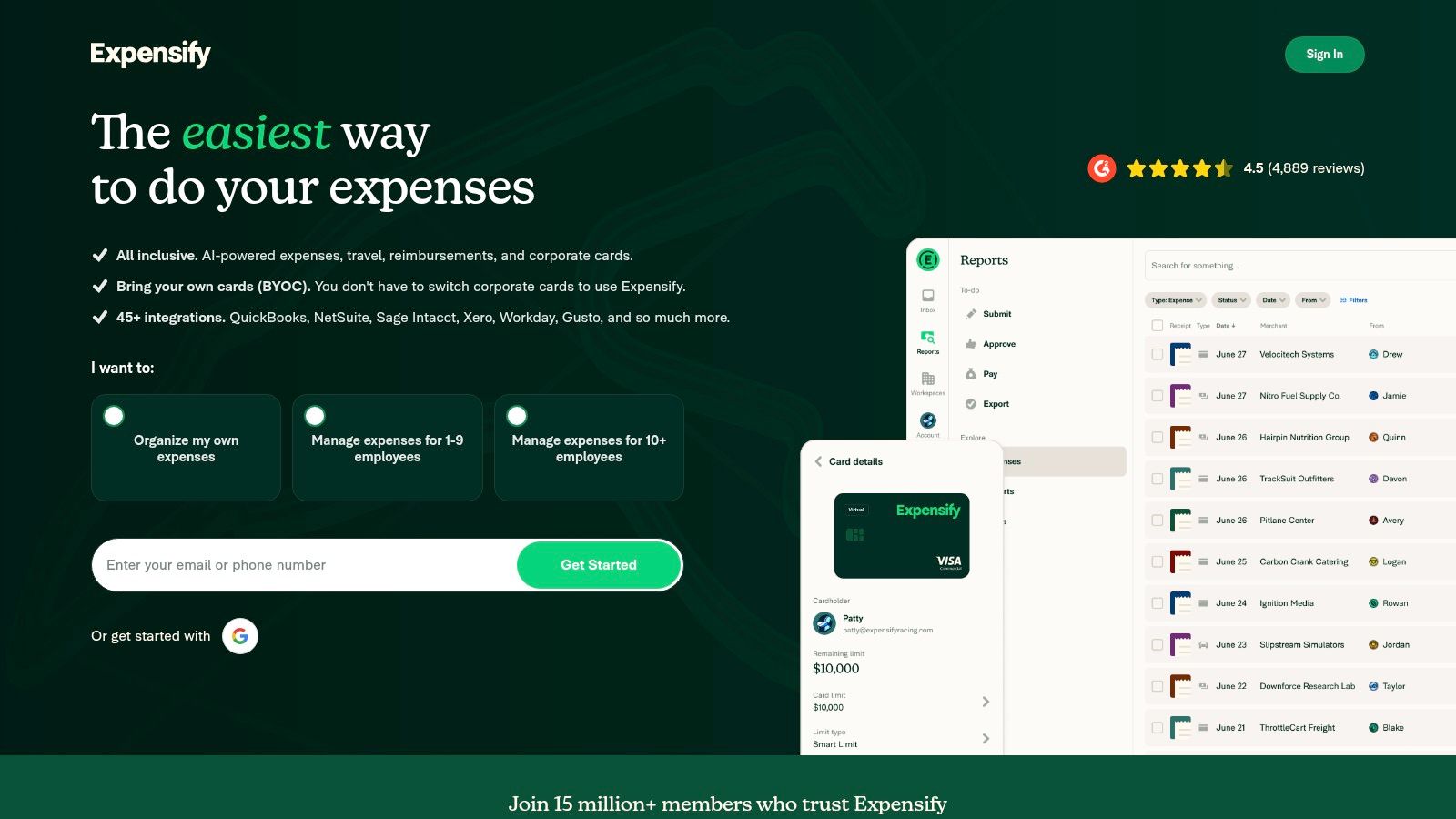
The platform offers multiple ways to capture receipts, either by snapping a photo in the mobile app or forwarding digital invoices to a unique Expensify email address. Once captured, it can automatically match receipts to corresponding credit card transactions, which is a huge time-saver. Its workflow is built to scale, easily accommodating approvals and reimbursements for growing teams, streamlining the entire process for reimbursement of expenses.
Key Features and Costs
- SmartScan OCR: Automatically extracts key data like merchant, date, amount, and currency with high accuracy.
- Multiple Capture Methods: Use the mobile app camera or forward receipts via a dedicated email address for flexible data entry.
- Approval & Reimbursement: Built-in workflows to manage team expenses from submission to payment.
- Global Support: Handles over 150 currencies and offers localised billing, including GBP.
Expensify offers various plans, with entry-level options for individuals and small teams starting at a flat, low price. While it’s feature-rich, some of its core perks, like the Expensify Card benefits, are primarily geared towards the US market.
Who Is It Best For?
Expensify is ideal for small to medium-sized businesses, especially those with team members who need to submit expenses for approval and reimbursement. Its polished mobile app and multiple capture options make it convenient for users on the go. While it might be more robust than a UK freelancer needs for basic receipt storage, its scalability makes it a fantastic long-term solution.
Website: https://www.expensify.com
Top 7 Receipt Scanning Apps: Feature Comparison
| Tool | Implementation Complexity 🔄 | Resource Requirements ⚡ | Expected Outcomes 📊 | Ideal Use Cases 💡 | Key Advantages ⭐ |
|---|---|---|---|---|---|
| Receipt Router | Low; email-forwarding setup and FreeAgent link | Low cost (from £10/mo); requires FreeAgent + Google Drive/Gmail forwarding | Automated matching to FreeAgent, Google Drive backup, multi-currency reconciliation | UK freelancers/sole traders who use FreeAgent and want hands-off receipt handling | Native FreeAgent integration; privacy-first; automatic Drive archive; strong multi-currency support |
| FreeAgent – Smart Capture | Low; mobile app capture built-in | Included on FreeAgent plans (10-file/mo cap) or small Unlimited add-on fee | Photo capture with auto-extraction and matching to Money Out transactions | Existing FreeAgent users needing occasional mobile receipt capture | MTD-compliant, seamless in-app capture, inexpensive Unlimited add-on |
| Xero (Hubdoc & Xero Expenses) | Medium; Hubdoc setup + optional Expenses per-user config | Bundled with Xero UK plans; Expenses add-on priced per user | Centralised capture, publish to Xero, searchable archive, expense claim workflows | Xero customers and accounting practices needing integrated publish and approvals | Capture bundled with platform; strong app ecosystem; clear per-user expense pricing |
| QuickBooks Online UK – Receipt capture | Low; built into QuickBooks UI | Included across QuickBooks plans | Quick photo/PDF capture, automatic extraction and match suggestions | QuickBooks users wanting built-in capture without extra vendors | Included feature in core product; well-supported UK MTD workflows |
| Dext Prepare (Receipt Bank) | Medium–High; richer rules, supplier Fetch and practice setup | Higher/variable cost (sales contact often required) | Advanced OCR (line items), supplier Fetch, bank/statement comparison and publish workflows | Accounting practices and SMEs with high-volume capture and complex coding rules | Mature capture workflows; line-item OCR; strong publisher/export options |
| AutoEntry by Sage | Medium; credit-management and integrations | Credit-based pricing (transparent GBP); integrations with Sage/Xero/QuickBooks | Flexible capture for receipts, invoices and statements; optional line-item extraction | Users needing mixed-document capture with predictable, pay-per-use billing | Transparent pricing model; good for mixed document types; unlimited users supported |
| Expensify – SmartScan | Low–Medium; simple capture plus approval workflow setup | Low entry price; scalable plans; supports localized billing currencies | Fast SmartScan extraction, auto-match to cards, approvals and reimbursements | Teams needing expense approvals, reimbursements and multi-currency support | Polished mobile UX; multi-currency SmartScan; strong reimbursement workflows |
Choosing Your Perfect Workflow: What's Next?
We’ve explored a fantastic line-up of receipt scanning app contenders, from comprehensive platforms like Dext and Xero to the powerful native features within FreeAgent and QuickBooks. Each one offers a unique approach to tackling the relentless paper trail that comes with running a business in the UK. The core takeaway is simple: the days of shoeboxes filled with faded thermal paper are well and truly over.
The goal isn't just about digitising receipts; it's about reclaiming your time. The best receipt scanning app for you is the one that slots so neatly into your existing workflow that you barely notice it’s there. For many UK freelancers and small business owners, especially those already embedded in the FreeAgent ecosystem, this means looking beyond basic photo capture. It’s about creating a truly automated, hands-off system.
Consider your primary source of receipts. Are they paper slips from coffee meetings or PDF invoices flooding your email inbox? If your biggest admin headache is managing digital receipts from online purchases, a solution that works directly from your email is a game-changer. This is where you move from active receipt management (opening an app, taking a photo, checking data) to passive, automated bookkeeping.
Ultimately, your choice should be driven by a single question: which tool will get my financial data where it needs to be with the fewest possible steps? By focusing on a seamless workflow, you’re not just organising your expenses; you’re buying back valuable hours you can invest in growing your business.
Ready to stop managing receipts and start automating them? If you're a FreeAgent user buried in email invoices, Receipt Router was built for you. It's the "set it and forget it" receipt scanning app that forwards your email receipts directly into FreeAgent and Google Drive, giving you a completely hands-off workflow. Find out how much time you can save with Receipt Router.