7 Best Apps That Scan Receipts for UK Freelancers in 2026
If you're a freelancer or run a small business in the UK, you know the familiar year-end scramble for receipts. Faded bits of paper, a chaotic inbox filled with digital invoices… it's a headache that costs you time and potentially unclaimed expenses. Thankfully, the shoebox method is officially outdated. The right apps that scan receipts can transform this tedious chore into a seamless, automated process, but with so many options, which one is right for your workflow?
This guide breaks down the top choices specifically for UK freelancers and sole traders. We'll explore their key features, how they integrate with tools like FreeAgent, and pinpoint the best use-case for each so you can finally reclaim your admin hours. For those looking to take financial organisation a step further, integrating your chosen app with dedicated document management software for accountants can create a completely streamlined system. Let's find the perfect fit for your business.
1. Receipt Router
Receipt Router stands out as a powerful, automation-first solution specifically engineered for UK freelancers and small businesses that run on FreeAgent. It’s less of a simple receipt scanner and more of an intelligent workflow automation tool, designed to eliminate the manual drudgery of expense management. Instead of needing to open an app and snap a photo every time, Receipt Router works seamlessly in the background.
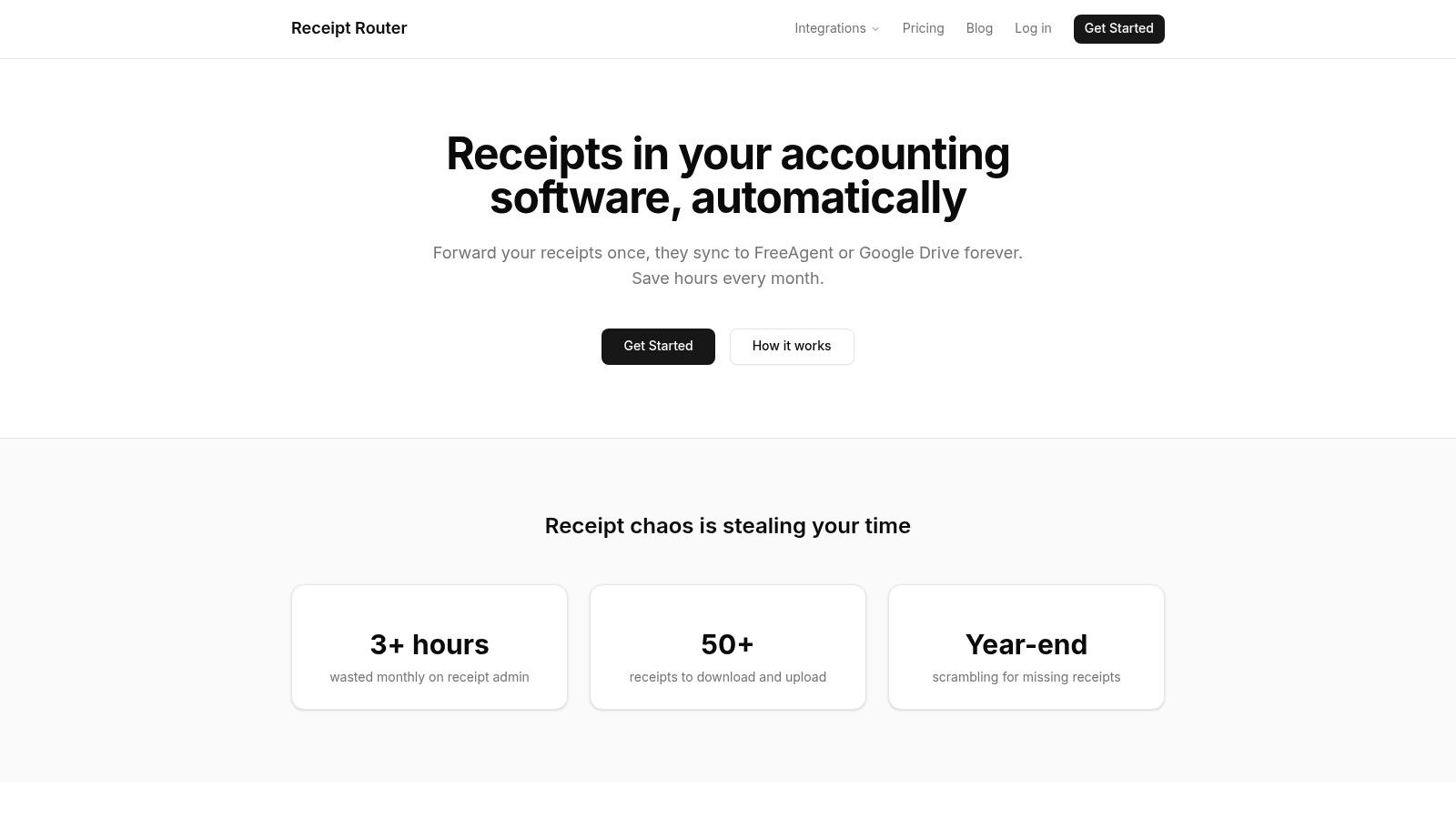
The system gives your business a unique forwarding email address. Simply forward digital receipts (like those from Stripe or AWS) or photos of paper receipts to this address, and the service takes over. It’s a privacy-first model; it only processes what you send it, rather than having full access to your inbox. For ultimate efficiency, you can set up an auto-forwarding rule in Gmail, making the entire process truly hands-off.
Key Features and Use Cases
Receipt Router’s strength lies in its deep integration with the FreeAgent and Google Drive ecosystem.
- Intelligent FreeAgent Matching: The service uses smart matching to find the corresponding transaction in your FreeAgent account and attaches the receipt directly. This is a huge time-saver, especially for businesses with many similar-looking transactions. It means your accountant has everything they need, perfectly organised, without you lifting a finger.
- Multi-Currency Conversion: For freelancers working with international clients or buying software in USD or EUR, this feature is a lifesaver. Receipt Router automatically converts the receipt total to GBP and reconciles it against the correct bank transaction in FreeAgent.
- Automated Google Drive Archive: Beyond accounting, the service creates a meticulously organised, searchable backup of every single receipt in a dedicated Google Drive folder. This provides a private, permanent record that is invaluable for audits or future reference.
Best for: UK-based FreeAgent users who want a ‘set it and forget it’ system to automate their entire receipt workflow, save hours each month, and maintain a pristine, private digital archive.
| Feature | Details |
|---|---|
| Pricing | Plans start at £10 per month with a 30-day money-back guarantee. |
| Core Integration | FreeAgent and Google Drive. |
| Unique Selling Point | Privacy-first, deep automation specifically for the FreeAgent workflow. |
| Pros | Hands-off automation, built for UK/FreeAgent users, smart multi-currency handling, reliable privacy-focused backup. |
| Cons | Limited to FreeAgent/Google Drive, requires a one-time setup of email forwarding. |
2. Apple App Store (UK)
While not an app itself, the Apple App Store is the essential starting point for any UK freelancer or small business owner using an iPhone or iPad. Think of it as your curated, secure marketplace for finding the best apps that scan receipts. Its major advantage is trust; every app is vetted by Apple, and clear privacy labels show you exactly how your data is handled before you even download anything.
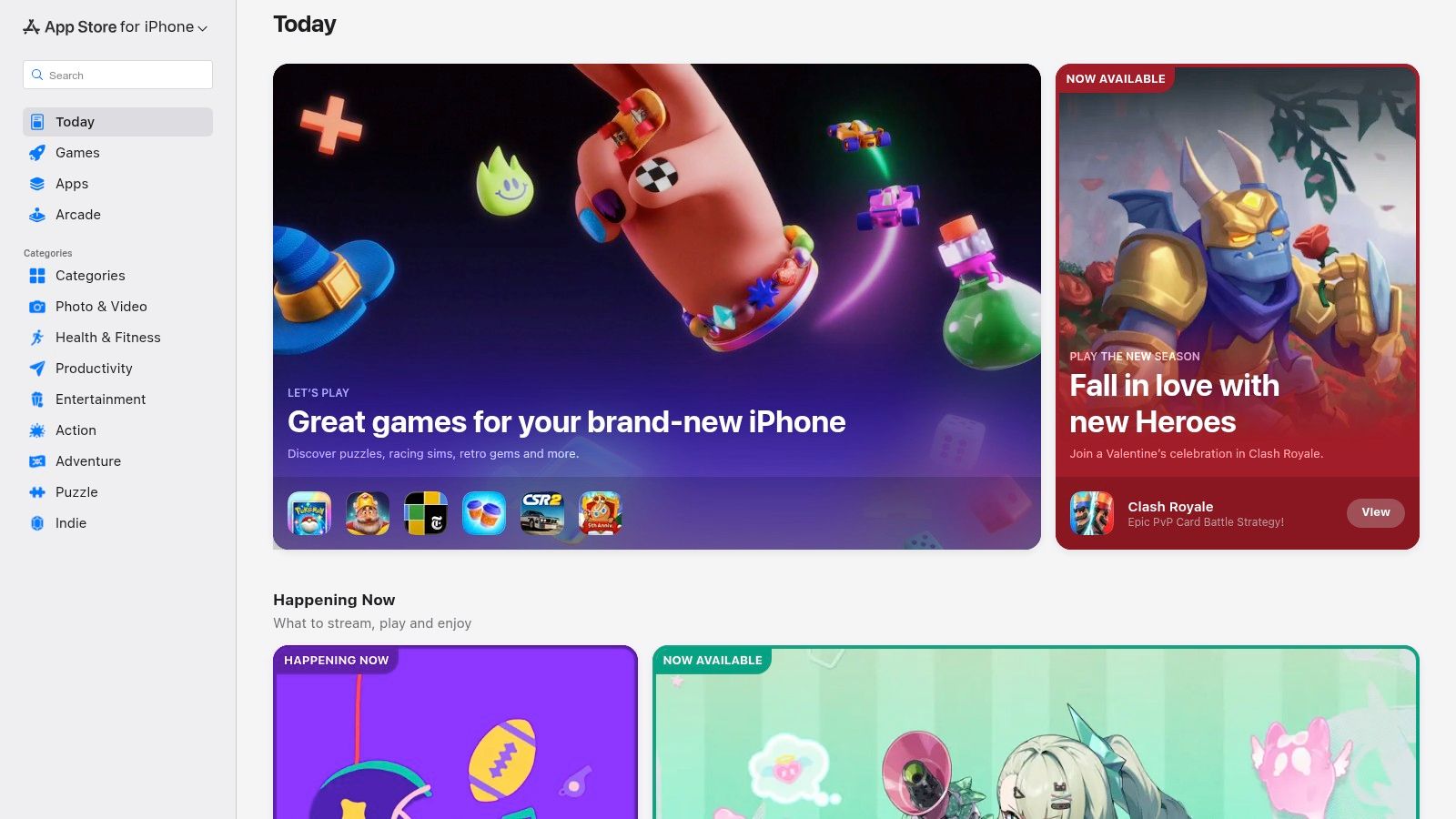
This platform makes it easy to compare options side-by-side. You can read genuine user reviews, check the app's update history to see if it's actively maintained, and clearly view all in-app purchase and subscription tiers. This transparency is invaluable for avoiding bill shock. Managing your subscriptions is also a breeze, as it’s all centralised through your Apple ID, letting you cancel trials or switch plans with a few taps.
Navigating the App Store for Your Business
The key strength of using the App Store is the user feedback. Don’t just look at the overall star rating. Dive into the most recent reviews and filter for critical ones to spot potential bugs or deal-breaking flaws that might affect your workflow. Many high-quality apps offer free trials directly through the store, allowing you to test-drive their features without commitment.
- Pros: Highly secure and vetted apps, rich user reviews for quality checks.
- Cons: Exclusive to iOS/iPadOS, so no good for Android users.
- Best For: iPhone and iPad users who want a secure way to discover, trial, and manage their receipt scanning app subscriptions.
Website: https://apps.apple.com/gb/
3. Google Play Store
For the vast number of UK freelancers and business owners using Android devices, the Google Play Store is the go-to repository for business tools. It’s not a single app, but rather a huge digital marketplace where you can find a diverse range of apps that scan receipts. Its strength lies in its sheer variety, offering everything from basic, free scanners to sophisticated, AI-powered expense management systems. You can easily compare features, check install counts, and review developer details before committing.
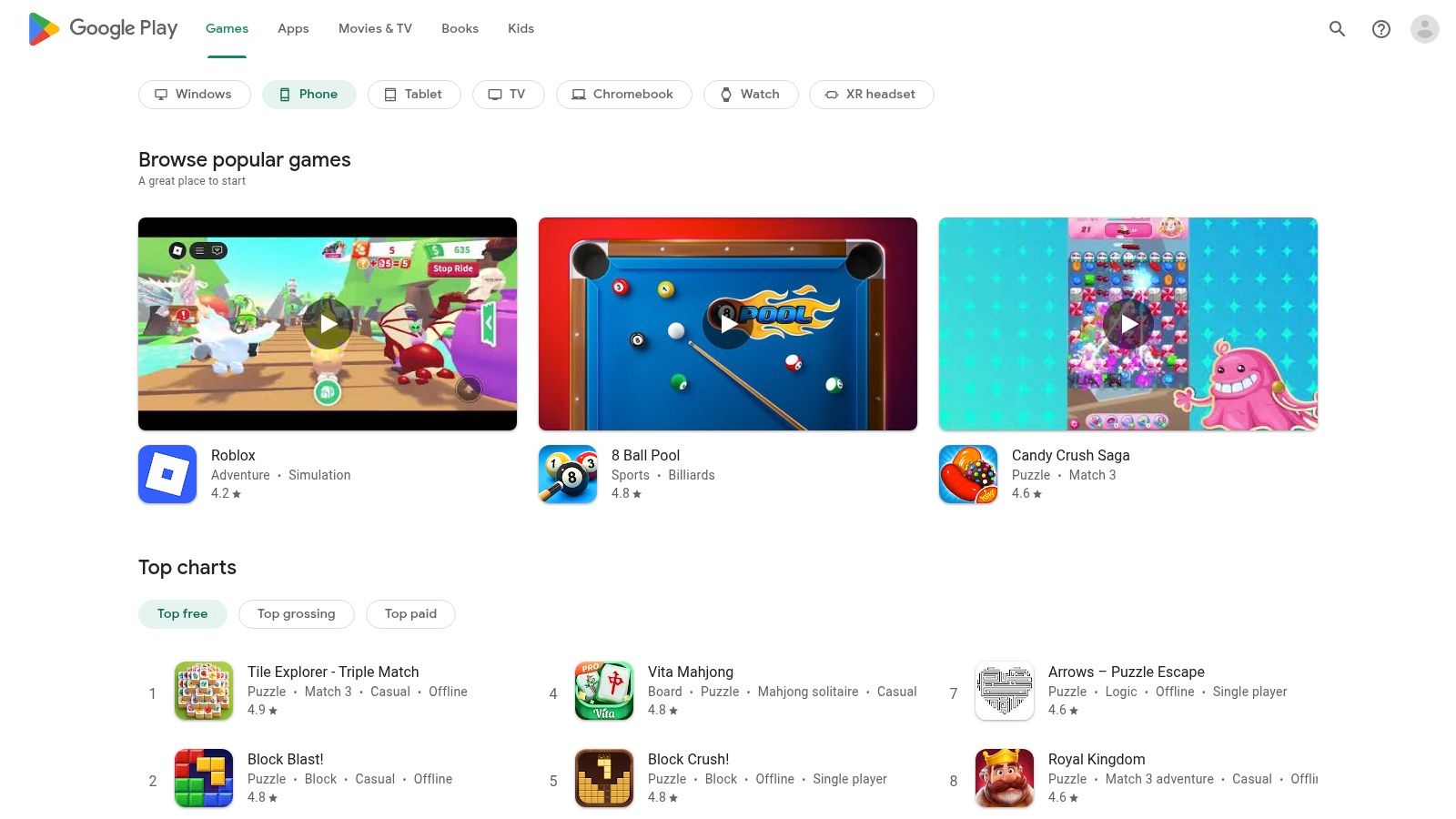
The platform’s open nature means there are plenty of free and ad-supported options available, which is perfect for testing the waters without an immediate subscription. Before installing, you can check an app’s required permissions, see how frequently it’s updated, and read detailed user reviews to get a real-world sense of its performance and reliability. This information is vital for shortlisting the best tools for your specific business needs.
Navigating the Play Store for Your Business
The key to finding a great app here is to do your due diligence. Look beyond the star rating and read recent reviews to check for reliability and accuracy. Pay attention to the "What's New" section to ensure the developer is actively maintaining the app with bug fixes and updates. Many apps have global user bases, so double-check that they support GBP and have features relevant to UK tax, like VAT categorisation.
- Pros: Broad Android device compatibility, more free and ad-supported choices for testing.
- Cons: Quality varies between apps; check ratings and update recency. Some apps are global-first and may lack UK-specific tax categories.
- Best For: Android users who want a wide selection of apps to choose from and value the ability to test free or ad-supported versions first.
Website: https://play.google.com/store
4. FreeAgent (Smart Capture)
If you're a freelancer or small business owner already using FreeAgent for your accounting, its built-in Smart Capture feature is a game-changer. Rather than needing a separate tool, you get one of the best apps that scan receipts integrated directly into your bookkeeping software. This means you can snap a photo of a receipt or bill with the mobile app, and FreeAgent’s OCR technology automatically extracts the data and stores it right where it needs to be.
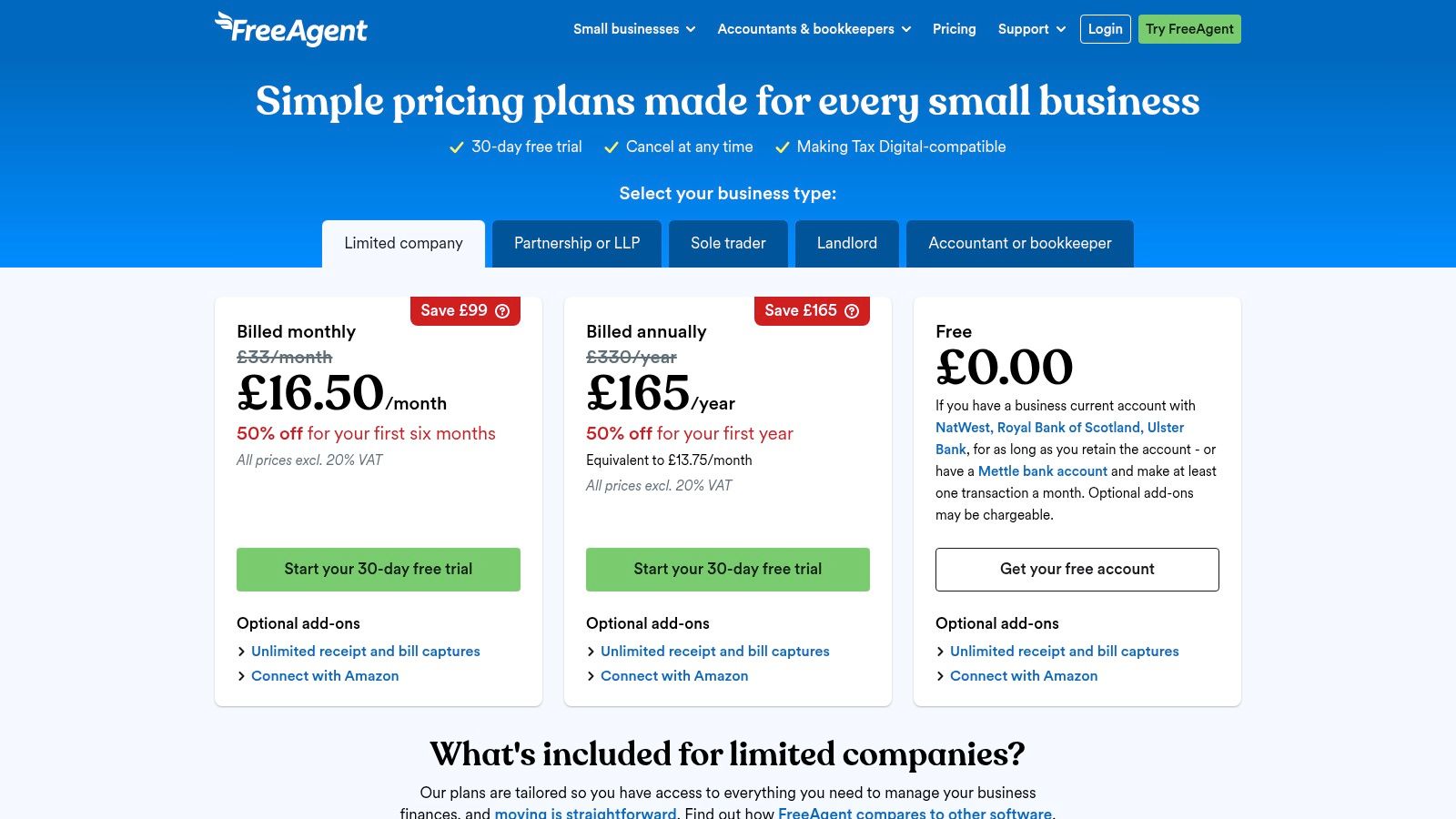
The main benefit is the seamless workflow. There's no need to export data or connect different apps; the captured expense is ready to be categorised and matched against your bank transactions within your accounts. This tight integration is perfect for staying on top of your allowable expenses for sole traders in real-time. For those with a higher volume of receipts, FreeAgent offers a "Smart Capture Unlimited" add-on for a flat monthly fee.
Integrating Scanning with Your Accounts
The beauty of Smart Capture lies in its simplicity for existing users. Since it's built into the FreeAgent mobile app, there is no extra software to install. This is especially useful for business owners who get their FreeAgent subscription through their bank, as it provides a powerful scanning tool at no additional cost. However, if you only need a scanner and not a full accounting package, it might be more than you need.
- Pros: Seamless integration for FreeAgent users, no extra scanning app needed. Some bank accounts offer FreeAgent access.
- Cons: Requires a full FreeAgent subscription; Smart Capture Unlimited is an extra cost. Overkill if you just need a scanner.
- Best For: UK freelancers and small businesses who already use or plan to use FreeAgent for their main accounting software.
Website: https://www.freeagent.com/central/announcing_pricing
5. Dext Prepare (formerly Receipt Bank)
If you're moving beyond simple expense tracking and need a robust pre-accounting tool, Dext Prepare is the heavyweight champion. It’s designed to be the central hub where all your financial paperwork, from receipts to invoices, gets processed before it even touches your accounting software. Its power lies in automation and accuracy, making it a favourite among UK accountants and growing businesses that handle a high volume of documents.
Dext excels at capturing detailed information, including line items, and seamlessly syncing it with major accounting platforms like Xero and QuickBooks. This isn't just one of many apps that scan receipts; it's a sophisticated system built to streamline your entire bookkeeping workflow. You can submit documents via the mobile app, email, or direct upload, and Dext’s advanced OCR gets to work extracting the key data, saving hours of manual entry.
Integrating Dext into Your Workflow
The real value of Dext Prepare emerges when you treat it as part of a larger financial ecosystem. By connecting it directly to your accounting package, you create a seamless flow of information that reduces errors and keeps your books up-to-date. Its tiered plans are based on document allowances, making it scalable as your business grows. Start by using its mobile app for on-the-go captures and explore the browser-based platform for bulk processing and reviewing data before publishing.
- Pros: Powerful data extraction with high accuracy, direct integration with major UK accounting software.
- Cons: Can be more expensive than simpler apps, document limits on pricing tiers may be restrictive.
- Best For: Small businesses and accountants who need a scalable, automated solution for processing a high volume of receipts and invoices.
Website: https://dext.com/uk/business/pricing
6. Xero (Expenses / Xero Me)
For UK small businesses already embedded in the Xero ecosystem, using its native expense tool is a no-brainer. Rather than being a standalone app, Xero Expenses integrates directly into your accounting workflow. Employees can use the Xero Me app to snap photos of receipts on the go, with the system automatically extracting key details like the supplier, amount, and date. This makes it one of the most integrated apps that scan receipts if you're a Xero user.
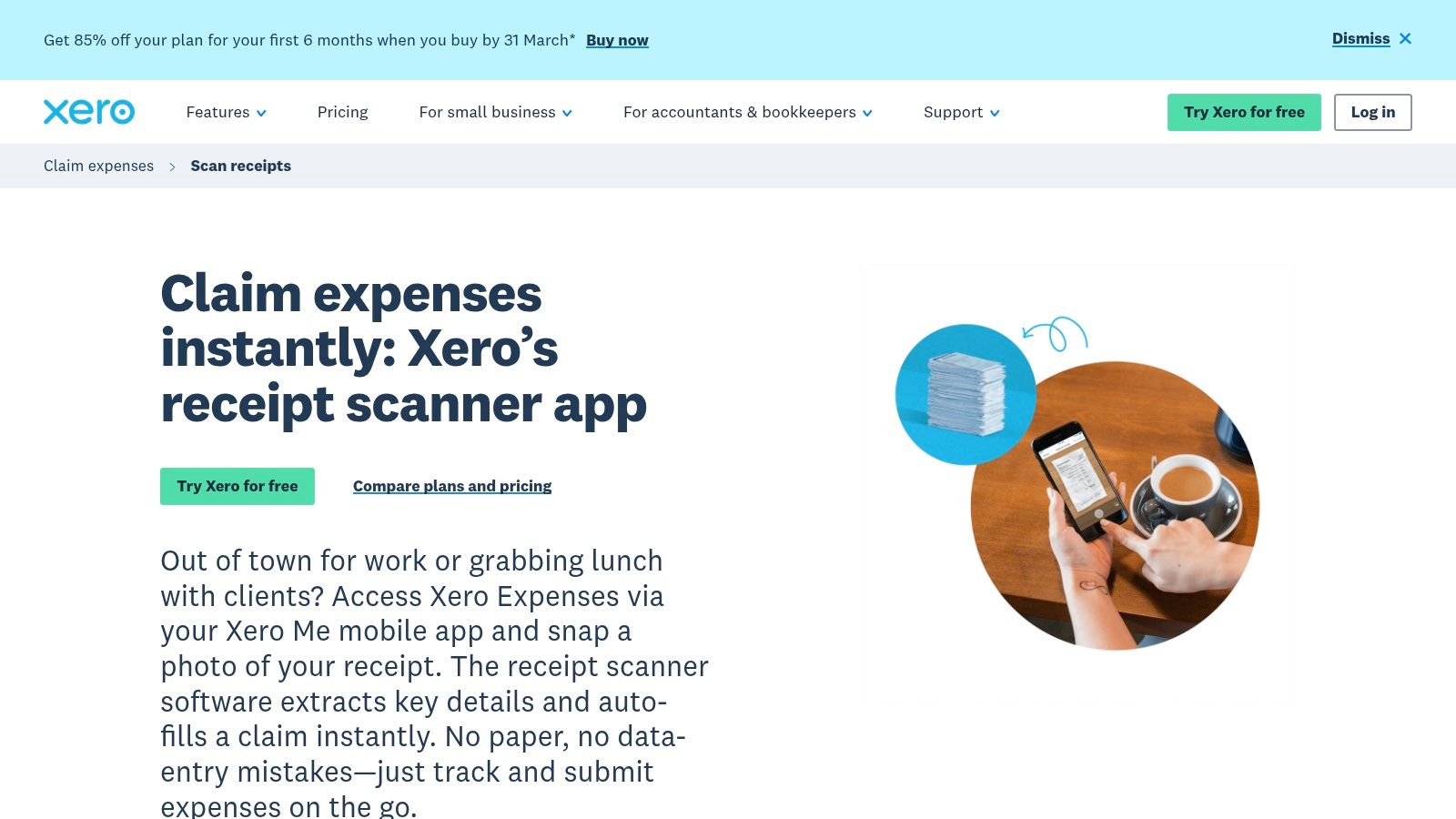
This platform shines by keeping everything under one roof. Once a receipt is captured, it can be submitted for approval, reimbursed, and reconciled against your bank feed without ever leaving Xero. Its design is tailored for UK requirements, handling VAT correctly and ensuring your records are MTD-compliant. The main drawback is that it requires a Xero subscription, and the full Expenses feature often comes as a paid add-on, typically priced per active user.
Keeping Your Expenses in the Family
The real strength here is the seamless integration. Submitting an expense claim automatically creates a bill in Xero, ready to be paid and reconciled. This removes the manual data entry that often comes with using separate apps. For a detailed overview of how Xero stacks up against other platforms, you can find a helpful comparison of accounting packages to see if it’s the right core system for you.
- Pros: Receipts, reimbursements, and accounting live in one trusted platform; powerful UK-specific features.
- Cons: Requires a Xero subscription and the Expenses add-on can increase costs per user.
- Best For: Small businesses with employees who are already using Xero for their primary accounting.
Website: https://www.xero.com/uk/accounting-software/claim-expenses/scan-receipts/
7. Expensify
Expensify is a global powerhouse in expense management, and it’s particularly appealing to UK sole traders thanks to its generous free offering. The standout feature is its proprietary SmartScan technology, which lets individuals scan an unlimited number of receipts for free. This makes it one of the best apps that scan receipts if you’re just starting out or have a low volume of expenses and want to avoid a subscription.
The platform supports multi-currency expenses, which is a major plus for anyone doing business internationally. You can capture receipts using the mobile app’s camera or by simply forwarding email invoices to a dedicated Expensify address. While the free plan is excellent for data capture, scaling up to a paid workspace unlocks powerful automation, team policies, and direct integrations with accounting software like Xero and QuickBooks.
Managing Expenses with Expensify
To get the most out of the free plan, make a habit of snapping receipts as you get them. The unlimited SmartScan means you don't have to worry about hitting a monthly cap. For those managing teams, the paid plans introduce approval workflows, which can streamline the entire process of employee expense claims. Understanding the rules around the reimbursement of expenses is crucial here, and Expensify's paid tiers are built to formalise this process.
- Pros: Unlimited SmartScan for individuals on the free plan, competitive UK pricing for teams.
- Cons: Advanced automation and workflows require a paid subscription.
- Best For: Individuals needing a powerful, free receipt scanner and businesses looking for a scalable expense management solution.
Website: https://use.expensify.com/blog/collect-plan-pricing-update
7-Way Receipt Scanner Comparison
| Item | Implementation 🔄 | Resource requirements ⚡ | Expected outcomes 📊 | Ideal use cases 💡 | Key advantages ⭐ |
|---|---|---|---|---|---|
| Receipt Router | Low: create unique forward address or enable Gmail auto‑forward | FreeAgent account + Google Drive; plans from ~£10/mo | Automatic matching to FreeAgent, searchable Drive archives, multi‑currency reconciliation | UK freelancers/sole traders using FreeAgent and Google Drive | Privacy‑first; tight FreeAgent integration; hands‑off automation ⭐⭐⭐ |
| Apple App Store (UK) | Minimal: browse, install and manage via Apple ID | iPhone/iPad and Apple ID; app‑specific subscriptions | Ability to trial and compare apps, manage subscriptions/refunds centrally | iOS users evaluating receipt‑scanning apps | Curated listings, privacy labels and secure ecosystem ⭐⭐ |
| Google Play Store | Minimal: browse and install on Android devices | Android device and Google account; app pricing varies | Wide selection; test free/ad‑supported apps before committing | Android users seeking flexible receipt apps and testing options | Broad app variety and more free/ad‑supported choices ⭐⭐ |
| FreeAgent (Smart Capture) | Moderate: enable Smart Capture within FreeAgent; optional add‑on for volume | FreeAgent subscription; Smart Capture Unlimited extra cost for high volumes | Receipts stored and matched directly in accounting, streamlined reconciliation | Freelancers already on FreeAgent who want integrated capture | Seamless in‑platform capture; direct accounting match ⭐⭐⭐ |
| Dext Prepare (Receipt Bank) | Moderate–High: onboarding, connect accounting integrations and workflows | Business plans with document allowances; aimed at SMEs/accountants | High‑accuracy OCR and line‑item extraction; scalable batch workflows | Accountants and SMEs needing robust pre‑accounting processing | Mature OCR, accountant adoption and scalable allowances ⭐⭐⭐ |
| Xero (Expenses / Xero Me) | Moderate: enable Xero Me and configure expense workflows and approvals | Xero subscription; possible per‑user expense/add‑on costs | Integrated capture, employee claims, approvals and VAT/MTD alignment | Small businesses already using Xero with employee expenses | Unified expenses and accounting in one platform ⭐⭐⭐ |
| Expensify | Low–Moderate: sign up, use SmartScan or email forwarding; workspace setup for teams | Free individual tier; paid workspaces for teams; integrates with major accounting tools | Fast SmartScan, email‑to‑receipt capture, multi‑currency and approvals on paid tiers | Individuals wanting free SmartScan or teams needing expense workflows | Unlimited individual SmartScan; flexible integrations and forwarding ⭐⭐⭐ |
Choosing the Right App for a Stress-Free Tax Season
So, we've walked through some of the best apps that scan receipts available to UK freelancers and small businesses. From the all-in-one power of Dext Prepare and Expensify to the convenient, built-in features of FreeAgent's Smart Capture and Xero Me, there’s no shortage of options to banish that shoebox full of crumpled paper. The key takeaway is that you don’t have to drown in manual data entry any more.
Choosing the right tool ultimately boils down to your specific workflow and priorities. Your decision is a key part of a bigger picture. When it comes to selecting the ideal document management software for small business, understanding your specific needs for receipt handling is paramount to a stress-free tax season.
Consider these final questions to guide your choice:
- How much automation do you truly need? Are you happy to open an app and snap a photo each time, or do you want a system that works entirely in the background?
- Which accounting software do you use? If you're committed to FreeAgent or Xero, their native tools offer seamless integration that’s hard to beat.
- What's your budget? Some tools offer robust free tiers, while others require a monthly subscription for their best features.
- Do you value privacy and simplicity? Are you comfortable giving an app full access to your inbox, or do you prefer a more focused, secure solution?
For many UK sole traders and small business owners using FreeAgent, the answer points towards a more streamlined approach. While comprehensive platforms are powerful, they can sometimes feel like overkill. If your main goal is simply to get every single digital receipt into your books with zero effort, then an automation-first tool like Receipt Router offers a compelling, privacy-conscious alternative.
Whichever path you take, embracing one of these apps is a game-changer. You’ll reclaim valuable time, reduce costly errors, and walk into your next tax season feeling organised and confident.
Ready to put your receipt management on autopilot? Receipt Router connects directly to your FreeAgent account, using a simple, secure email forwarding system to capture and categorise your expenses automatically. Try Receipt Router today and see how effortless financial admin can be.