The 12 Best Receipt Scanner Apps for UK Freelancers in 2026
Tired of that shoebox overflowing with crumpled receipts? For freelancers and small business owners in the UK, manually entering every single expense is a massive time-drain. It’s tedious, prone to errors, and frankly, a task nobody enjoys. This is where receipt scanner apps come in, transforming a mountain of paper into organised, digital data ready for your accounts.
The right app doesn't just scan; it extracts key details like the vendor, date, and amount, often with surprising accuracy. This makes bookkeeping less of a chore and ensures you’re capturing every allowable expense. For many, this is a game-changer when it comes to claiming all the UK Sole Trader Tax Deductions you're entitled to. Forget squinting at faded thermal paper; just snap a picture and let the software do the heavy lifting.
But with so many options available, choosing the best one can feel overwhelming. They range from simple, standalone scanners to powerful platforms that integrate directly with accounting software like FreeAgent, Xero, or QuickBooks. Some handle multi-currency expenses flawlessly, while others are built for large teams.
This guide cuts through the noise. We've compiled a comprehensive list of the best receipt scanner apps for UK-based businesses. We’ll dive into their key features, pricing, and specific use cases to help you find the perfect fit. Each entry includes screenshots and direct links, so you can see exactly how they work and decide which tool will finally get your expenses under control. Let's find the right app for you.
1. Receipt Router
Receipt Router is a standout solution specifically designed for UK-based freelancers and small businesses who rely on FreeAgent for their accounting. It bypasses the traditional "scan-and-upload" model of most receipt scanner apps, opting instead for a powerful email forwarding system. This ‘set-it-and-forget-it’ approach is its core strength, aiming to completely automate the tedious task of receipt management.
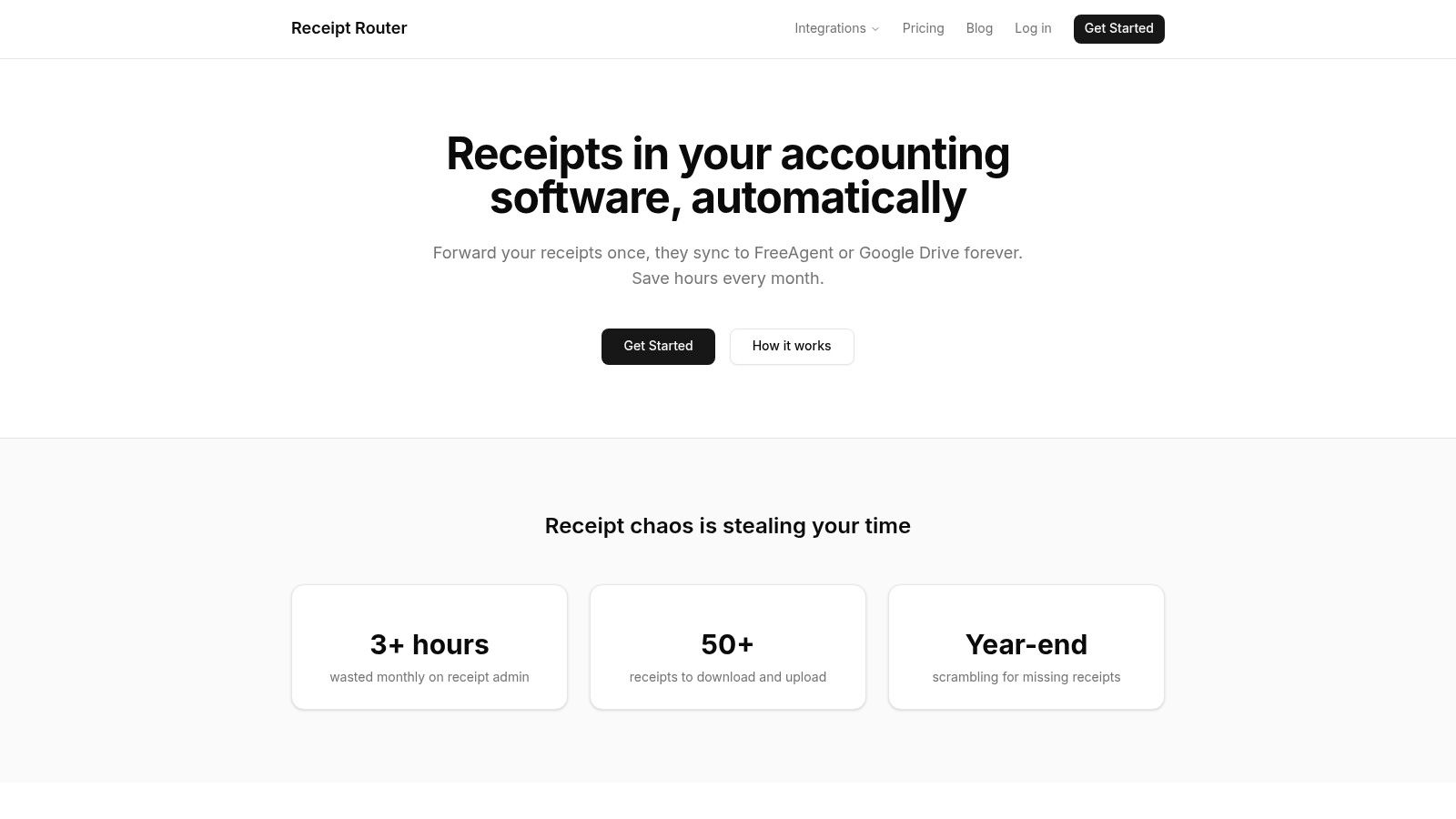
The platform gives you a unique forwarding email for your business. You simply forward any digital receipt to that address, and Receipt Router handles the rest. Its smart matching technology finds the corresponding transaction in your FreeAgent account and attaches the receipt automatically. For anyone dealing with recurring bills from services like Stripe or AWS, setting up an auto-forwarding rule in Gmail means your receipts are processed with zero manual effort.
Standout Features
- Deep FreeAgent Integration: This isn't just a basic connection. Receipt Router’s entire workflow is built around FreeAgent, ensuring seamless matching and reconciliation.
- Automated Google Drive Backup: Beyond just syncing with your accounting software, it also creates an organised, searchable archive of all your receipts in Google Drive, which is invaluable for long-term record-keeping and HMRC compliance.
- Multi-Currency Conversion: A huge benefit for those with international clients or suppliers. It automatically converts and reconciles foreign currency receipts, removing a common bookkeeping headache.
- Privacy-First Design: Unlike some apps that require full access to your inbox, Receipt Router only processes the emails you choose to forward. This gives you complete control over your data.
Who is it Best For?
This is the ideal receipt management tool for any UK sole trader or small business owner already committed to the FreeAgent ecosystem. If your main goal is to eliminate manual data entry and save several hours of admin each month, its automated workflow is second to none. It’s particularly effective for those who receive most of their receipts via email.
Pricing and Availability
Receipt Router offers a simple pricing model starting at £10 per month. It comes with a 30-day money-back guarantee and a cancel-anytime policy, making it a low-risk option to try out.
- Pros:
- Deep, automatic sync with FreeAgent.
- Dual backup to Google Drive for a permanent, organised archive.
- Excellent multi-currency handling for international transactions.
- Privacy-focused workflow puts you in control.
- Cons:
- Tightly focused on FreeAgent and Google Drive, so it's not suitable for users of other platforms like Xero or QuickBooks.
- Relies on a forwarding system, which requires initial setup and diligence to ensure all receipts are sent.
Learn more at: https://receiptrouter.app
2. Dext Prepare (formerly Receipt Bank)
If you've ever asked your accountant for a recommendation on a receipt scanner app, they probably mentioned Dext Prepare. Formerly known as Receipt Bank, Dext is a behemoth in the pre-accounting world, especially popular within the UK for its robust features and deep integrations with accounting software.
It’s designed to be a central hub for all your financial paperwork. You can snap photos of receipts, forward emails, or upload invoices, and Dext’s powerful OCR technology gets to work extracting key data like the supplier, date, amount, and VAT. This makes it a serious timesaver for businesses processing a high volume of documents.
What Makes Dext Prepare Stand Out?
Dext's biggest strength is its native integration with accounting platforms like FreeAgent, Xero, and QuickBooks. It doesn't just send data over; it syncs supplier lists, tax codes, and even project details, ensuring everything is categorised correctly before it even hits your books. You can set up supplier rules to automate coding, which is a game-changer for recurring expenses.
Best for: Small businesses and accountants who need a powerful, automated link between their financial documents and their main accounting ledger, especially FreeAgent.
- Pricing: Dext’s pricing isn't always public, as they often work through accounting partners. Direct plans start from around £25 per month for businesses, but it's best to get a quote.
- Pros: Highly reliable OCR, excellent native FreeAgent integration, and automation rules that reduce manual data entry significantly.
- Cons: The cost can be a bit steep for sole traders with low transaction volumes, and its best value comes from a continuous subscription.
For a deeper dive into how Dext fits into the broader landscape, you might want to explore the best expense management software available for UK businesses.
Find out more at dext.com
3. AutoEntry
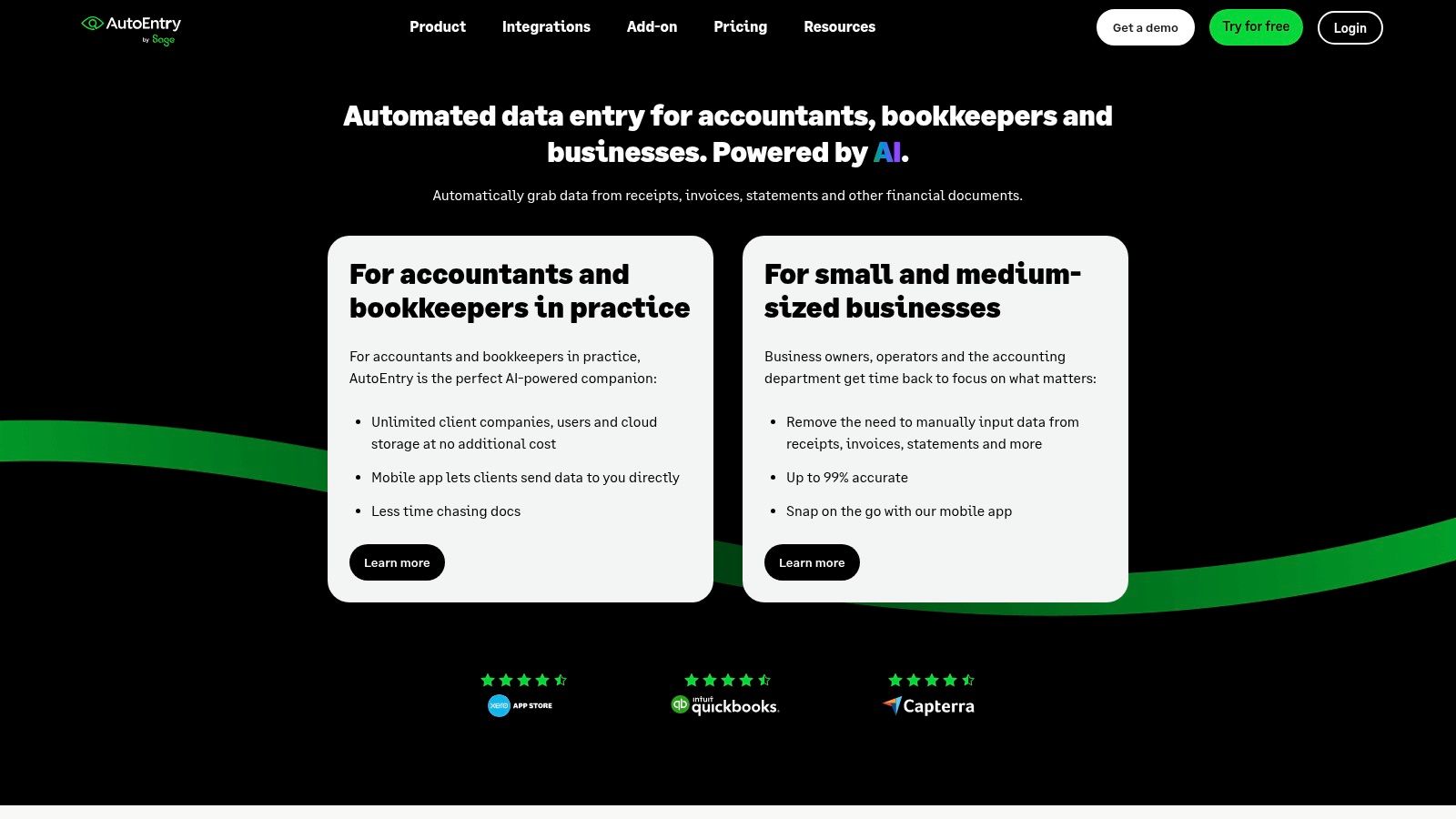
Born in the UK and Ireland, AutoEntry is a powerful data capture platform that goes beyond simple receipt scanning. It's built to handle receipts, supplier invoices, and even bank statements, positioning itself as a comprehensive solution for businesses looking to automate their bookkeeping and reduce manual data entry across the board.
Its core strength lies in its compatibility with major UK accounting software, including Sage, FreeAgent, Xero, and QuickBooks Online. The platform uses OCR to extract data, including line items, making it particularly useful for detailed expense tracking. It’s a solid choice for businesses that need more than just basic receipt management.
What Makes AutoEntry Stand Out?
AutoEntry’s standout feature is its credit-based pricing system. Instead of a fixed number of documents per month, you buy credits (one credit typically equals one document) and use them as needed. Unused credits roll over for up to 90 days, offering great flexibility for businesses with fluctuating or seasonal transaction volumes. This model, combined with unlimited users on all plans, makes it a scalable option for growing teams.
Best for: Businesses with variable monthly invoice and receipt volumes who need a flexible, pay-as-you-go style data capture tool that integrates with Sage or FreeAgent.
- Pricing: Plans start from £12 per month for 50 credits. The cost-per-document improves as you move to higher-tier plans, and the flexibility to pause or downgrade is a key benefit.
- Pros: Clear GBP pricing with flexible credit rollover, supports line-item data capture, and allows unlimited users, which is great for teams.
- Cons: The credit system can be a bit confusing at first, and the best value is found in the higher volume tiers, which might not suit very small sole traders.
Find out more at autoentry.com
4. FreeAgent (Smart Capture)
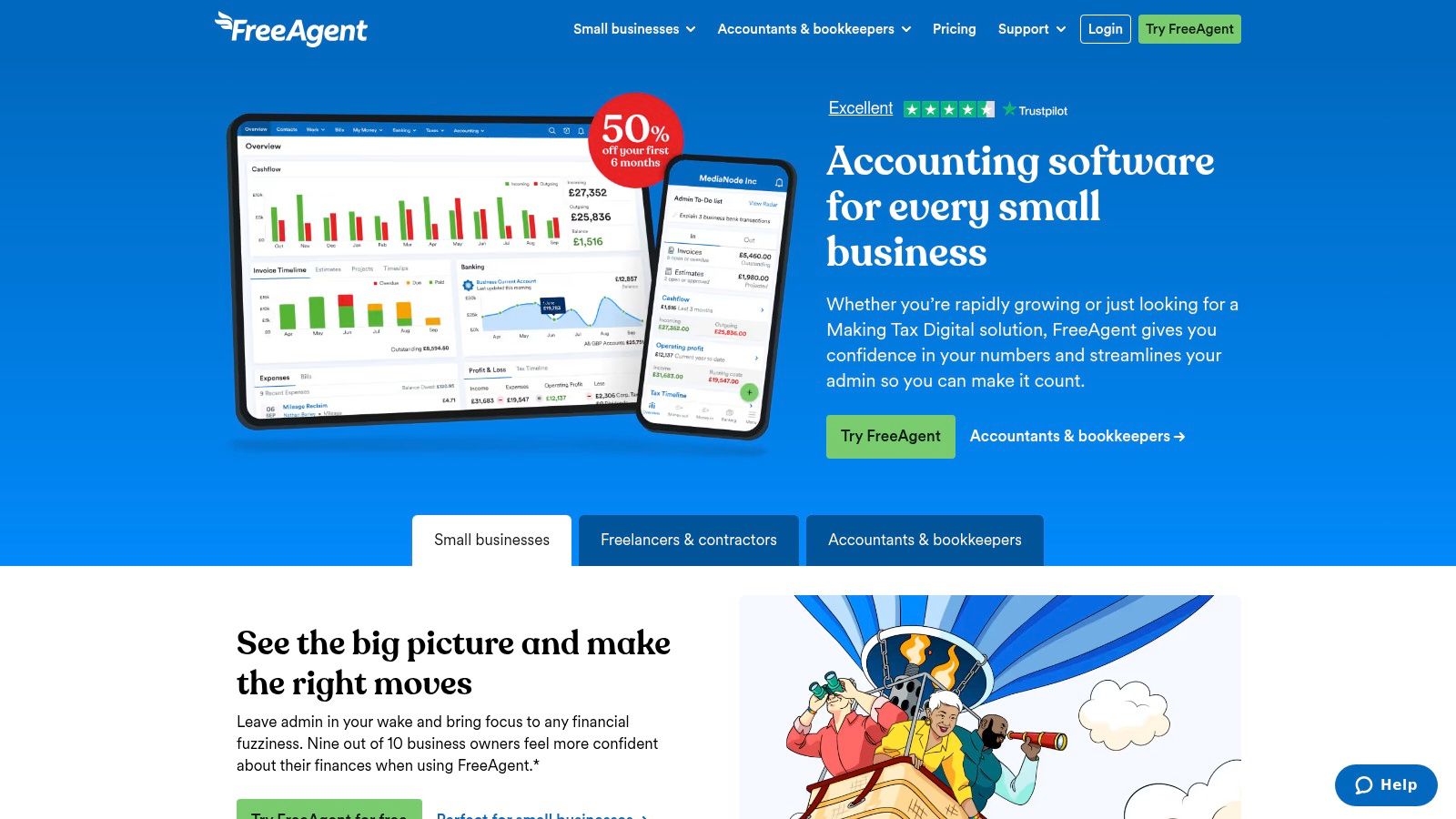
If you're one of the thousands of UK freelancers or small business owners already using FreeAgent for your bookkeeping, you have a powerful receipt scanner app built right into your subscription. Smart Capture is FreeAgent's native tool for digitising your expenses, designed to integrate seamlessly with its accounting platform.
You can snap photos of receipts directly through the FreeAgent mobile app or upload PDFs on the desktop version. The system then uses OCR to automatically extract key details like the date and total amount, which is a massive help for keeping on top of your admin. Its real strength lies in how it links this data directly to your bookkeeping.
What Makes FreeAgent (Smart Capture) Stand Out?
The biggest advantage of Smart Capture is its native integration. It's not a third-party tool bolted on; it’s part of the core FreeAgent experience. If you enable the ‘Guess’ feature for bank feeds, it can automatically match uploaded receipts to corresponding bank transactions, making reconciliation almost effortless. The entire workflow is built around UK tax requirements, simplifying things like VAT categorisation.
Best for: Existing FreeAgent users who want a simple, integrated, and cost-effective way to manage receipts without needing a separate subscription.
- Pricing: Included with your FreeAgent subscription, which typically starts around £14.50 + VAT per month for sole traders (often free with business bank accounts like NatWest or Mettle).
- Pros: No extra cost for FreeAgent customers, excellent integration with your main accounts, and designed specifically for the UK tax system.
- Cons: The feature set and monthly capture limits are more basic than dedicated specialist apps. You are completely tied to the FreeAgent ecosystem.
To see how FreeAgent stacks up against other platforms, our accounting packages comparison offers a detailed breakdown.
Find out more at freeagent.com
5. Xero (Xero Expenses / Hubdoc)
For many UK small businesses, Xero isn't just an app; it's their entire accounting ecosystem. Rather than being a standalone tool, Xero integrates receipt and bill capture directly into its core platform through its mobile app (Xero Expenses) and its data capture tool, Hubdoc. This creates a seamless, all-in-one experience where your financial documents live alongside your bank feeds and accounting ledger.
If you’re already using Xero for your bookkeeping, leveraging its own tools for receipt scanning is often the most logical first step. It’s designed to eliminate the need for a separate subscription, providing a unified workflow from capturing a purchase to reconciling it in your accounts, all within one familiar interface.
What Makes Xero Stand Out?
The primary advantage of using Xero for receipt scanning is its native integration. There's no third-party connection to manage. When you capture a receipt with Xero Expenses or a bill with Hubdoc, it flows directly into your Xero account, ready to be matched against a bank transaction. It also supports approval workflows, which is great for businesses with small teams who need oversight on spending.
The broad support from the UK accountant community also means that if you work with a bookkeeper, they will almost certainly be proficient with Xero's tools, making collaboration and support much easier to find.
Best for: Small businesses already using Xero for their main accounting who want a fully integrated, all-in-one solution for expenses and bills.
- Pricing: Xero Expenses is included in most Xero business plans, though sometimes with limits on the number of users or claims. Hubdoc is also included with Starter, Standard, and Premium plans. Plans start from £14 per month.
- Pros: A true all-in-one experience for bookkeeping and document capture, strong support within the UK accountant ecosystem, and frequent promotions on plans.
- Cons: Adding users to Xero Expenses beyond what your plan includes can increase costs, and the feature bundling has changed recently, so it's vital to check the latest plan details.
Find out more at xero.com/uk
6. QuickBooks Online (Receipt capture in mobile apps)
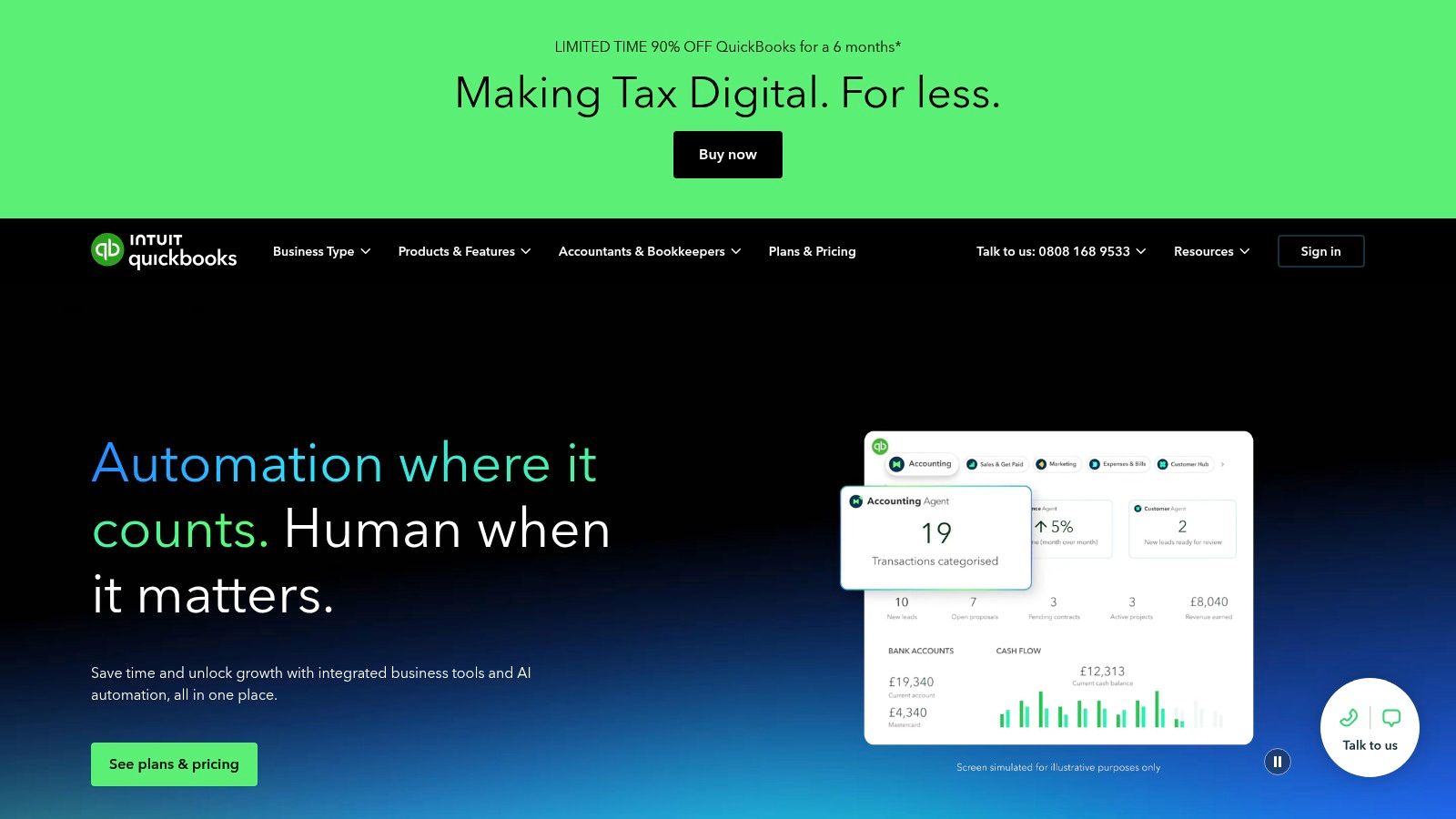
For many small businesses, keeping accounting and receipt management under one roof is the simplest approach. QuickBooks Online, a dominant force in small business accounting, includes a handy receipt capture feature directly within its mobile apps. This means there's no need for a separate subscription or a third-party tool; it's all part of the package you already use for your bookkeeping.
You can snap a picture of a receipt on the go, and QuickBooks will use OCR to extract the key details and match it to an existing bank transaction. This integration is fantastic for keeping your records tidy and ensuring every expense is backed up with proof, which is vital for staying on top of your VAT and tax obligations.
What Makes QuickBooks Online Stand Out?
The biggest advantage of using QuickBooks for receipt scanning is its seamless integration. Since the feature is built into the accounting software, receipts are directly linked to your bank feeds, expenses, and MTD VAT workflows without any complex setup. This creates a single source of truth for your finances, simplifying reconciliation and making it one of the most convenient receipt scanner apps for existing users.
Best for: Businesses and freelancers who are already committed to the QuickBooks ecosystem and want an all-in-one solution for their accounting and receipt management.
- Pricing: Receipt capture is included with all UK QuickBooks Online subscriptions, which typically start from around £12 per month (often with promotional pricing for new users).
- Pros: It's a single vendor for both accounting and receipt capture, has strong UK support, and is incredibly convenient for existing QuickBooks users.
- Cons: The built-in scanner is more basic than dedicated tools. You may need add-ons for advanced features like detailed line-item extraction or complex expense approvals.
Find out more at quickbooks.intuit.com/uk
7. Zoho Expense
Zoho Expense is part of the sprawling Zoho software ecosystem, but it stands strong as a dedicated expense management and receipt scanner app in its own right. It’s built for businesses that need more than just data capture, offering a full suite of features like policy enforcement, approval workflows, and advanced reporting.
The platform handles the basics with ease. You can snap receipts, forward them from your email, or upload them directly, and its OCR technology will pull out the essential details. Where it really starts to branch out is in its ability to manage the entire expense lifecycle, from an employee submitting a claim to reimbursement, making it a robust tool for growing teams.
What Makes Zoho Expense Stand Out?
Zoho Expense shines with its generous free plan and clear, affordable scaling. While many competitors push you straight into a paid subscription, Zoho offers a free tier that includes a limited number of automated scans per month, which is perfect for a sole trader or a tiny team just getting started. Its multi-currency support is also a major plus for anyone dealing with international suppliers.
It's a comprehensive platform that can grow with your business, from simple receipt scanning to managing complex corporate card reconciliations and creating detailed spending analytics.
Best for: Small to medium-sized businesses and freelancers looking for a feature-rich, scalable expense platform with a solid free starting point.
- Pricing: A free plan is available with 20 auto-scans per user per month. Paid plans start from £2 per active user per month (billed annually), unlocking more scans and features.
- Pros: Very competitive per-user pricing, a functional free tier for low-volume users, and excellent international currency handling.
- Cons: UK-specific bank and card integrations can sometimes require manual configuration, and many of the most powerful features are reserved for the higher-priced plans.
Find out more at zoho.com/expense
8. Rydoo
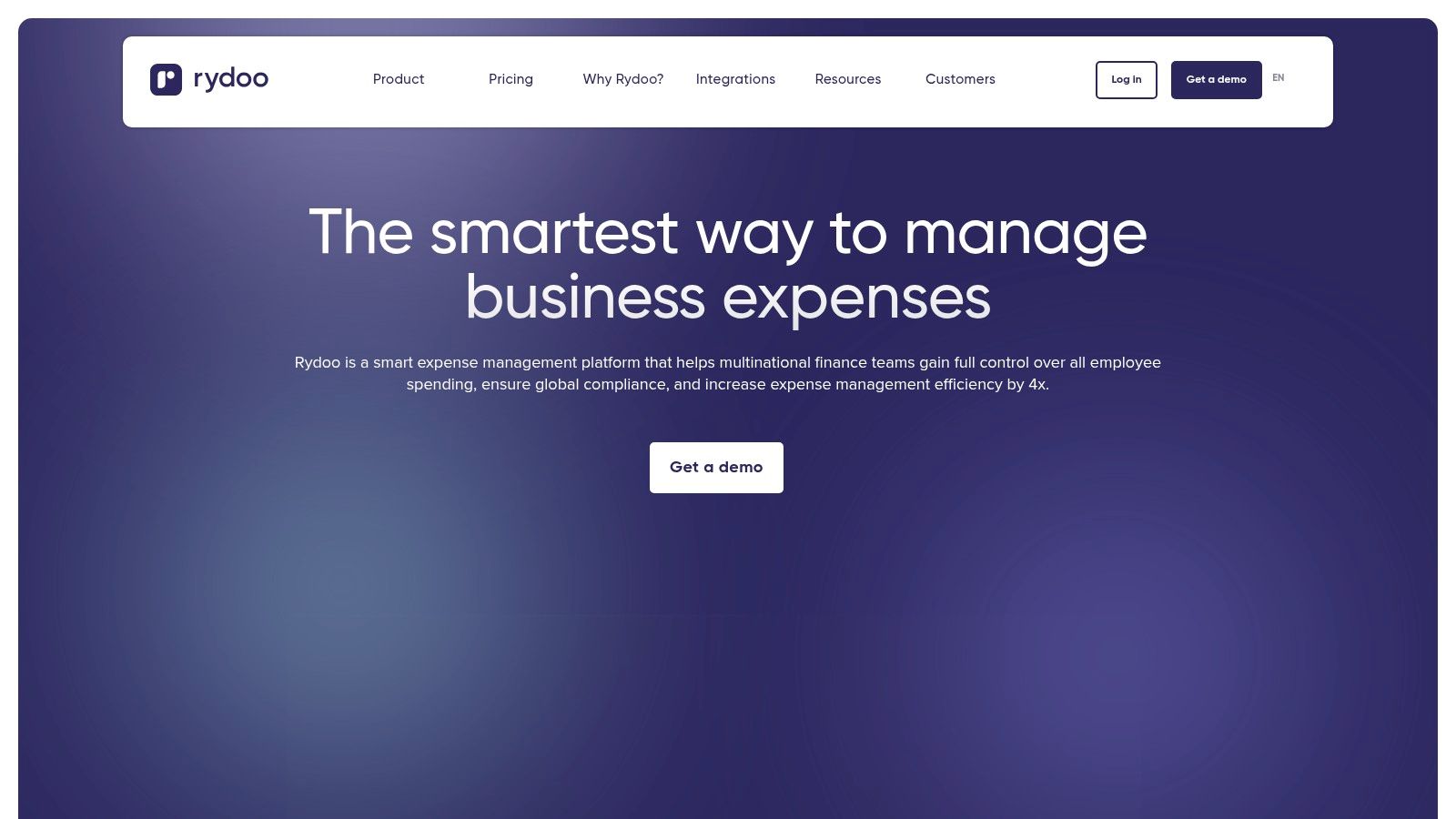
Rydoo positions itself as a modern expense management platform built for growing teams, especially those with contractors or staff spread across different countries. It goes beyond simple receipt scanning, offering policy controls, approval workflows, and mileage tracking, making it a comprehensive tool for managing team spending.
Its mobile app focuses on a clean user experience for quick receipt capture. Users can snap a photo, and the app extracts the necessary data. For businesses operating in Europe, Rydoo’s paperless expensing is certified in multiple countries, which is a huge compliance win.
What Makes Rydoo Stand Out?
Rydoo’s strength lies in its straightforward, per-user pricing model that starts with small teams. This transparent approach is great for companies that need a scalable expense solution without committing to a hefty enterprise plan. Its multi-country compliance and clean interface make it particularly useful for businesses with distributed teams or international contractors who need a simple yet effective receipt scanner app.
Best for: Small to medium-sized businesses with distributed teams or international contractors needing a scalable expense management system.
- Pricing: Plans start from around €10 per user per month. Prices are shown in EUR, with final UK billing details confirmed at checkout.
- Pros: Straightforward per-user pricing, great for multi-country teams, and a clean mobile user experience for quick captures.
- Cons: Advanced integrations and policy features are locked behind higher-tier plans, and the EUR pricing might be a slight hassle for some UK businesses.
Find out more at rydoo.com
9. SAP Concur Expense
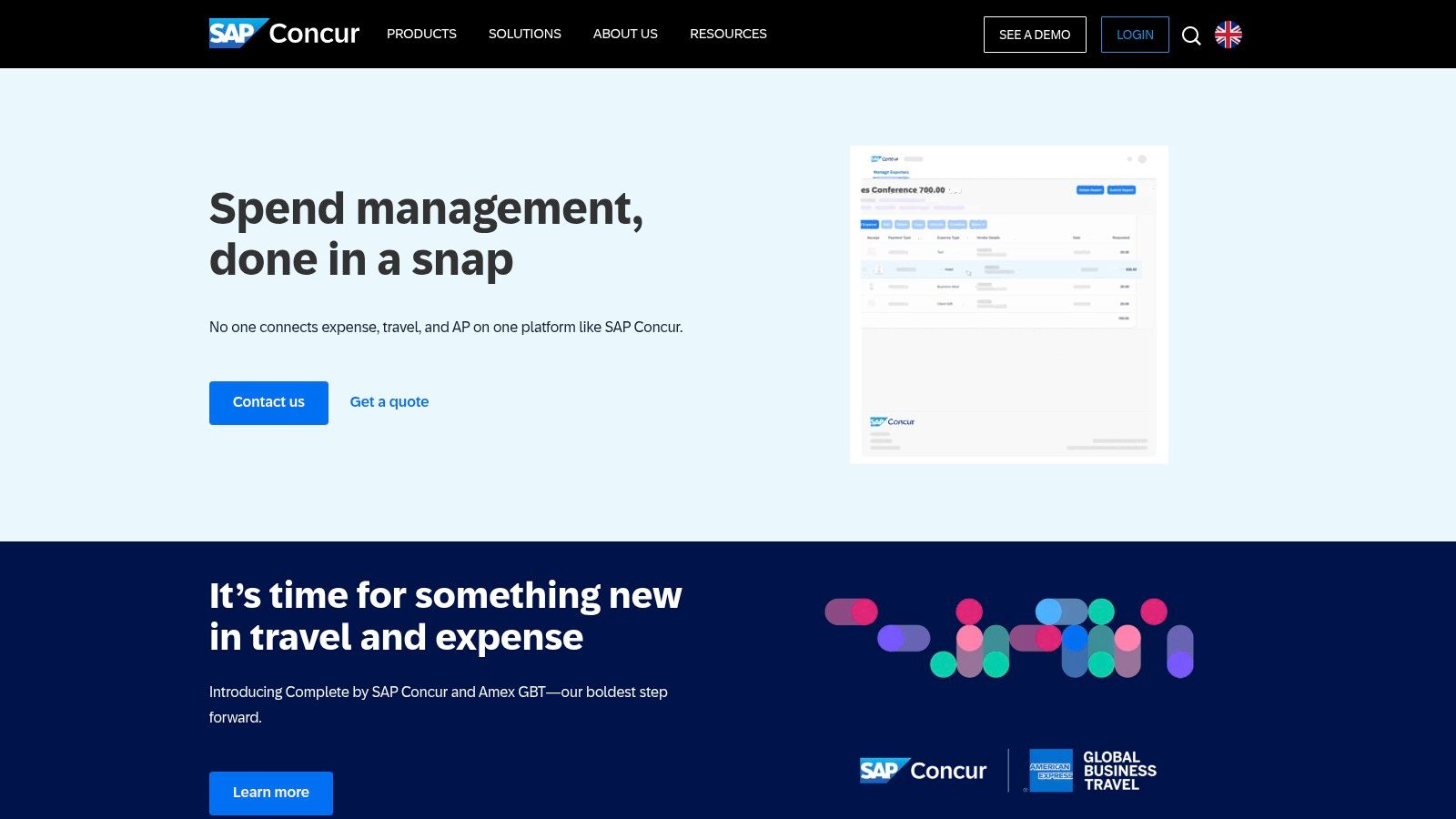
When your business grows beyond a handful of employees, managing expenses becomes a whole new challenge. SAP Concur Expense is the heavyweight champion in this arena, an enterprise-grade solution trusted by large UK organisations for its comprehensive control over spending, travel, and invoices. It’s far more than just a receipt scanner app; it’s a complete expense management ecosystem.
The platform is built to handle complexity. Employees can capture receipts on the go, submit expense reports for multi-level approval, and get reimbursed quickly, all while the system automatically enforces company spending policies in the background. It integrates deeply with corporate cards, HR systems, and ERPs, making it a central pillar of corporate finance.
What Makes SAP Concur Expense Stand Out?
SAP Concur’s real power lies in its scalability and robust compliance features. It’s designed for organisations that need strict, configurable controls. You can build complex approval workflows, set spending limits that flag out-of-policy claims, and gain detailed analytical insights into company-wide expenditure. For multi-entity or international businesses, its ability to manage different policies and currencies is second to none.
Best for: Larger businesses and enterprises that require a highly configurable, end-to-end expense management system with strong audit, compliance, and policy enforcement features.
- Pricing: Pricing is provided by quote and tailored to the organisation’s size and needs. The total cost of ownership is generally higher than typical small business apps.
- Pros: A market leader with powerful compliance and audit tools, deep integrations with other enterprise systems, and excellent scalability for complex organisations.
- Cons: Can be overkill and too costly for freelancers or very small teams. The implementation and rollout process is significantly more involved than simpler apps.
Find out more at concur.co.uk
10. Expensify
Expensify is a long-standing and well-known name in the global expense management space. It offers a comprehensive suite of tools that go beyond simple receipt scanning, making it a popular choice for everyone from freelancers to larger teams that need to manage reimbursements, set spending policies, and track business travel.
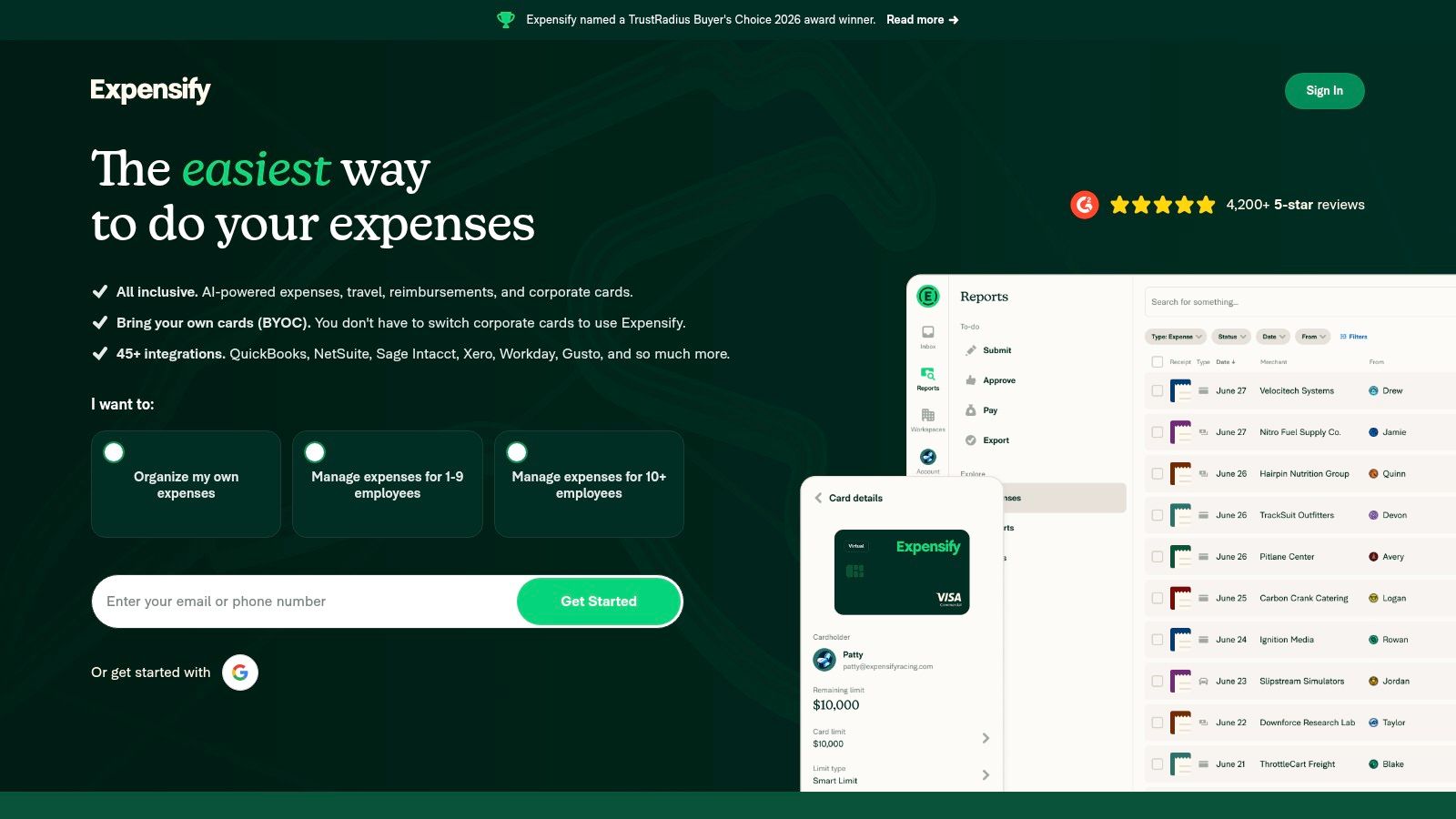
Its core feature, the mobile SmartScan technology, allows for quick capture of receipts on the go. Expensify then handles the data extraction and coding automatically. The platform is also known for its real-time expense reporting and approval workflows, which streamline the entire process of getting expenses submitted, approved, and reimbursed quickly.
What Makes Expensify Stand Out?
Expensify’s strength lies in its all-in-one approach. It’s not just one of many receipt scanner apps; it’s a full expense management system. For growing businesses, the ability to define spending policies, automate approvals, and handle multi-step workflows directly within the app is a significant advantage. It integrates with major accounting tools like Xero and QuickBooks, ensuring a smooth flow of data.
Best for: Individuals and small teams looking for an affordable, all-in-one expense management solution with clear UK pricing and robust automation features.
- Pricing: The ‘Collect’ plan is transparently priced at £5 per active member per month, making it very accessible for individuals and small businesses.
- Pros: Very competitive and clear UK pricing, suitable for a wide range of users from freelancers to SMBs, and fast to set up with powerful automation.
- Cons: Some of the best features or discounts might be tied to using the Expensify Card, and advanced travel features can incur separate per-trip fees.
Find out more at expensify.com
11. Apple App Store (example: Receipt Lens – iOS)
For anyone with an iPhone, the first port of call for finding new tools is often the Apple App Store. It’s not a single app, but a huge marketplace hosting dozens of dedicated receipt scanner apps, like the popular Receipt Lens. This approach is perfect for freelancers or sole traders who want a simple, standalone scanning tool without being tied to a larger accounting ecosystem.
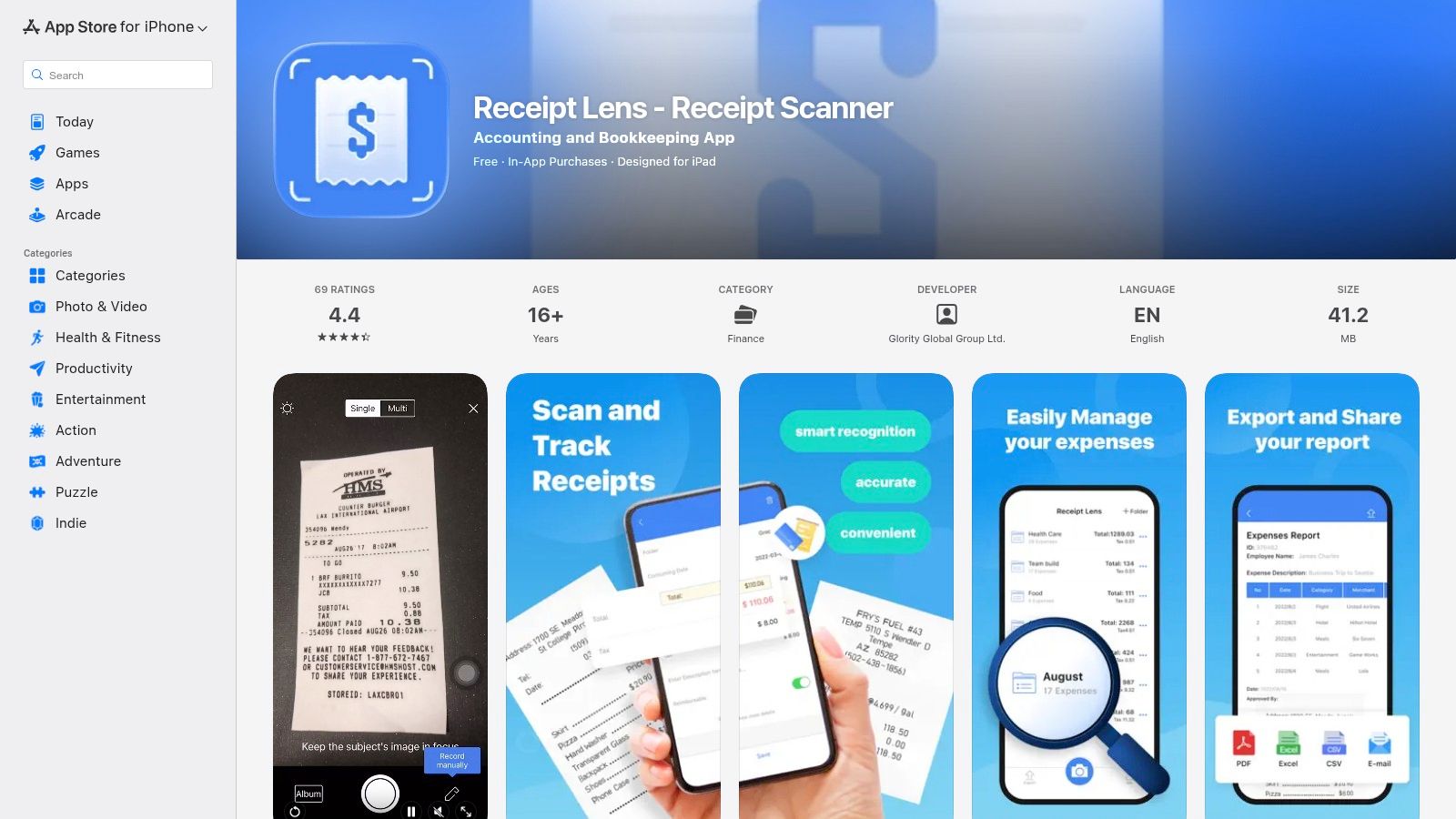
Many of these iOS-native apps offer powerful OCR to pull key data like merchant, date, and tax, then allow you to categorise them into folders. Once processed, you can export your records as a PDF or CSV file, ready to be sent to your accountant or manually uploaded into your books. Beyond dedicated apps, knowing how to grab a quick screenshot on your iPhone to digitize a receipt is also a handy skill for capturing digital invoices in a pinch.
What Makes the Apple App Store Stand Out?
The main advantage of using the App Store is choice. You aren't locked into one system. You can download several apps, try them out with free trials, and pick the one with the user interface and features that work best for you. Many offer flexible payment options, from one-off purchases to monthly subscriptions, giving you more control over your costs. This is ideal if you just need a scanner and don't want to change your existing accounting setup, ensuring you're correctly tracking your allowable business expenses.
Best for: iPhone users who want a simple, standalone scanning solution and the freedom to choose from various apps with different pricing models.
- Pricing: Varies wildly by app. Many offer free tiers with limits, with subscriptions ranging from a few pounds per month to a one-off purchase.
- Pros: Huge variety of apps to test, flexible pay-as-you-go or subscription models, and no need to switch your core accounting software.
- Cons: Standalone apps often require manual exporting and importing into your main ledger, and data limits can be restrictive on free plans.
Find out more at apps.apple.com
12. Google Play Store (example: Smart Receipts - Android)
For Android users, the Google Play Store is the primary gateway to finding a massive range of receipt scanner apps. While it’s a marketplace rather than a single service, it’s home to powerful standalone options like Smart Receipts, which cater to users who need robust, offline-first functionality without being tied to a specific accounting platform.
Smart Receipts is a great example of what you can find. It allows you to scan receipts, track mileage, and generate customisable reports in PDF, CSV, or ZIP formats directly from your phone. This approach is perfect for freelancers who simply need to collate expenses for an end-of-year submission or for reimbursement, offering a great degree of control over their data without a monthly subscription.
What Makes The Google Play Store Stand Out?
The sheer choice is its biggest advantage. You can find everything from simple, free receipt scanner apps for basic logging to more advanced tools with multi-currency support and cloud backups. This variety means there’s an app to fit nearly any budget and workflow, especially if you don't require deep integration with accounting software like FreeAgent or Xero.
Best for: Android users who want a low-cost, flexible, and often offline-capable tool for expense logging and report generation without mandatory cloud subscriptions.
- Pricing: Varies hugely, from free, ad-supported apps to one-off purchases or low-cost premium tiers (e.g., Smart Receipts has a free version and a pro licence).
- Pros: Huge variety of apps to choose from, many options have low or no-cost entry points, and strong offline capabilities are common.
- Cons: Quality and data privacy standards vary significantly between apps; manual effort is often needed to get the data into your accounting software.
Find out more at play.google.com
Top 12 Receipt Scanner Apps: Feature Comparison
| Product | Core features ✨ | UX & Accuracy ★ | Pricing / Value 💰 | Target audience 👥 | Unique selling points 🏆/✨ |
|---|---|---|---|---|---|
| Receipt Router 🏆 | Auto-forward address, FreeAgent sync, Google Drive backup, multi-currency | ★★★★ | 💰 £10/month start, 30‑day money‑back | 👥 UK freelancers, sole traders, small businesses | 🏆 FreeAgent‑native workflow; privacy‑first; smart matching; set‑and‑forget |
| Dext Prepare | OCR extraction, FreeAgent + ledgers, supplier rules, multi‑user | ★★★★ | 💰 Quote / partner pricing (subscription) | 👥 Accountants, scaling UK firms | ✨ Mature UK ecosystem; strong supplier/publishing rules |
| AutoEntry | Receipt & bill scanning, line‑item capture, credit system, integrations | ★★★★ | 💰 Credit‑based GBP pricing, rollover credits | 👥 Small→mid businesses, seasonal traders | ✨ Transparent GBP pricing; pause/downgrade flexibility |
| FreeAgent (Smart Capture) | Mobile/photo capture, auto‑extract, auto‑match, bulk uploads | ★★★★ | 💰 Included with FreeAgent subscription | 👥 FreeAgent users, UK freelancers | ✨ Built‑into ledger; designed for UK tax workflows |
| Xero (Expenses / Hubdoc) | Expense capture, Hubdoc bills, policy/approvals, bank feeds | ★★★★ | 💰 Bundled with Xero plans; add‑on costs possible | 👥 Xero customers, accountants | ✨ Ledger + expenses in one; broad UK integrations |
| QuickBooks Online | Mobile receipt capture, MTD VAT support, bank feeds | ★★★★ | 💰 Included with QBO plans; promotions available | 👥 UK SMBs using QuickBooks | ✨ Single‑vendor accounting + capture; strong advisor ecosystem |
| Zoho Expense | OCR capture, multi‑currency, policy rules, free tier | ★★★★ | 💰 Competitive per‑user pricing; free tier | 👥 Cost‑conscious freelancers & SMBs | ✨ Free tier; strong international currency support |
| Rydoo | Mobile scanner, mileage, approvals, export templates | ★★★ | 💰 Simple per‑user pricing (EUR listed) | 👥 Distributed / multi‑country contractors | ✨ Clean mobile UX; good for multi‑country workflows |
| SAP Concur Expense | Enterprise OCR, policies, audit, HR/ERP integrations | ★★★★★ | 💰 Quote‑based; higher TCO for small teams | 👥 Large organisations, enterprises | ✨ Deep compliance, audit & ERP integrations |
| Expensify | SmartScan, approvals, reimbursements, ledger integrations | ★★★★ | 💰 Collect £5/member/month (UK) | 👥 Freelancers → SMB teams | ✨ Fast deploy; transparent Collect pricing |
| Apple App Store (Receipt Lens) | OCR, categorisation, export (PDF/CSV), iOS UI | ★★★ | 💰 In‑app purchases / subscriptions | 👥 iPhone/iPad users wanting standalone scanner | ✨ Many app choices; pay‑as‑you‑go |
| Google Play Store (Smart Receipts) | Photo/PDF import, OCR, mileage, exports | ★★★ | 💰 Freemium → premium; low entry cost | 👥 Android users seeking standalone scanner | ✨ Offline support; flexible export formats |
Final Thoughts
Phew, that was a lot to get through! We’ve journeyed from the all-in-one behemoths like SAP Concur to the nimble, focused tools designed for specific platforms. The world of receipt scanner apps is vast, and honestly, a bit crowded. But the good news is that this competition means there’s almost certainly a perfect solution out there for you, whatever your business size or workflow.
Choosing the right tool isn’t just about finding the app with the fanciest features or the most accurate OCR. It’s about finding the one that genuinely makes your life easier, slots into your existing processes, and gives you back precious time you’d otherwise spend wrestling with a shoebox full of crumpled paper.
Key Takeaways from Our Deep Dive
If you remember nothing else from this guide, hold onto these key points:
- Integration is King: A receipt scanner app is only as good as its connection to your accounting software. A tool that doesn’t sync smoothly with FreeAgent, Xero, or QuickBooks will just create more work. Always check the quality and depth of the integration, not just whether it exists.
- Automation is the Goal: The real magic happens when the process is automated. Look for features like supplier rules, automatic category suggestions, and email forwarding. The less you have to manually touch each receipt, the more efficient your system becomes.
- Don't Overpay for Unused Features: It’s tempting to go for the app with a hundred features, but if you’re a sole trader, you likely don’t need complex approval workflows or per-diem expense policies. Be realistic about your needs and choose a pricing plan that reflects them. Don't be afraid to start small.
- Accuracy Varies: While OCR technology has come a long way, no app is 100% perfect. Always factor in a quick review process to catch any errors, especially with handwritten receipts or unusual layouts. This is particularly crucial for staying compliant with HMRC and getting your VAT right.
How to Choose Your Perfect Receipt Scanner App
Feeling a bit of analysis paralysis? Let's break down the decision-making process into a few simple steps. Grab a brew and ask yourself these questions:
- What's my core accounting software? This is your starting point. If you live and breathe FreeAgent, your best options will be different from someone committed to the Zoho ecosystem. Prioritise apps with native, deep integrations for your platform.
- What's my receipt volume? If you have five receipts a month, the built-in capture on your accounting app (like FreeAgent’s Smart Capture) might be perfectly adequate. If you’re processing dozens or hundreds, a dedicated tool like Dext Prepare, AutoEntry, or a specialised automator like Receipt Router becomes essential.
- What's my biggest pain point? Is it the physical scanning? Then any app with a good mobile camera will help. Is it the constant forwarding of email invoices? Then a tool with a unique email-in address is non-negotiable. Is it the manual data entry after the scan? Then you need top-tier automation and rules.
- What's my budget? Be honest about what you're willing to spend. There are fantastic free options and affordable entry-level plans. Weigh the monthly cost against the hours you’ll save. Often, the return on investment is massive.
By answering these questions, you can quickly narrow down the list of twelve apps we’ve explored to just two or three top contenders. From there, sign up for a free trial, process a few real-world receipts, and see which one feels the most intuitive. Your future, more organised self will thank you for it.
Ready to eliminate the final, most annoying step of manual data entry in FreeAgent? Receipt Router connects your favourite receipt scanner app to FreeAgent, fully automating the creation of expenses and bill explanations. Stop exporting and start automating at Receipt Router.