The 12 Best Expense Management Software for UK Freelancers in 2026
If you're a freelancer or run a small business in the UK, you're probably all too familiar with the month-end scramble. That shoebox overflowing with receipts, the endless search through your inbox for invoices, and the tedious task of manually entering every single expense. It’s a time-consuming chore that distracts you from what you actually do best.
Proper expense management is more than just keeping HMRC happy. It’s about reclaiming your valuable time, ensuring you claim every penny you're owed, and getting a clear, real-time picture of your business finances. The problem is, the market is flooded with tools, all claiming to be the perfect solution. How do you find the one that truly fits your needs without signing up for endless free trials?
This guide is designed to cut through that noise. We’ve done the research for you, diving into the best expense management software available for UK businesses right now. We'll explore everything from comprehensive accounting platforms like FreeAgent and Xero, which have powerful built-in expense tools, to specialised apps designed to automate specific tasks. For instance, we'll look at how tools like Receipt Router can supercharge your existing FreeAgent workflow.
Each option in our list includes a straightforward summary, key features, honest pros and cons, and clear pricing information. We also provide screenshots and direct links to help you see the software in action. Our goal is simple: to give you all the information you need to choose the right tool and finally stop drowning in receipts.
1. Receipt Router
Best for: FreeAgent users who want a "set-and-forget" automated receipt management system.
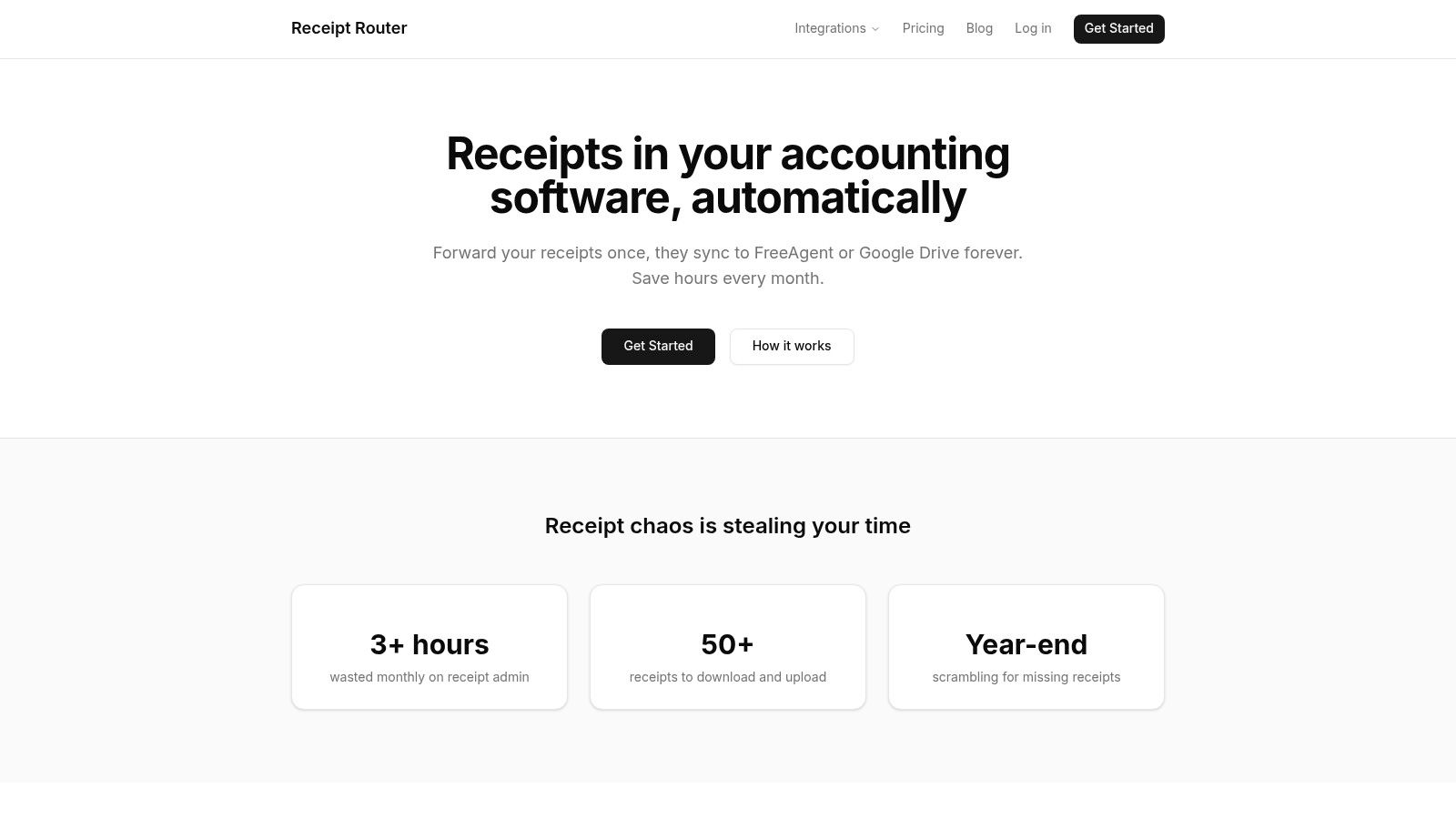
Receipt Router stands out as a powerful, specialist tool designed to solve one of the biggest headaches for UK freelancers and small businesses: the relentless chaos of managing receipts. Instead of offering a broad suite of accounting features, it perfects a single, crucial task. It transforms your cluttered inbox into a seamlessly organised, tax-ready archive. This focused approach makes it one of the best expense management software solutions available for its specific niche, particularly for contractors and sole traders using FreeAgent.
The process is refreshingly simple. Upon signing up, you’re given a unique forwarding email address for your business. From there, you just forward any receipt you receive, whether it's a Stripe invoice, an AWS bill, or a photo of a cafe receipt. For total automation, you can set up a one-time rule in Gmail to auto-forward receipts from frequent suppliers. Receipt Router then gets to work, intelligently reading the receipt, matching it to the corresponding transaction in your FreeAgent account, and attaching it automatically.
Standout Features & Practical Benefits
What truly elevates Receipt Router is its handling of multi-currency transactions, a common pain point for consultants with international clients or software subscriptions. It automatically converts amounts from currencies like USD or EUR into GBP, ensuring the receipt matches the correct expense line in FreeAgent without any manual calculations.
Furthermore, every single receipt is securely backed up and organised into a searchable Google Drive folder. This provides a brilliant safety net and makes finding a specific purchase years later incredibly easy. Its privacy-first design is also a major plus; the service never needs access to your inbox, it only processes what you send it. This lean, effective system is designed to save you hours of admin each month and eliminate the dreaded year-end receipt scramble.
Key Features:
- Direct FreeAgent Integration: Automatically matches and attaches receipts to transactions.
- Smart Multi-Currency Conversion: Reconciles foreign currency purchases effortlessly.
- Automated Google Drive Backup: Creates an organised, searchable archive of all receipts.
- Privacy-Focused Workflow: Only processes receipts you explicitly forward.
- Supports Multiple Formats: Works with digital invoices, PDFs, and photos of paper receipts.
Pros:
- Saves significant time by automating receipt capture and matching.
- Eliminates manual currency conversion for international expenses.
- The Google Drive backup provides peace of mind and easy access.
- Simple, one-time setup for a continuously automated workflow.
Cons:
- Native integration is currently limited to FreeAgent.
- Relies on a forwarding system, which requires initial setup and maintenance.
Pricing: Starts from £10/month, with a 30-day money-back guarantee.
Website: https://receiptrouter.app
2. FreeAgent
FreeAgent isn't just an expense management tool; it's a full-blown accounting platform specifically built for the UK's freelancers and small businesses. Its strength lies in its all-in-one nature. Instead of juggling separate apps for invoicing, expenses, and tax, FreeAgent pulls everything together into one intuitive system designed around UK tax rules. It’s particularly powerful for sole traders who need to manage their Self Assessment returns directly.
The platform includes solid expense management features, like mobile receipt capture and mileage tracking. Its Smart Capture tool can automatically pull data from receipts, though the free tier is limited to 10 scans per month. The user interface is clean and avoids jargon, making it accessible even if you’re not an accounting pro. This focus on simplicity makes it one of the best expense management software choices for those who want their finances in one place.
Key Features & Pricing
FreeAgent keeps its pricing straightforward with a single plan per business type (Sole Trader, Limited Company, etc.). A huge perk is that it’s often completely free if you have a business current account with NatWest, Royal Bank of Scotland, or Mettle.
- Core Functionality: Expense tracking, bank feeds, invoicing, VAT and MTD support, plus direct HMRC filing.
- Mobile App: Lets you snap receipts and log mileage on the go. If you need more powerful scanning, you can learn more about how a dedicated receipt scanning app can enhance this workflow.
- Pricing: Starts at £19/month + VAT for sole traders, but as mentioned, it's often free through partner banks.
| Pros | Cons |
|---|---|
| UK-specific accounting and tax workflows. | Limited free receipt scans (10/month). |
| Potentially free with a NatWest Group bank account. | Less customisable than modular competitors. |
| Excellent for Self Assessment and MTD submissions. |
Best for: UK sole traders and freelancers, especially NatWest Group customers who want an all-in-one accounting and expense solution.
3. Xero
Xero has grown from a simple accounting tool into a comprehensive platform for small and medium-sized businesses, with powerful expense management built right in. Its core strength is scalability. Whether you're a sole trader just starting out or a growing SME with a team, Xero's ecosystem can expand with you. Unlike tools that bolt on expense features, Xero Expenses is seamlessly integrated into its mid and high-tier plans.
The platform offers a clean, modern user interface that simplifies complex accounting tasks. For expenses, this means easy receipt capture via its mobile app, mileage tracking, and the ability to set spending policies for your team. This integrated approach makes it one of the best expense management software choices for businesses that want a single source of truth for all their finances, from bank reconciliation to MTD VAT submissions.
Key Features & Pricing
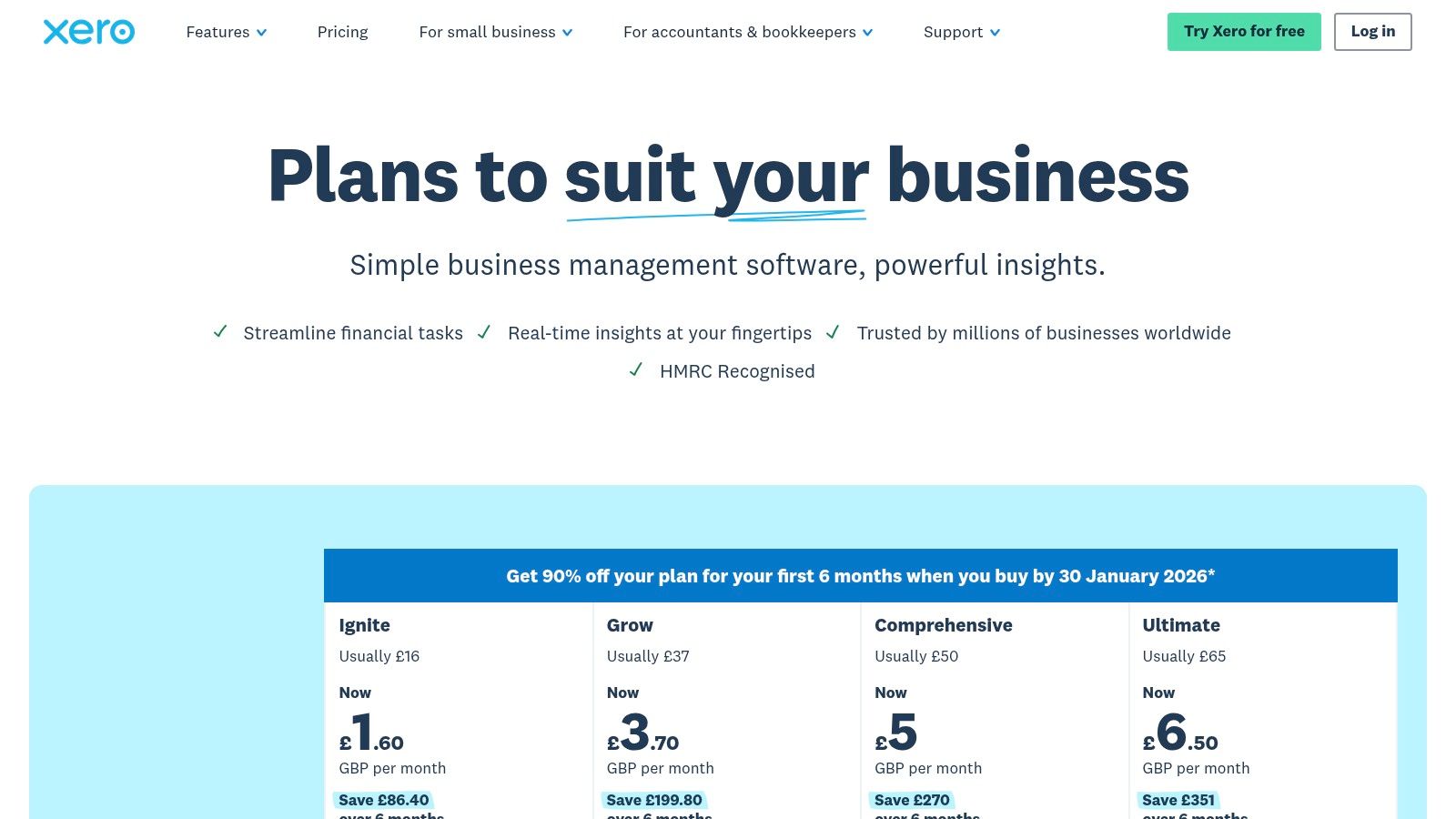
Xero's pricing is tiered, with expense management features included in the Grow, Comprehensive, and Ultimate plans. Additional user seats for expenses can be added for a small monthly fee, making it flexible for growing teams.
- Core Functionality: Integrated receipt capture, mileage tracking, bank feeds, MTD VAT support, and advanced analytics.
- Integrations: A massive app store allows you to connect hundreds of other business tools. Exploring automation in accounting can further streamline these connected workflows.
- Pricing: Plans with built-in expenses start from £30/month + VAT. Frequent discounts and promotional offers are available for new customers.
| Pros | Cons |
|---|---|
| Scales from sole traders to multi-entity SMEs. | Recent plan changes have created complexity for some legacy users. |
| Strong integrations and a huge app ecosystem. | Add-on charges for extra users can increase costs. |
| Modern, intuitive user interface. |
Best for: Growing UK businesses that need a scalable, all-in-one accounting platform with deeply integrated expense management.
4. QuickBooks Online UK
QuickBooks Online is a giant in the accounting world, and its UK-specific version is a powerhouse for small businesses. It offers robust, integrated expense management that goes far beyond simple tracking. Its strength is its maturity and comprehensive feature set, which includes everything from receipt scanning and automatic categorisation to full bank feed reconciliation and MTD-compliant VAT submissions, all within a familiar interface.
The platform excels at automation. You can snap receipts with the mobile app, and QuickBooks will automatically extract the data, match it to bank transactions, and suggest an expense category. This level of automation makes it one of the best expense management software choices for businesses looking to minimise manual data entry and get a real-time view of their spending. Its scalability means it can grow with you, from a simple self-employed setup to a more complex limited company with payroll.
Key Features & Pricing
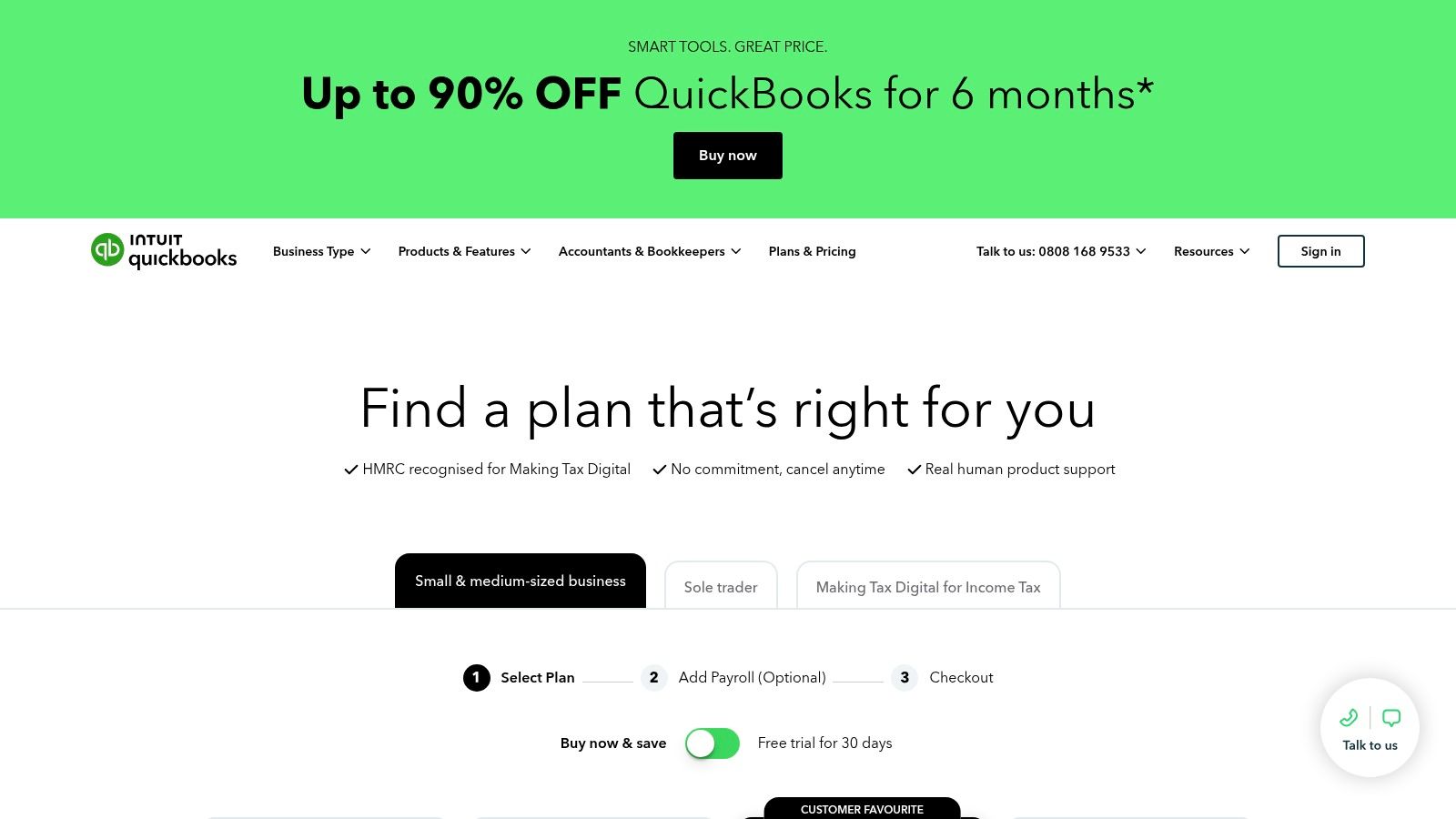
QuickBooks structures its pricing in tiers, with features like advanced expense management and multi-currency support reserved for higher plans. They frequently offer significant discounts for the first few months, making it accessible to try out.
- Core Functionality: Receipt capture, bank feeds, mileage tracking, VAT filing, and a wide range of financial reports.
- Mobile App: A comprehensive app that allows you to snap and sort receipts, track mileage automatically, and manage expenses from anywhere.
- Pricing: Plans range from Self-Employed (£12/month) to Advanced (£80/month), with Simple Start and Essentials in between. Look out for frequent introductory offers.
| Pros | Cons |
|---|---|
| Mature product with strong UK compliance. | Key expense features can be tier-dependent. |
| Excellent mobile app for on-the-go management. | Plan costs and features vary significantly. |
| Broad ecosystem of third-party app integrations. |
Best for: Growing UK small businesses that need a scalable, all-in-one accounting solution with powerful, integrated expense automation.
5. Sage Accounting (Sage Expenses)
Sage is one of the most established names in UK accounting, and its cloud platform, Sage Accounting, integrates expense management directly into its core financial toolkit. Rather than a standalone expense app, Sage positions expense tracking as a fundamental part of managing your business finances, making it a natural fit for businesses already invested in its ecosystem. The platform is built around UK compliance, with strong features for VAT and MTD submissions.
Its strength lies in providing a clear, scalable path for growing businesses. You start with essential features and can unlock more advanced tools like multi-currency support and cash flow forecasting as you upgrade. The platform is also rolling out more dedicated tooling, like Sage Expenses for its Sage 50 users, and incorporating AI-assisted workflows. This makes it one of the best expense management software choices for businesses that anticipate growth and want an all-in-one system that can grow with them.
Key Features & Pricing
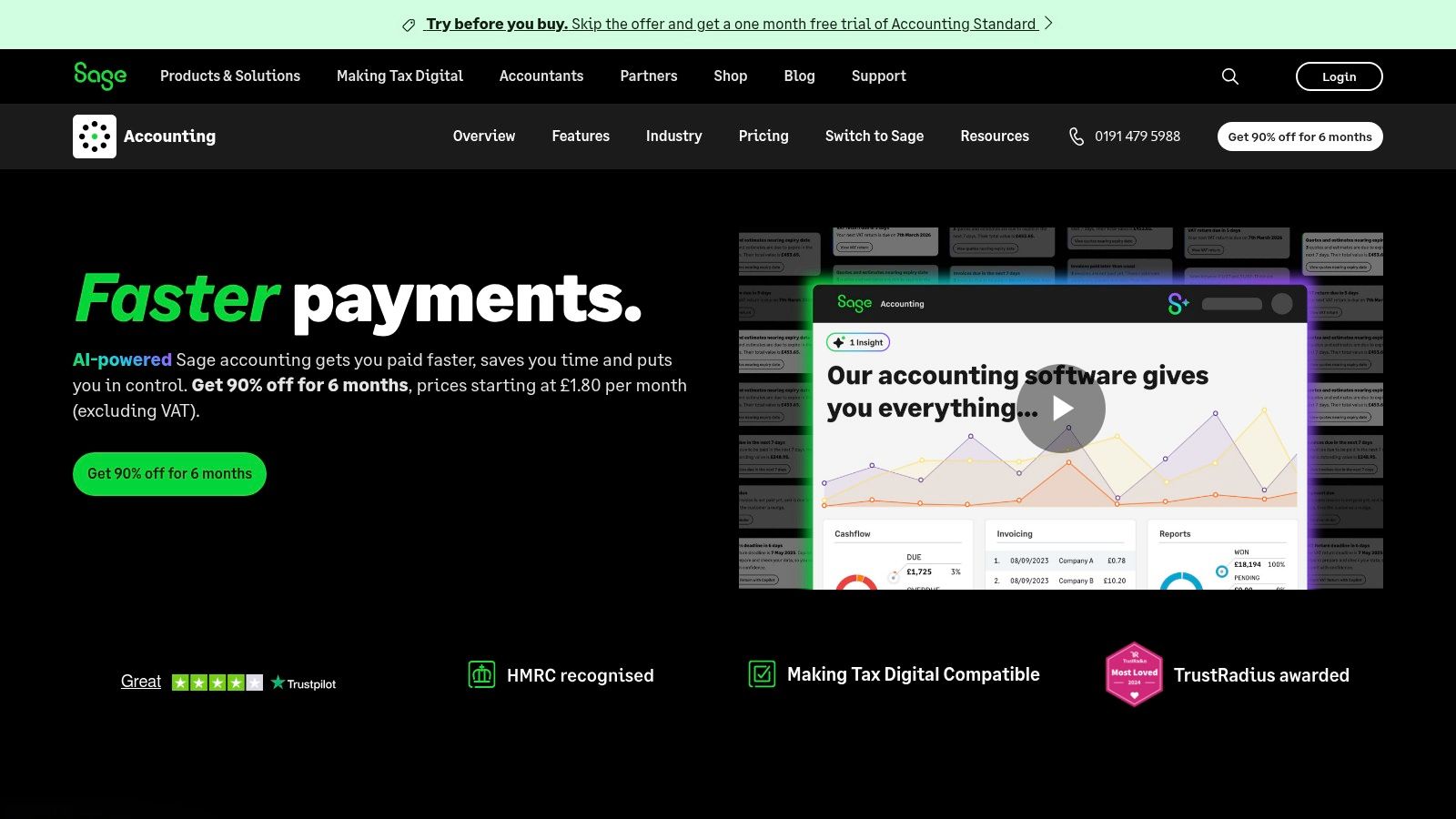
Sage Accounting offers several tiers, with receipt scanning allowances that grow with each plan. For instance, the Standard plan includes 30 scans per month, while the Plus plan offers 100. This transparent allowance system helps manage costs, with pay-as-you-go options if you exceed your limit.
- Core Functionality: Integrated expense and receipt capture, bank feeds, invoicing, and direct VAT/MTD filing.
- Advanced Features: Higher-tier plans include AI-assisted workflows (Sage Copilot), cash flow forecasting, and multi-currency support.
- Pricing: Starts from around £14/month + VAT for the entry-level plan, scaling up for more features and users.
| Pros | Cons |
|---|---|
| Strong UK heritage and compliance focus. | Expense-specific tools are still being rolled out across products. |
| Transparent receipt scan allowances. | Availability of some features depends on the specific Sage product. |
| Clear upgrade paths as your business grows. |
Best for: Small to medium-sized UK businesses that want a scalable, all-in-one accounting platform with integrated expense management.
6. Pleo
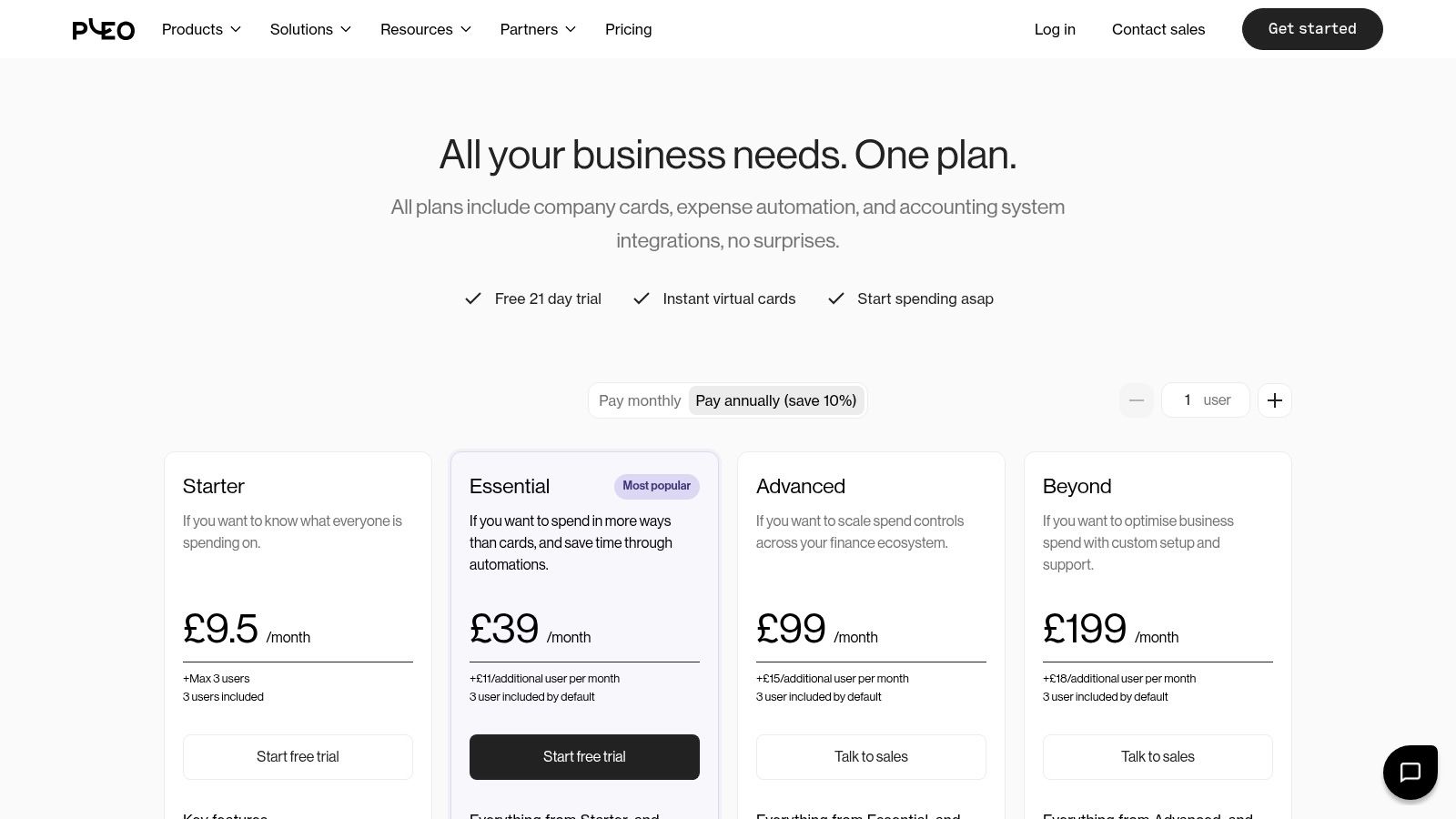
Pleo combines company spending with a full expense management suite, aiming to decentralise spending for businesses. Instead of waiting for reimbursements, teams are given physical and virtual company cards with set limits, and every transaction is tracked in real-time. This approach empowers employees while giving finance teams complete visibility and control, all within a slick, user-friendly interface that has gained strong adoption in the UK.
It goes beyond just cards, integrating everything from mileage claims and out-of-pocket reimbursements to invoice payments. The platform automates expense reports and approvals, drastically reducing admin time. For companies looking to streamline how their entire team spends money, Pleo is one of the best expense management software platforms because it tackles the problem at the source: the payment itself.
Key Features & Pricing
Pleo offers a tiered pricing model that scales with your team's needs, starting with a free plan for small teams just getting started. Paid plans add more advanced features like credit options, cashback, and deeper integrations with accounting software like Xero and QuickBooks.
- Core Functionality: Smart company cards (physical and virtual), automated receipt capture, custom spending limits, and real-time spending overview.
- All-in-One Platform: Manages card spending, invoices, mileage, and out-of-pocket claims. Managing the reimbursement of expenses is straightforward within the app.
- Pricing: A free "Starter" plan is available. Paid plans begin at £10 per user per month for the "Essential" tier, unlocking more features and integrations.
| Pros | Cons |
|---|---|
| Intuitive user experience with strong UK adoption. | Costs can rise as headcount and card use scale. |
| Combines cards, reimbursements, and mileage. | Some users report customer support and receipt scanning issues. |
| Empowers teams while maintaining financial control. |
Best for: Growing UK businesses that want to decentralise spending and empower their teams with a unified, card-first expense solution.
7. Soldo
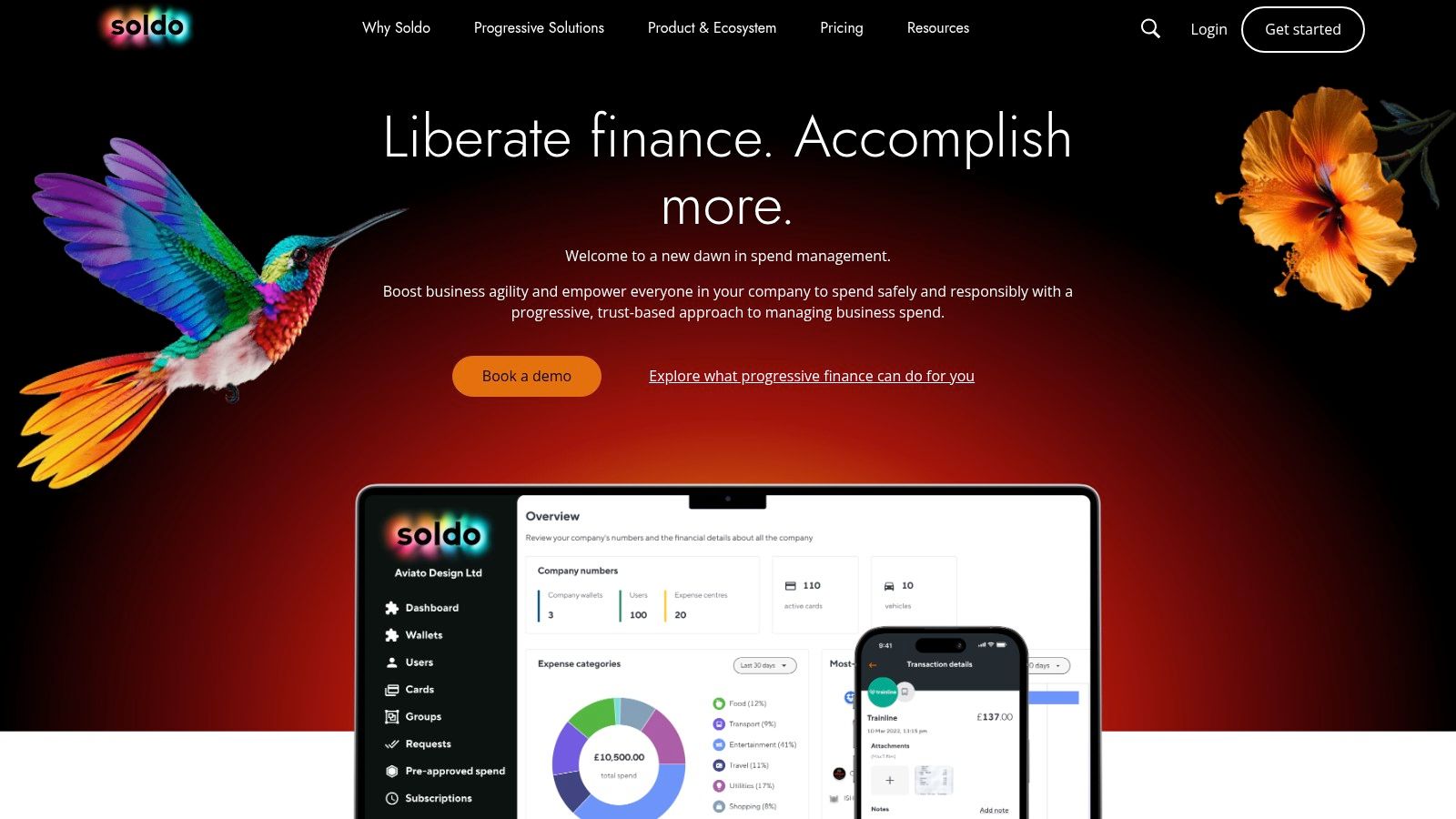
Soldo is less of a pure expense tracker and more of a complete spend management platform. Its core strength lies in giving businesses control over spending before it happens, using a system of physical and virtual prepaid cards linked to smart budgets. This proactive approach is ideal for teams where multiple people need to make purchases, allowing managers to set spending limits, rules, and track everything in real-time. It effectively eliminates the need for traditional expense claims and out-of-pocket spending.
The platform provides a centralised dashboard where you can see all company spending as it occurs, not weeks later when expense reports are filed. Employees use the Soldo app to snap receipts at the point of sale, and OCR technology extracts the data, simplifying reconciliation. This makes it one of the best expense management software choices for SMEs that need to empower their teams with spending autonomy while maintaining strict financial control.
Key Features & Pricing
Soldo offers tiered plans based on the number of users and the complexity of controls required. The platform scales from a basic "Start" plan for small teams up to custom enterprise solutions, making it accessible for growing businesses.
- Core Functionality: Prepaid company cards (physical and virtual), real-time spending tracking, customisable budgets and spending rules, and automated receipt capture.
- Integrations: Connects directly with accounting software like Xero and QuickBooks, streamlining the reconciliation process.
- Pricing: The "Start" plan is £6 per user per month. More advanced plans like "Pro" and "Premium" add features like multi-currency wallets and detailed reporting.
| Pros | Cons |
|---|---|
| Excellent control over team spending with prepaid cards. | Costs can add up for very small teams. |
| Streamlines reconciliation by eliminating expense claims. | Some users report issues with account closure processes. |
| Strong UK user reviews for support and ease of use. |
Best for: UK SMEs with multiple employees needing to make purchases, giving them a controlled way to spend without using personal funds.
8. Expensify
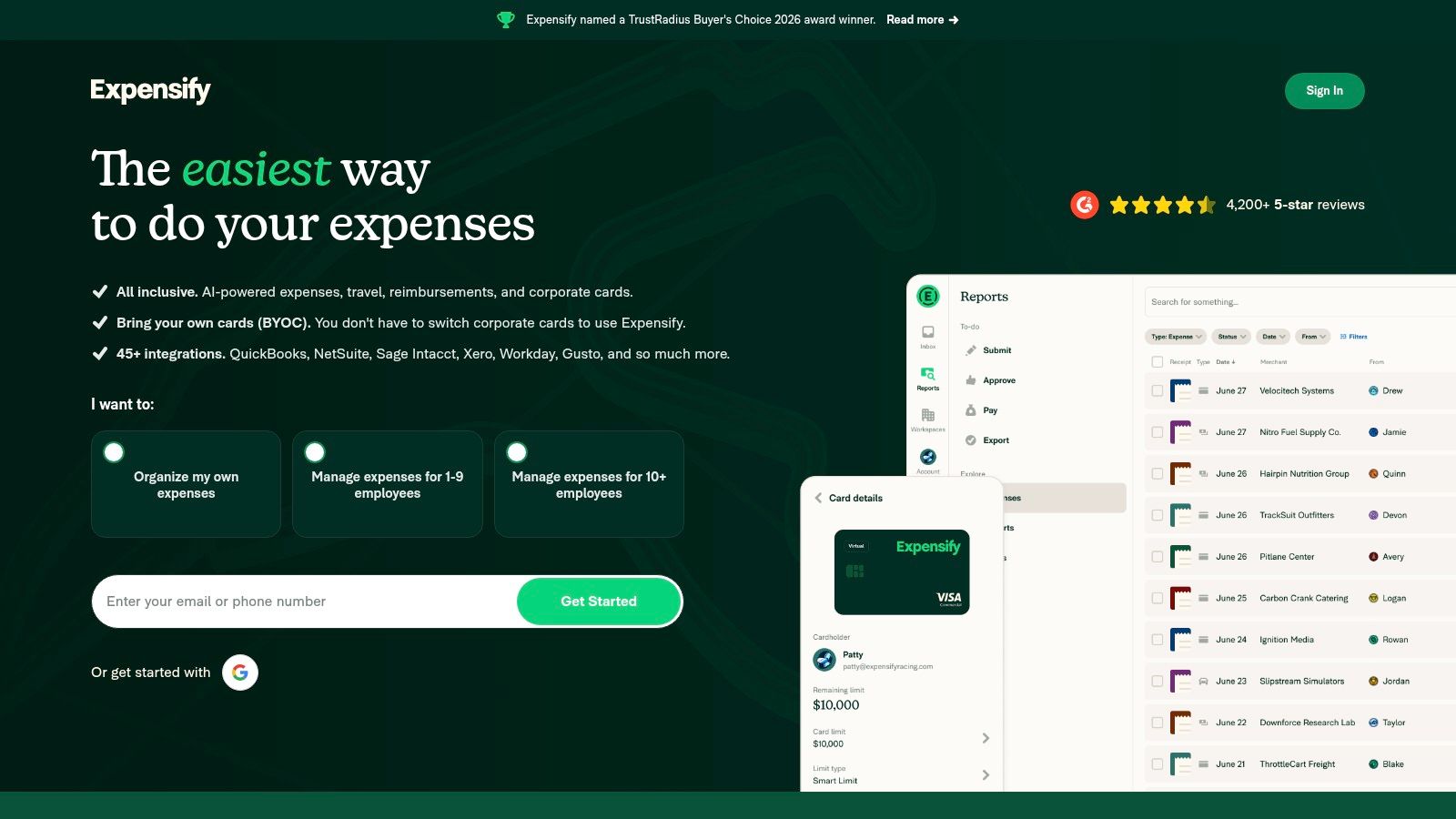
Expensify is one of the most established names in expense management, known for its powerful automation and user-friendly mobile experience. It streamlines the entire process from receipt capture to reimbursement, making it a favourite among businesses with travelling employees or complex expense policies. Its core strength is the SmartScan OCR technology, which automatically reads receipt details to create an expense entry, saving significant manual data entry time.
The platform goes beyond simple tracking by offering automated workflows for approvals, corporate card reconciliation, and direct reimbursements. For UK businesses operating internationally, its support for multiple billing currencies and the availability of a UK/EU Expensify Card are significant advantages. This comprehensive feature set makes it a strong contender for the best expense management software for teams needing robust control and automation over their spending.
Key Features & Pricing
Expensify offers various plans tailored to individuals, small businesses, and larger corporations, with pricing often based on active users per month. It also provides a free plan for individuals with limited receipt scans.
- Core Functionality: SmartScan OCR for receipts, multi-level approval workflows, and corporate card management.
- Integrations: Syncs with major accounting software like Xero, QuickBooks, Sage Intacct, and NetSuite.
- Pricing: Plans start from free for individuals, with paid team plans typically around £14 per user per month.
| Pros | Cons |
|---|---|
| High user satisfaction for its easy-to-use mobile app. | Some users report slow customer support responses. |
| Flexible international billing and multi-currency support. | Occasional OCR errors can require manual correction. |
| Strong automation for approvals and reimbursements. |
Best for: Growing businesses with employees who need to submit expenses, and companies requiring corporate card reconciliation and international currency support.
9. Zoho Expense
Zoho Expense is a dedicated expense reporting tool that forms part of the wider Zoho ecosystem of business apps. Its strength lies in its scalability and comprehensive feature set, even on its free tier. Unlike all-in-one accounting platforms, Zoho Expense focuses purely on managing employee and business spending, offering granular control over approvals, policy enforcement, and travel requests, making it a strong contender for the best expense management software for growing teams.
The platform provides a powerful mobile app for on-the-go receipt scanning, mileage tracking, and submitting claims. It’s particularly useful for businesses that need to manage per diems or have complex, multi-stage approval workflows. While it integrates with various accounting systems, its synergy is strongest with Zoho Books, creating a seamless financial management experience if you're committed to their suite of products. The interface is clean, and its active-user billing model is transparent and cost-effective.
Key Features & Pricing
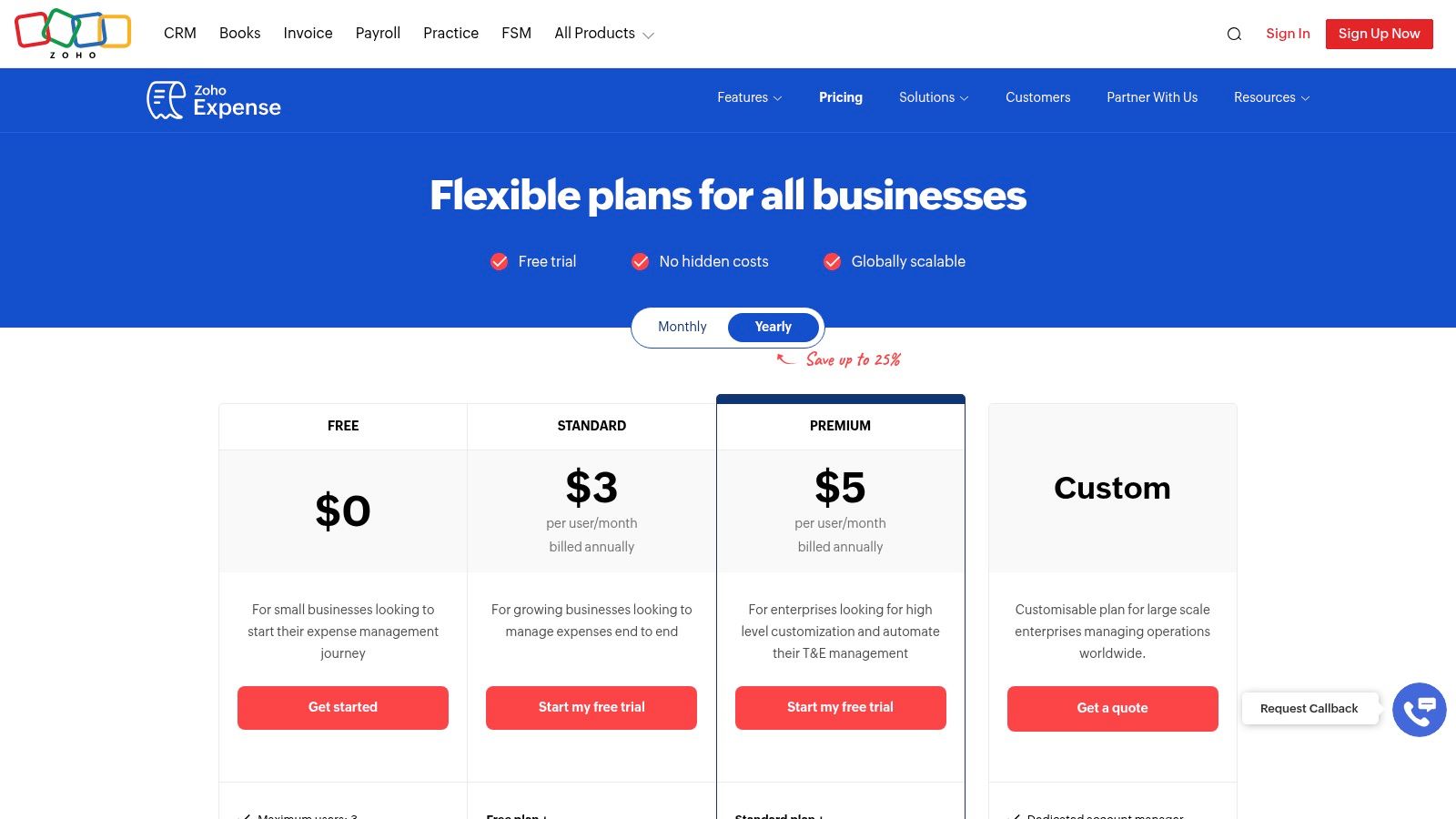
Zoho Expense offers a generous free plan for up to three users, with paid plans that scale features based on active users per month. This means you only pay for the employees who are actually submitting expenses.
- Core Functionality: Receipt scanning, mileage tracking, custom approval flows, and corporate card reconciliation.
- Advanced Features: Higher tiers include budget control, travel requests, and integrations with ERP systems like Oracle NetSuite and Sage Intacct.
- Pricing: A free plan is available. Paid plans start from £2/active user/month, making it highly affordable for small teams.
| Pros | Cons |
|---|---|
| Cost-effective and transparent active-user pricing. | Requires a separate accounting platform like Zoho Books. |
| Integrates smoothly with the broader Zoho ecosystem. | Some advanced enterprise features are on higher tiers. |
| Strong free tier for small businesses or sole traders. |
Best for: Small to medium-sized businesses needing a dedicated and scalable expense management solution, especially those already using or considering the Zoho suite.
10. Rydoo
Rydoo is a dedicated expense management platform with a strong mobile-first approach, making it ideal for teams that are constantly on the move. Its main advantage is its focus on streamlining the entire expense process, from snapping a receipt to final reimbursement and accounting integration. It’s particularly well-suited for UK small and medium-sized businesses that are scaling across Europe, thanks to robust features for local compliance and per-diem management.
The platform is designed to eliminate manual data entry with its powerful receipt scanning and automated reconciliation. Rydoo offers a clean, user-friendly interface that simplifies creating, submitting, and approving expense reports. This focus on a smooth user experience makes it one of the best expense management software choices for companies looking to empower their employees and reduce administrative overhead.
Key Features & Pricing
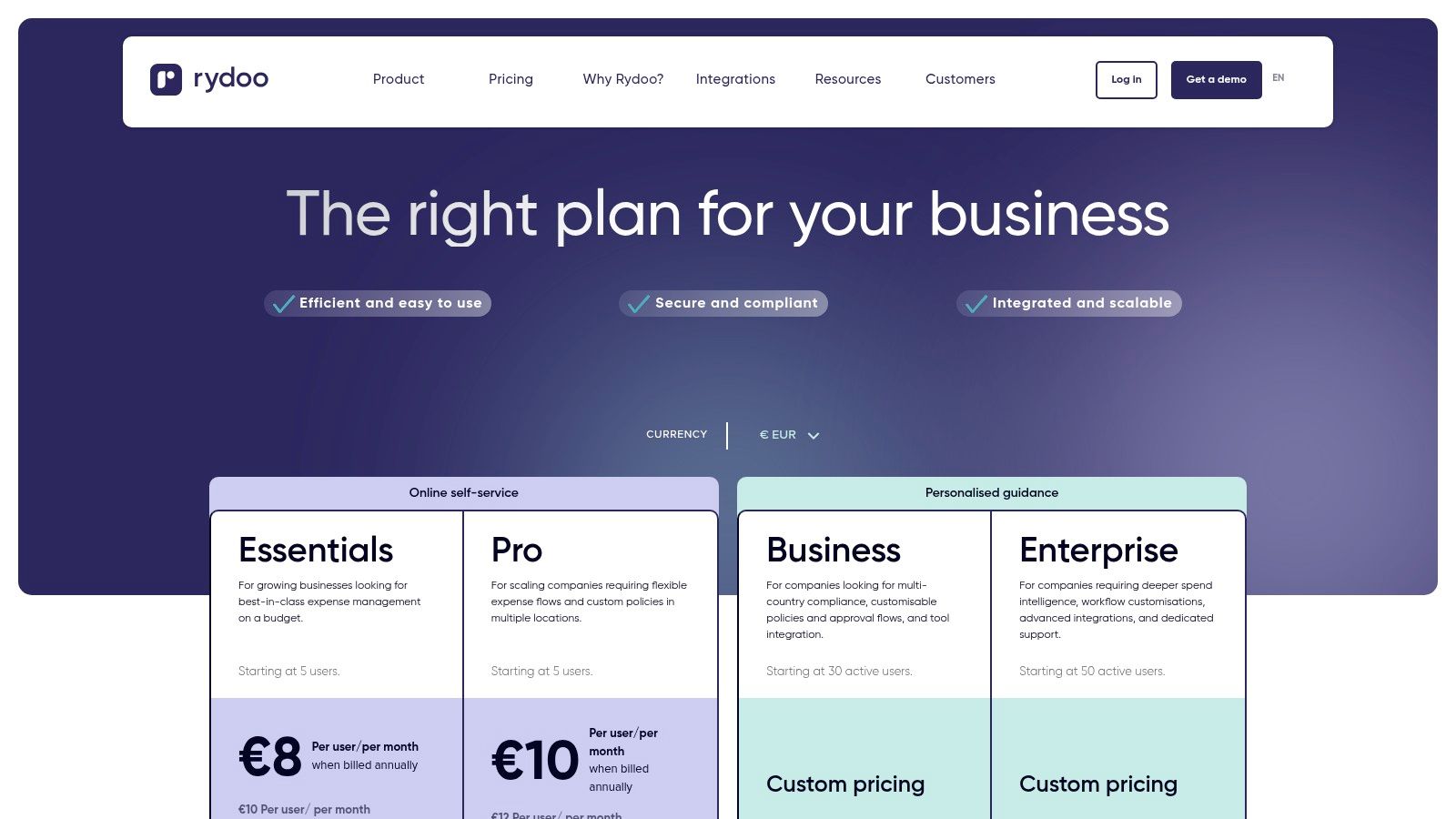
Rydoo’s pricing is transparent, typically based on a per-user, per-month model, though minimum user counts often apply. It scales from essential expense tracking to advanced enterprise solutions with optional add-ons like smart cards.
- Core Functionality: Mobile expense capture with unlimited scans, automated reconciliation, and highly configurable approval workflows.
- Compliance Tools: Built-in per-diem rates and strong local compliance features ensure you meet UK and EU regulations for paperless expensing.
- Pricing: The "Essentials" plan starts at £8 per user/month, billed annually. More advanced features are available in higher-tier plans, but some integrations are paid add-ons. You can find more details on their pricing page.
| Pros | Cons |
|---|---|
| Clear per-user pricing and strong mobile design. | Some advanced connectors are paid add-ons. |
| Good EU/UK compliance coverage for per-diems. | Minimum user counts apply to some plans. |
| Unlimited expense reporting on all plans. |
Best for: UK SMEs with mobile teams, especially those operating across Europe and needing strong compliance and per-diem management.
11. Spendesk
Spendesk is an all-in-one spend management platform built for growing teams that need serious control over their finances. It goes beyond simple expense tracking by combining company cards, reimbursements, and invoice payments into a single, cohesive system. Its main strength is giving finance teams real-time visibility and control through robust budgets, custom approval workflows, and multi-entity consolidation.
This platform is less about individual expense logging and more about managing company-wide spending before it happens. Features like real-time budget monitoring and Slack integration help create a culture of financial responsibility without slowing down operations. For businesses juggling multiple subsidiaries or entities, Spendesk is one of the best expense management software choices because it centralises reporting and streamlines complex financial oversight.
Key Features & Pricing
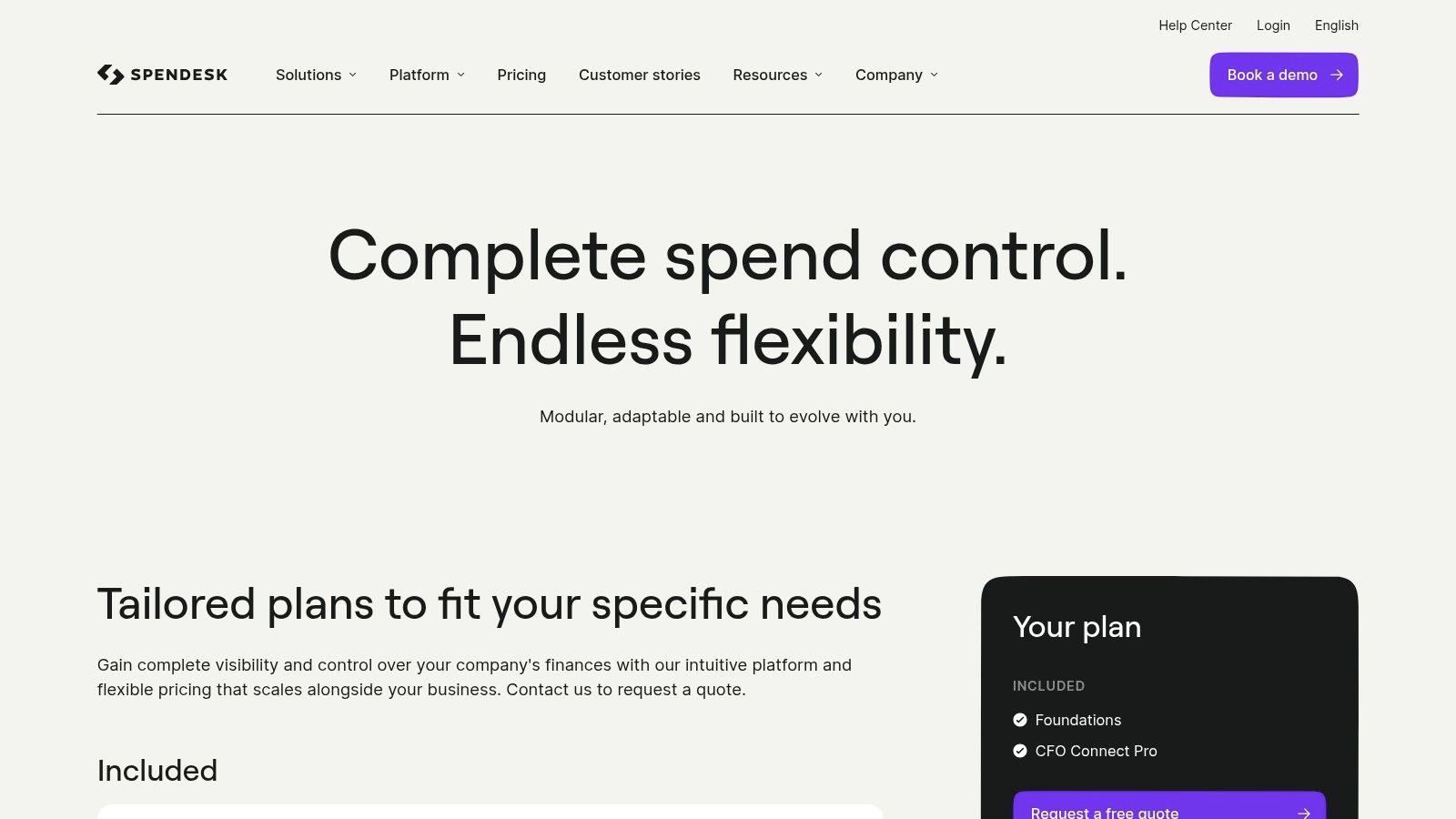
Spendesk’s pricing is quote-based, meaning you’ll need to engage with their sales team to get a figure tailored to your business size and needs. This approach is common for platforms targeting larger, more complex organisations.
- Core Functionality: Company cards, reimbursements, invoice payments, budgets, and approval workflows.
- Advanced Controls: Features SSO/SAML support, multi-entity reporting, and deep integrations with accounting systems like Xero and QuickBooks.
- Pricing: Custom pricing available upon request via their sales team.
| Pros | Cons |
|---|---|
| Strong controls for approvals and budgets. | Pricing requires engaging with a sales team. |
| Excellent for businesses with multiple entities. | Some public reviews mention mixed support experiences. |
| Integrates well with major UK accounting tools. |
Best for: Medium-sized businesses and enterprises needing tight control over company-wide spending and multi-entity financial management.
12. G2 (Expense Management Software category)
G2 isn't software itself, but a crucial research platform for anyone serious about finding the right tool. It's a buyer's marketplace that aggregates hundreds of real-world user reviews, ratings, and detailed comparisons for expense management software. Instead of relying solely on a vendor's marketing, G2 gives you unfiltered insights into what it's actually like to use a platform day-to-day, from ease of setup to customer support quality.
The platform excels at helping you shortlist options quickly. You can use its powerful filters to drill down by specific features like "Smart Categorisation" or "Mileage Tracking," and then compare your top choices side-by-side. Its leader grids offer a visual snapshot of the market, showing which tools are highly rated by users versus those with a larger market presence. This makes it an invaluable first stop to validate claims and discover which platform truly is the best expense management software for your specific needs.
Key Features & Pricing
G2 is entirely free for buyers to use for research and comparison purposes. Vendors pay to list their products and for premium placement opportunities.
- Core Functionality: Independent user reviews, side-by-side product comparisons, feature-based filtering, and market leader grids.
- UK Focus: Many vendor pages include UK-specific case studies and integration details, helping you assess local relevance.
- Pricing: Free to access and use.
| Pros | Cons |
|---|---|
| Saves research time with crowd-sourced pros/cons. | Sponsored placements appear, so always verify claims. |
| Helps validate real-world user experience before buying. | Summaries may lack pricing or feature nuance. |
| At-a-glance comparison grids simplify shortlisting. |
Best for: Anyone in the research phase who wants to compare multiple software options based on genuine user feedback before committing.
Top 12 Expense Management Software Comparison
| Product | Core features | UX / Quality | Value & Pricing | Target audience | Unique selling points |
|---|---|---|---|---|---|
| 🏆 Receipt Router | Automated forwarding → FreeAgent / Google Drive; multi‑currency; smart matching | ★★★★☆ with privacy‑first design | 💰 £10/mo, 30‑day guarantee | 👥 Freelancers, FreeAgent users, contractors, accountants | ✨ One‑time setup; Gmail auto‑forward; smart match + Drive backup |
| FreeAgent | Expense capture, mobile receipts, bank feeds, VAT/MTD | ★★★★☆ with UK‑centric UX | 💰 Subscription (may be free via NatWest) | 👥 Sole traders, contractors, small businesses | ✨ HMRC‑recognised filing; Smart Capture mobile photos |
| Xero | Receipt capture, mileage, expense seats, bank feeds | ★★★★☆ with scalable UI | 💰 Tiered plans; add‑on seats (£/user) | 👥 From sole traders to SMEs | ✨ Large app ecosystem; strong integrations |
| QuickBooks Online UK | Receipt snap & auto‑categorisation, bank feeds | ★★★★☆, a mature product | 💰 Tiered plans; frequent discounts | 👥 Small businesses, sole traders, accountants | ✨ Broad feature set; HMRC support & trials |
| Sage Accounting (Sage Expenses) | Snap & scan allowances, AI workflows, forecasting | ★★★☆☆ with a compliance focus | 💰 Tiered with allowances; pay‑as‑you‑go extras | 👥 UK businesses, Sage users, accountants | ✨ AI assistance (Copilot); clear upgrade paths |
| Pleo | Physical/virtual cards, automated reports, approvals | ★★★★☆ with strong UX | 💰 Per‑user/card pricing; scales with headcount | 👥 Teams needing company cards & approvals | ✨ Combines cards + expense workflows; cashback options |
| Soldo | Multi‑wallet budgeting, OCR receipt capture, controls | ★★★★☆ with good support | 💰 Tiered; efficient for SMEs | 👥 SMEs needing strict card controls & budgets | ✨ Layered wallets & budgets; fast card issuance |
| Expensify | SmartScan OCR, reimbursements, card reconciliation | ★★★★☆ with a strong mobile app | 💰 Per‑user tiers; multi‑currency billing | 👥 Companies needing global expense workflows | ✨ Robust OCR + corporate card sync |
| Zoho Expense | Receipt scan, per‑diems, audit rules, ERP connectors | ★★★☆☆, a cost‑effective choice | 💰 Free tier + paid per‑user plans | 👥 Small teams; Zoho ecosystem users | ✨ Granular pricing; integrates with Zoho Books |
| Rydoo | Mobile‑first capture, per‑diems, compliance, approvals | ★★★☆☆, a mobile‑focused tool | 💰 Per‑user plans; minimums may apply | 👥 SMEs scaling across UK/EU | ✨ Strong local compliance & paperless certs |
| Spendesk | Cards, reimbursements, invoices, budgets, SSO | ★★★☆☆ for controls & consolidation | 💰 Quote‑based / sales‑led pricing | 👥 Mid‑sized teams, multi‑entity finance teams | ✨ Multi‑entity reporting, tight approval controls |
| G2 (Expense category) | Crowd‑sourced reviews, comparisons, filters | ★★★★☆, a key research hub | 💰 Free to use for buyers | 👥 Buyers shortlisting expense tools | ✨ Real‑world reviews, side‑by‑side vendor grids |
Making the Right Choice for Your Business
Navigating the world of expense management software can feel a bit like being a kid in a sweet shop. With so many options, from dedicated receipt scanners to full-blown spend management platforms, the choice can be overwhelming. But here’s the good news: the sheer variety means there’s a perfect-fit solution out there for every type of UK freelancer and small business. You don't need to settle for a system that almost works.
The key takeaway from our deep dive is that there is no single "best expense management software" for everyone. The right choice is deeply personal to your business structure, your existing tools, and your biggest frustrations. A freelance graphic designer using FreeAgent has vastly different needs from a ten-person consulting firm that needs to issue company cards and set spending limits. This is where you need to be honest about your own processes.
From Pain Points to Perfect Platforms
Let’s boil it down. Your journey to finding the right software should start with a simple question: "What is my single biggest expense-related headache?"
- Is your inbox constantly cluttered with receipts? If your main problem is forwarding endless email receipts to your accounting software, a specialised, streamlined tool like Receipt Router is a game-changer. It’s designed to solve one problem exceptionally well for FreeAgent users, without the complexity of a massive platform.
- Are you struggling with team spending and manual reimbursements? This is where platforms like Pleo, Soldo, or Spendesk shine. They move beyond simple receipt capture and into proactive spend management, giving you control over budgets and simplifying the entire reimbursement cycle.
- Do you just need a better way to handle expenses within your existing accounting software? Sometimes, the answer is already at your fingertips. The built-in tools within FreeAgent, Xero, or QuickBooks, while perhaps not as slick as dedicated apps, are often more than enough for sole traders and small businesses, especially when you’re just starting out.
Your Action Plan for Choosing the Right Software
Don't just jump on the first platform that looks good. A bit of focused effort now will save you countless hours of administrative pain later. Think of it as an investment in your future sanity.
Before you commit, work through this simple checklist:
- Map Your Workflow: Actually write down or sketch out how an expense is currently processed, from the moment you get a receipt to the moment it's reconciled in your accounts. Identify every single friction point.
- Define Your Must-Haves: Based on your workflow map, create a short list of non-negotiable features. This could be "direct FreeAgent integration," "multi-currency support for USD," or "physical employee cards."
- Run a Trial: Never buy software without trying it first. Almost every tool we've mentioned offers a free trial or a free plan. Use this period to process real expenses, not just dummy data. See how it feels in a real-world scenario. Does it actually save you time? Is it intuitive for you (and your team) to use?
- Consider Your Growth: The best expense management software for you today might not be the best in two years. Think about your business goals. If you plan to hire staff or expand internationally, choose a tool that can scale with you.
Ultimately, the goal is to reclaim your time. Every minute you spend manually forwarding a receipt or chasing a missing invoice is a minute you’re not spending on growing your business or serving your clients. The right software works quietly in the background, organising your financial data and giving you the peace of mind that everything is in its right place, ready for your next VAT return or self-assessment. Choose the tool that makes your life simpler, not more complicated.
Ready to eliminate your biggest expense headache for good? If you're a FreeAgent user tired of manually forwarding email receipts, Receipt Router offers the most direct and automated solution. Stop cluttering your inbox and let our smart tool handle the admin for you by visiting Receipt Router to start your free trial.