12 Best Apps That Track spending for UK Freelancers in 2026
Juggling invoices, clients, and deadlines is hard enough for any UK freelancer or small business owner. The last thing you need is a shoebox full of crumpled receipts and a spreadsheet that’s a nightmare to update. Manually tracking every purchase is a surefire way to miss valuable tax deductions, lose track of project costs, and spend hours on admin that could be better spent on billable work. It’s a tedious, error-prone chore that directly impacts your bottom line.
The good news? There’s a much smarter way. A whole ecosystem of apps that track spending has emerged, designed to automate this entire process for you. These tools connect directly to your bank accounts, capture receipt data in a snap, and categorise your outgoings automatically, giving you a crystal-clear picture of your business's financial health. Forget the manual data entry and guesswork; it’s time to let technology handle the heavy lifting.
This guide isn't just another generic list. We're diving deep into 12 of the best platforms available in the UK, analysing them specifically through the lens of a self-employed professional. We'll examine the features that really matter to you:
- Effortless bank synchronisation
- Smart receipt capture and processing
- Multi-currency support for international clients and suppliers
- Seamless integration with accounting software like FreeAgent
For each app, we’ll provide a practical summary, screenshots, pricing details, and an honest look at its pros and cons. We'll also show you how a specialised tool like Receipt Router can plug the gaps, complementing your chosen app to create a powerful, fully automated financial workflow. Let’s find the perfect setup to get your business spending organised once and for all.
1. Receipt Router
Best for: Automated receipt capture and FreeAgent integration.
Receipt Router isn't a traditional budgeting app where you track every purchase. Instead, it’s a powerful automation tool designed to solve a critical and often chaotic part of managing business expenses: collecting, organising, and filing receipts. It’s built specifically for UK freelancers and small businesses who want a "set-and-forget" system that ensures every receipt is captured and correctly allocated, saving hours of painful admin every month.
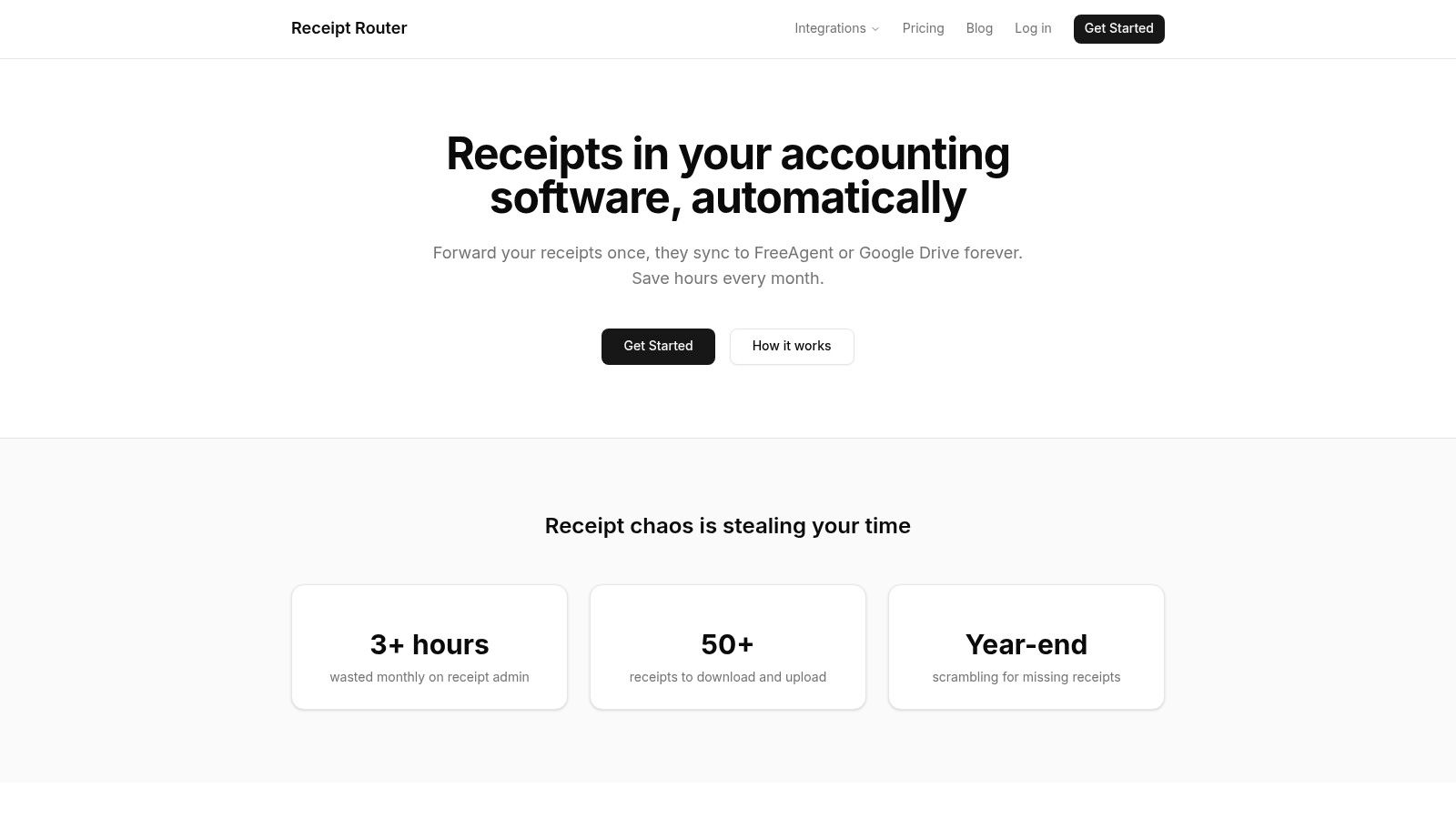
The platform’s standout feature is its intelligent workflow. You get a unique email address for your business and simply forward your digital receipts to it. From there, Receipt Router’s system reads the receipt, extracts the key details, and automatically attaches it to the corresponding transaction in your FreeAgent account. If you use Gmail or Outlook, you can even set up auto-forwarding rules so the entire process becomes hands-off. This makes it one of the most efficient apps that track spending from a compliance and bookkeeping perspective.
Key Strengths and Features
Receipt Router excels with its laser focus on automation and integration. The native FreeAgent connection is seamless, placing your receipts exactly where your accountant needs to see them. Another major advantage is its automatic handling of multi-currency transactions. If you buy something in USD or EUR, it automatically converts the total and reconciles it, a huge time-saver for anyone dealing with international suppliers.
It also supports a wide variety of receipt formats, from standard Stripe and AWS invoices to photos of paper receipts you snap on your phone. This versatility means fewer expenses slip through the cracks. Crucially, the service is privacy-focused; unlike some apps, it doesn't require access to your entire inbox, only processing the specific emails you forward.
Pricing: Starts from £10/month with a 30-day money-back guarantee.
| Feature | Details |
|---|---|
| Bank Sync | Indirect (via FreeAgent integration) |
| Receipt Capture | Yes (Email forwarding and photo upload) |
| Multi-Currency | Yes (Automatic conversion and reconciliation) |
| FreeAgent Sync | Yes (Native, direct attachment) |
Pros & Cons
Pros:
- Saves significant admin time by automating receipt capture and filing.
- Seamless FreeAgent integration ensures bookkeeping is accurate and compliant.
- Privacy-first design means you don't grant full inbox access.
- Handles multi-currency receipts automatically, reducing manual errors.
Cons:
- Primarily focused on FreeAgent and Google Drive, so it's not ideal for Xero or QuickBooks users.
- Requires an initial one-time setup to configure email forwarding rules. For help with this, you can learn how to auto-forward emails in Outlook.
Website: https://receiptrouter.app
2. Emma
Emma positions itself as your "best financial friend," and for many UK freelancers, it lives up to the name. It’s one of the most popular UK-centric apps that track spending, linking all your bank accounts, credit cards, and even investments into one clear dashboard. Its primary strength lies in providing a real-time, unified view of your financial life, automatically categorising transactions as they happen so you always know where your money is going.
The app excels at spotting and managing recurring payments. It quickly identifies all your subscriptions, from software to gym memberships, allowing you to see exactly how much they cost and highlighting any you might have forgotten about. This feature is a game-changer for cutting unnecessary business overheads.
Key Features and Our Take
- Real-time Spend Categorisation: Emma automatically sorts your spending, making it easy to see if you’re overspending on software, travel, or client lunches.
- Bill and Subscription Tracking: Get a clear list of all recurring payments. This is brilliant for spotting "subscription creep" and cancelling services you no longer need.
- Strong UK Bank Connectivity: Its Open Banking integration is robust, connecting smoothly with nearly every UK bank and building society.
- FCA Regulated: As a UK-based company, Emma is regulated by the Financial Conduct Authority, providing an extra layer of trust and security.
Pricing and Plans
Emma operates on a freemium model. The free version offers basic account aggregation and categorisation. However, more advanced features like custom categories, exporting data, and setting more granular budgets are locked behind paid tiers: Emma Plus (£4.99/month) and Emma Pro (£9.99/month). The recent shift of features to paid plans has made the free version feel a bit more limited.
Website: https://emma-app.com/
3. Snoop
Snoop bills itself as a smart money app that puts your money back in your pocket, and it’s a brilliant choice if you want proactive saving suggestions alongside standard expense tracking. As one of the more intuitive apps that track spending in the UK, it uses Open Banking to link your accounts and credit cards, providing a clear overview of your spending habits and upcoming bills. Its unique selling point is its focus on actionable insights, actively looking for ways you can save money.
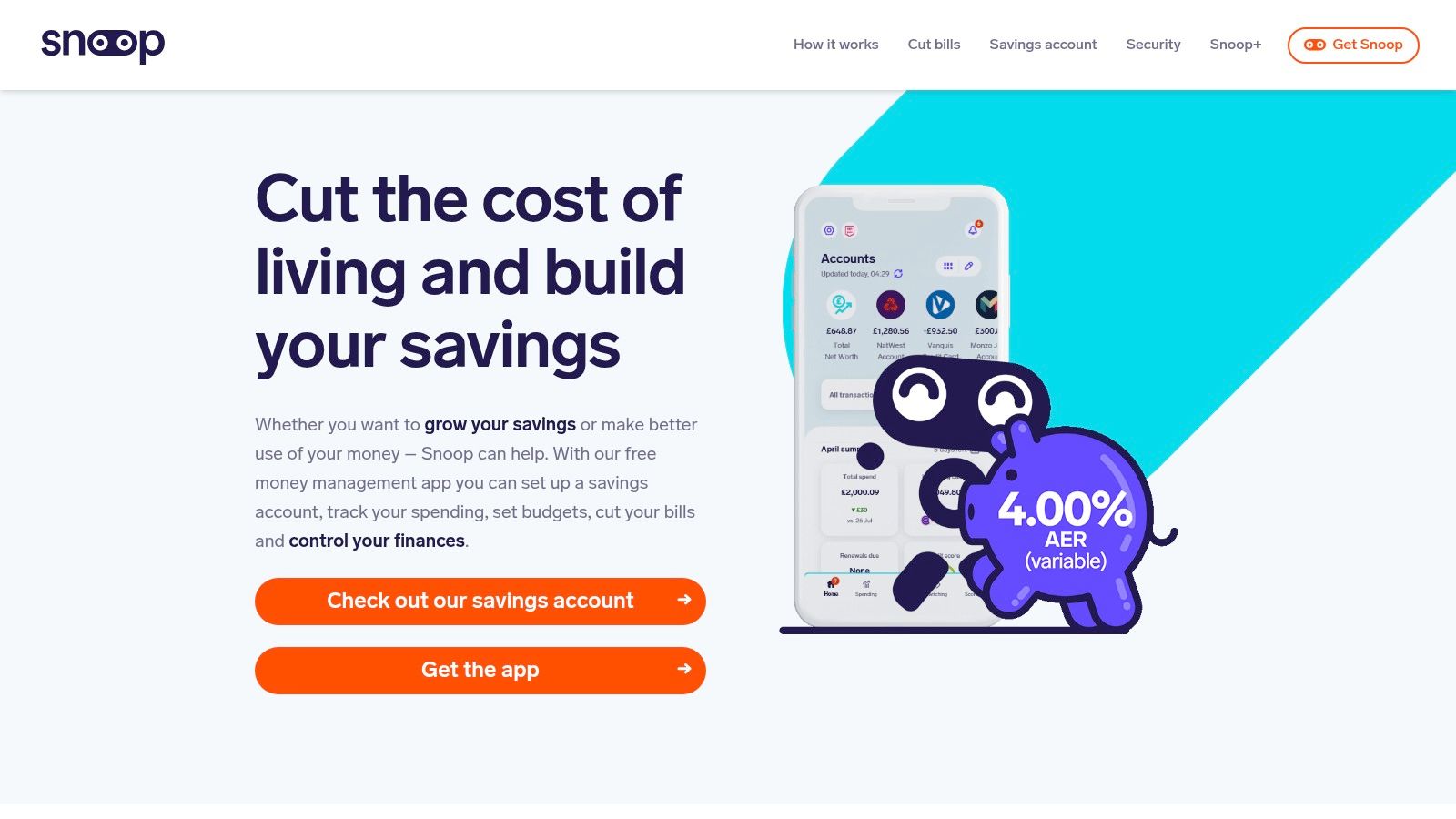
The app constantly analyses your spending patterns to suggest personalised "Snoops," which are tips for cutting costs. This could be anything from flagging a better energy tariff to highlighting when you could get a better deal on your mobile phone contract. For a freelancer, this automated watchdog is great for keeping supplier costs and regular business overheads in check without manual effort.
Key Features and Our Take
- Actionable Saving Suggestions: Snoop actively scans for better deals on your regular bills and subscriptions, making it a proactive cost-cutting tool.
- Spend Analysis by Merchant: See exactly how much you're spending with specific suppliers, which is useful for negotiating better terms or identifying dependencies.
- Subscription Tracking: Like other apps, it provides a clear view of recurring payments, helping you spot and cancel any you've forgotten.
- Weekly Spending Reviews: Get a regular summary of your financial activity, helping you stay on top of your budget and cash flow.
Pricing and Plans
Snoop offers a solid free version that includes account linking, spending analysis, and its signature money-saving Snoops. For more advanced functionality, you can upgrade to Snoop Plus (£4.99/month). This paid tier unlocks features like unlimited custom spending categories, a payday spending tracker, and the ability to track your net worth, making it better suited for serious business budgeting.
Website: https://snoop.app/
4. Plum
Plum takes a slightly different approach to many apps that track spending by actively connecting your spending habits to your savings goals. It analyses your income and expenditure to intelligently calculate small, affordable amounts to set aside automatically. This "set it and forget it" method is ideal for freelancers who want to build a financial safety net or save for tax bills without having to think about it constantly.

While its core strength is automation, Plum still provides solid spend tracking features. You get a categorised breakdown of your outgoings and month-to-month comparisons, helping you understand your financial patterns. The app essentially uses this tracking data to fuel its primary purpose: helping you save and invest more effectively.
Key Features and Our Take
- Automated Savings Rules: Plum's AI automatically tucks money away for you. You can also set custom rules like "Round Ups," which saves the spare change from your purchases.
- Spend Tracker with Comparisons: Get a clear view of where your money goes each month, with useful comparisons to spot trends or budget blowouts.
- Interest-Earning Pockets: Unlike some trackers, your savings aren't just sat there. You can put them into interest-earning "Pockets" (provided by partner banks) or even ISAs.
- Combined Tracking and Investing: For those looking to do more with their money, Plum offers optional investment products within the same app, a feature that sets it apart.
Pricing and Plans
Plum offers a free Basic plan which includes the AI savings algorithm and one interest-earning Pocket. To unlock more powerful features like more Pockets, customisable saving rules, and advanced budgeting tools, you’ll need to subscribe. Paid plans include Plum Pro (£2.99/month), Plum Ultra (£4.99/month), and Plum Premium (£9.99/month), each adding more saving and investing capabilities.
Website: https://withplum.com/en-gb
5. Monzo (Pots)
While it's a digital bank first and foremost, Monzo’s built-in features make it one of the most intuitive apps that track spending by integrating money management directly into your current account. Its standout feature for freelancers is 'Pots', which allows you to ring-fence money for different purposes like tax, new equipment, or even upcoming invoices. This 'envelope' method of budgeting is incredibly effective for visualising and controlling your cash flow.

The app provides instant spending notifications and automatically categorises every transaction, giving you a real-time summary of where your money went this month. This tight integration between banking and budgeting removes the need for a separate app and simplifies the process of staying on top of your finances, a key step when you need to reconcile your bank statements later.
Key Features and Our Take
- Pots for Budgeting: Create multiple virtual pots to separate money for taxes, expenses, and savings goals. You can even pay bills directly from a dedicated pot.
- Real-time Notifications and Categorisation: Instantly see what you’ve spent and where. This immediate feedback loop is fantastic for curbing impulse buys and sticking to a budget.
- Salary Sorter: Automatically divide your incoming payments into different pots as soon as the money lands in your account.
- Round-ups: Save your spare change by automatically rounding up every transaction to the nearest pound and moving it to a savings pot.
Pricing and Plans
Monzo offers several account tiers. The standard Monzo account is free and includes all the core budgeting tools like Pots, spending breakdowns, and bill splitting. Paid tiers like Monzo Plus (£5/month) and Monzo Premium (£15/month) add features such as custom categories, virtual cards, and connections to other bank accounts, which can be useful for a more holistic financial view.
Website: https://monzo.com/pots
6. Starling Bank (Spending Insights)
Starling Bank isn't just a bank account; it's also one of the most streamlined apps that track spending thanks to its built-in analytics. If you prefer to keep your finances and your expense tracking under one roof, Starling’s "Spending Insights" feature offers a surprisingly detailed breakdown of your outgoings directly within the banking app. It automatically categorises every transaction and lets you analyse spending by merchant or category over custom date ranges.
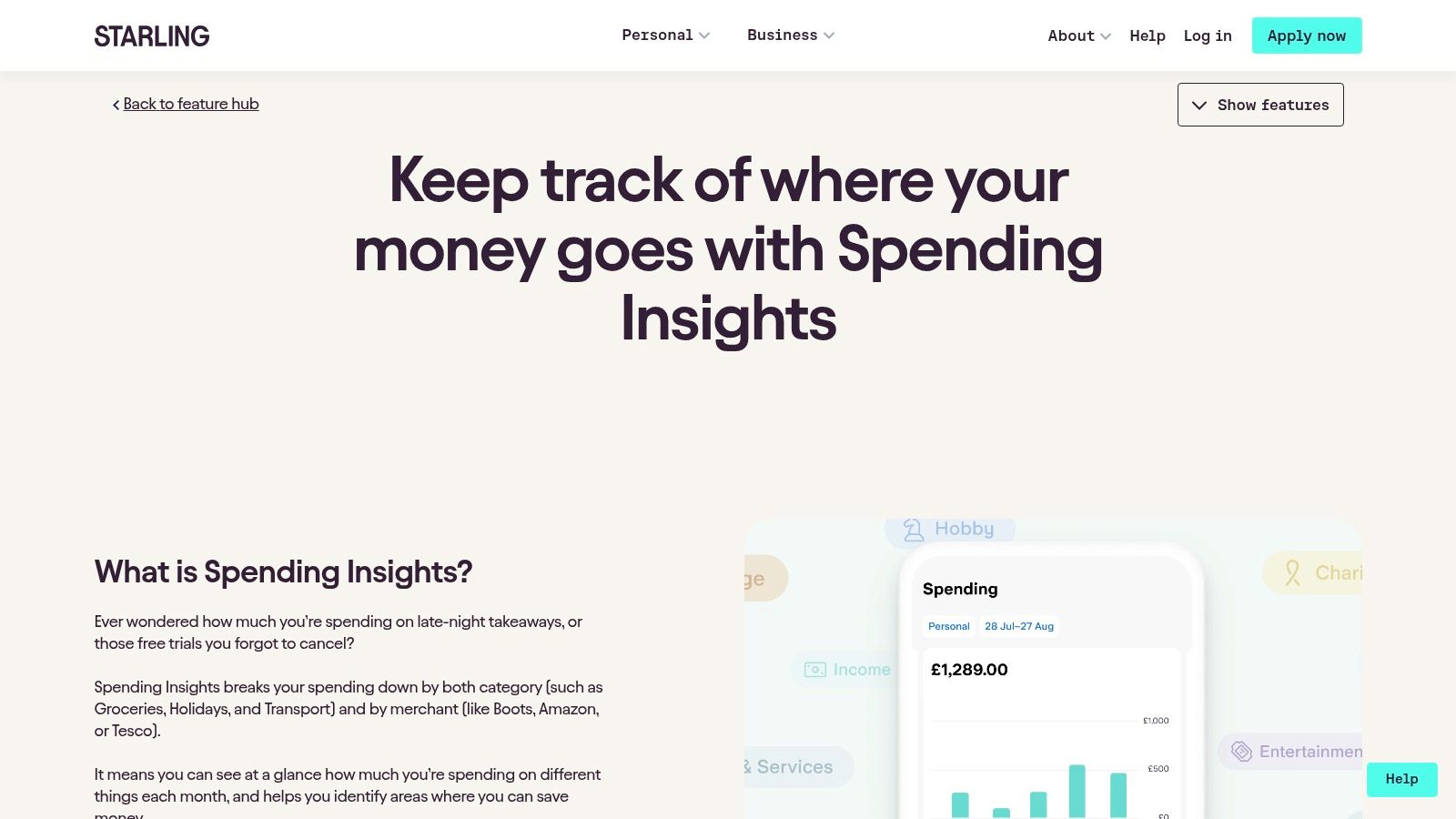
This is a fantastic option for freelancers who want a simple, no-fuss way to monitor their business expenditure without needing a separate app. Features like "Spaces" allow you to partition money for specific goals like tax or new equipment, and spending from these Spaces is still tracked in your overall insights. You can also attach notes and receipts directly to transactions, creating a tidy digital paper trail.
Key Features and Our Take
- Native Spend Analytics: Get detailed, flexible breakdowns of your spending by category or merchant without ever leaving your banking app. It’s incredibly convenient.
- Transaction Attachments: Add notes and snap receipts for individual payments, which is great for keeping records organised for your tax return.
- Budgeting with Spaces: The ability to ring-fence money in virtual pots (Spaces) helps you proactively manage your budget and track spending against specific financial goals.
- Free with Account: All these powerful tracking tools are included for free with a Starling personal or business bank account.
Pricing and Plans
The Spending Insights feature is completely free and integrated into all Starling Bank accounts. There are no monthly fees for their standard sole trader or limited company business accounts, making it a very cost-effective way to bank and track expenses in one place.
Website: https://www.starlingbank.com/features/spending-insights/
7. Revolut (Budgeting & Analytics)
While known primarily as a digital banking alternative, Revolut has built powerful budgeting and analytics tools directly into its app, making it one of the most integrated apps that track spending. For freelancers, especially those dealing with multiple currencies, this means your banking and your budget tracking live under one roof. The platform offers a clean, visual dashboard to monitor your spending, income, and cash flow in real-time.
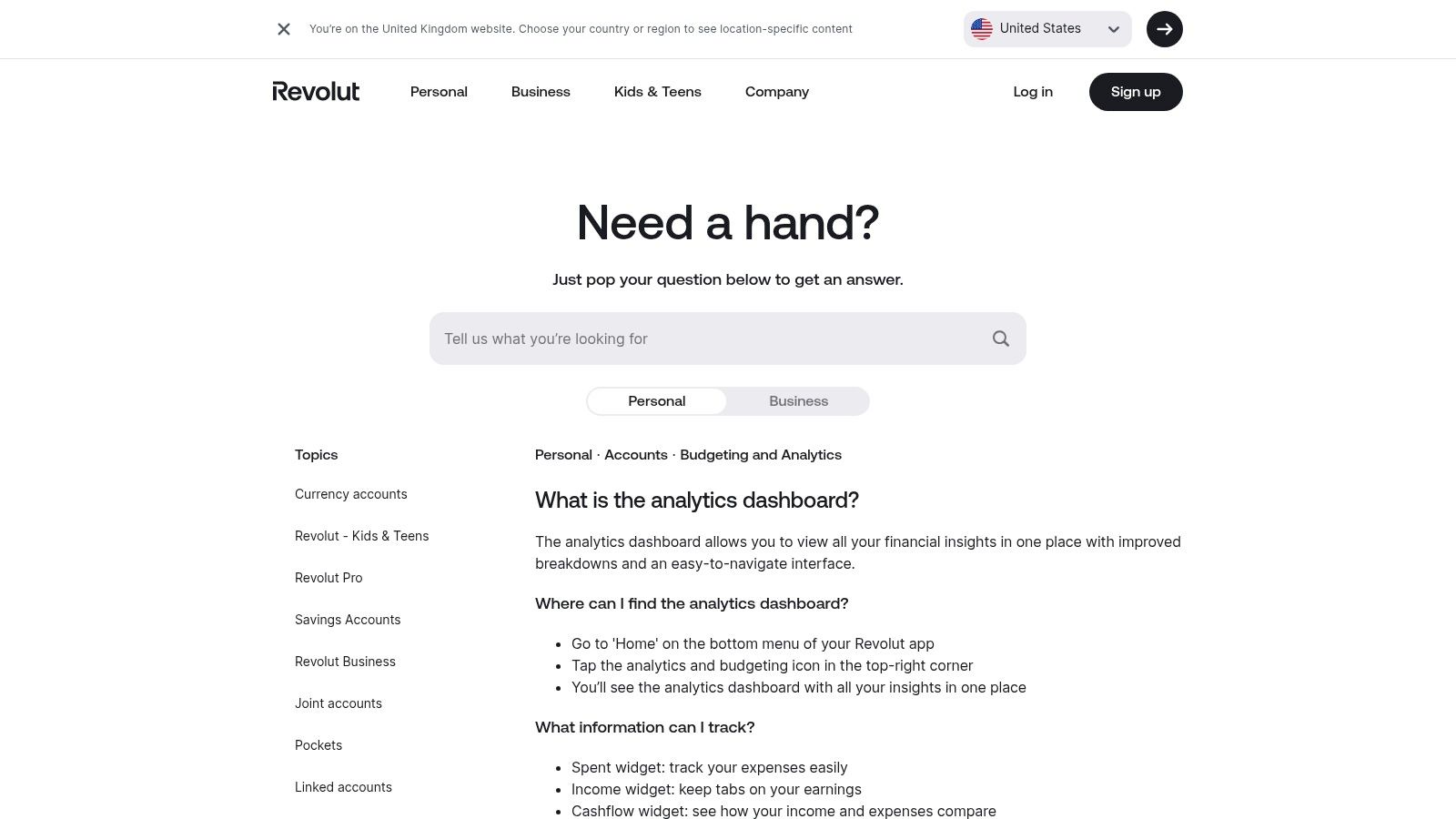
Its strength lies in providing a single hub that not only categorises your sterling transactions but also seamlessly incorporates any foreign currency spending. This is a huge plus for contractors who buy software or services from abroad. You can set weekly or monthly budgets with flexible start dates, which is great for aligning with project payment cycles rather than a rigid calendar month.
Key Features and Our Take
- Integrated Analytics Hub: The dashboard gives you a clear visual breakdown of spending, income, and overall cash flow without needing a separate app.
- Flexible Budgeting Cycles: Set your budgets to start on any day of the month or week, providing more realistic tracking for freelance income streams.
- Multi-Currency Native: Because it’s part of the Revolut ecosystem, its analytics and budgets work flawlessly across different currencies, a standout feature for international business.
- Income Sorter: Automatically allocate portions of your incoming payments into different "Pots" for taxes, savings, or business expenses.
Pricing and Plans
The core budgeting and analytics features are available on all Revolut plans, including the free Standard account. However, accessing more advanced business features, higher fee-free currency exchange limits, and other perks requires upgrading to paid plans like Plus (£3.99/month), Premium (£7.99/month), or Metal (£14.99/month). The true value is unlocked when you use Revolut as your primary business account.
Website: https://help.revolut.com/help/accounts/budget-and-analytics/what-is-the-analytics-dashboard/
8. YNAB (You Need A Budget)
YNAB, short for You Need A Budget, is less of an app and more of a complete methodology. It’s built around the principle of zero-based budgeting, where every pound is given a "job" before you spend it. This proactive approach makes it one of the most powerful apps that track spending for freelancers who want to gain total control over their cash flow, separating business and personal finances with precision.
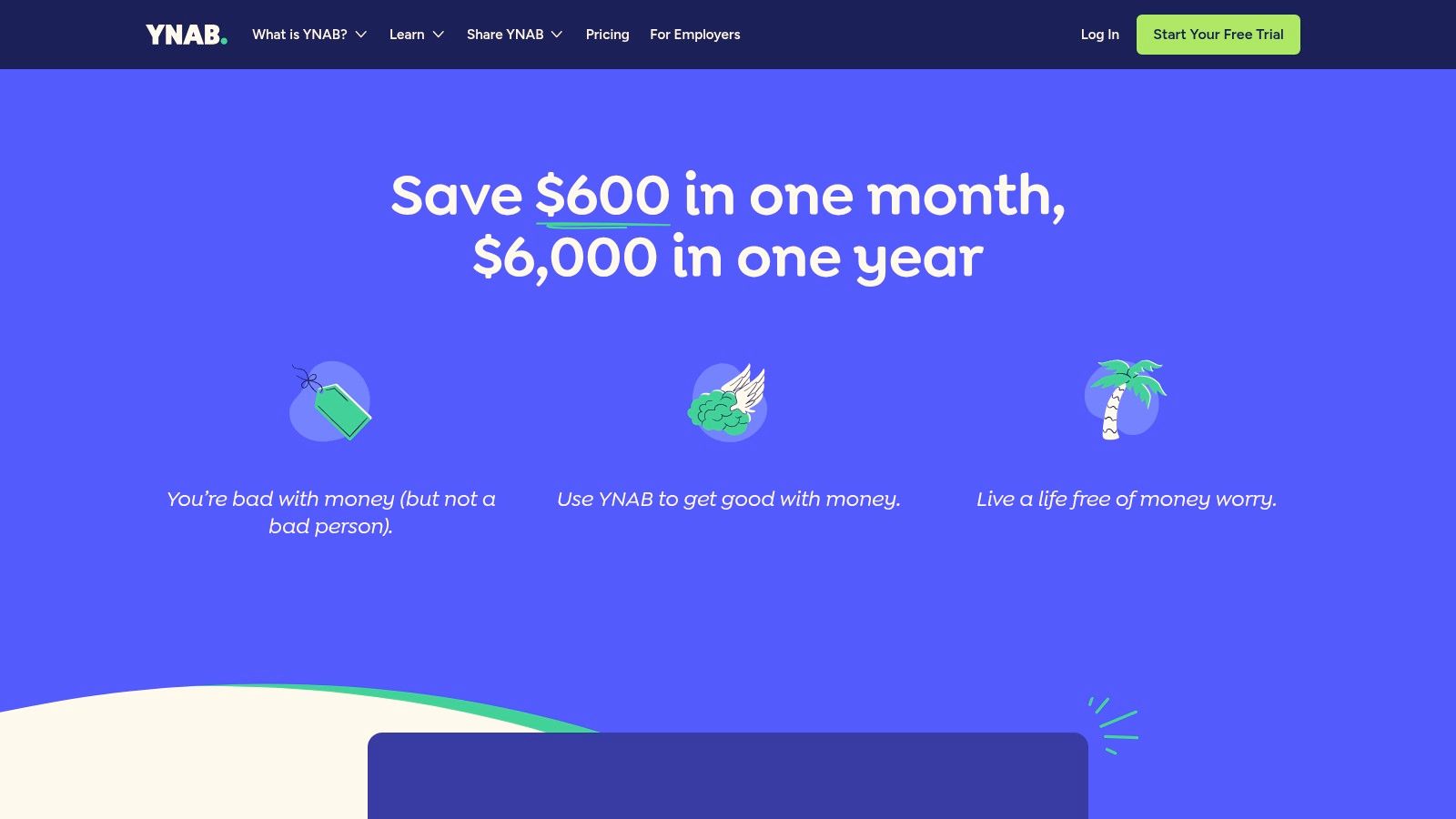
Unlike other apps that just show you where your money went, YNAB forces you to plan where it will go. It encourages you to build buffers for irregular expenses like tax payments, making it easier to manage the fluctuating income common in freelance life. This discipline helps you understand your true financial position, especially when you're managing income that could push you towards the VAT threshold.
Key Features and Our Take
- Zero-Based Budgeting Method: YNAB’s structured system requires you to assign every pound to a category, ensuring you’re intentional with your spending and saving.
- Goal Tracking: Set and track savings goals for things like tax bills, new equipment, or holiday time. YNAB helps you allocate funds each month to stay on target.
- Bank Connectivity: It connects to many UK banks for automatic transaction imports, though coverage can be less comprehensive than UK-native apps. Manual entry is also a core part of its philosophy.
- Extensive Education: YNAB provides a wealth of free workshops, articles, and videos to teach its method, which is a huge benefit for those new to serious budgeting.
Pricing and Plans
YNAB is a premium service with no free tier beyond its 34-day free trial. The subscription is billed in USD, which means the price can fluctuate for UK users. A single subscription covers you and your partner, allowing for collaborative family and business budgeting. The current price is $14.99/month or $99/year.
Website: https://www.ynab.com/pricing
9. Apple App Store (UK) – Finance category
While not a single app itself, the Finance category on the UK Apple App Store is the essential starting point for any iPhone or iPad user. It's the primary, trusted marketplace where you can discover, compare, and download the vast majority of apps that track spending, including many mentioned in this list. For freelancers, it acts as a curated catalogue, allowing you to browse options, read user reviews, and check out screenshots before committing to a download.
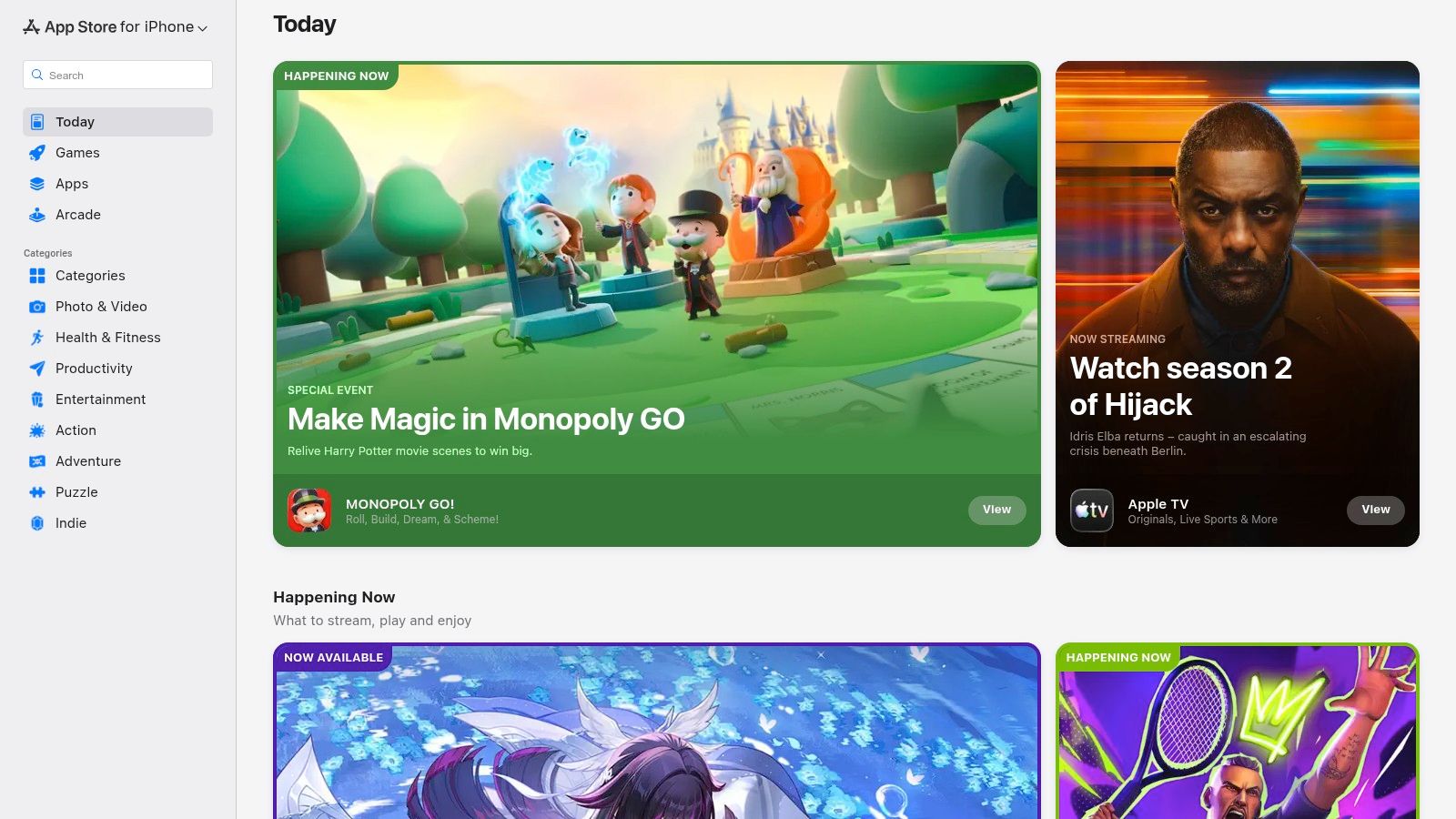
The real value for a UK user lies in its transparency. Every app page clearly details UK pricing in GBP, including in-app purchases and subscription costs. You can also view crucial privacy details in the "App Privacy" section, which summarises what data the app collects and how it's used. This makes it an invaluable tool for due diligence before handing over your financial data.
Key Features and Our Take
- Centralised Discovery: It's the go-to place to find nearly every iOS-compatible finance app, from big names like Snoop and YNAB to smaller, niche trackers.
- User Reviews and Ratings: Real-world feedback from other UK users provides honest insight into an app's performance, usability, and customer support.
- Transparent Pricing: All costs are displayed upfront in GBP, preventing any surprises with currency conversion. You know exactly what a subscription will cost per month or year.
- Privacy Labels: Apple’s mandatory privacy information helps you make an informed decision about which apps you can trust with your sensitive financial information.
Pricing and Plans
Access to the App Store is free on all Apple devices. The apps themselves vary from completely free to subscription-based. A key point to remember is that subscribing through the App Store can sometimes differ from subscribing directly on the app's website, potentially affecting how you manage or cancel the subscription.
Website: https://apps.apple.com/gb/
10. Google Play (example: Wallet by BudgetBakers)
For Android users, the Google Play Store is the primary gateway to finding powerful apps that track spending. While not an app itself, it's the ecosystem where top-tier options like Wallet by BudgetBakers thrive. Using Wallet as a prime example, the Play Store lets you find tools that offer robust bank synchronisation, detailed budgeting features, and insightful cash flow reports, all accessible directly on your Android device. It's the starting point for freelancers wanting to take control of their finances.
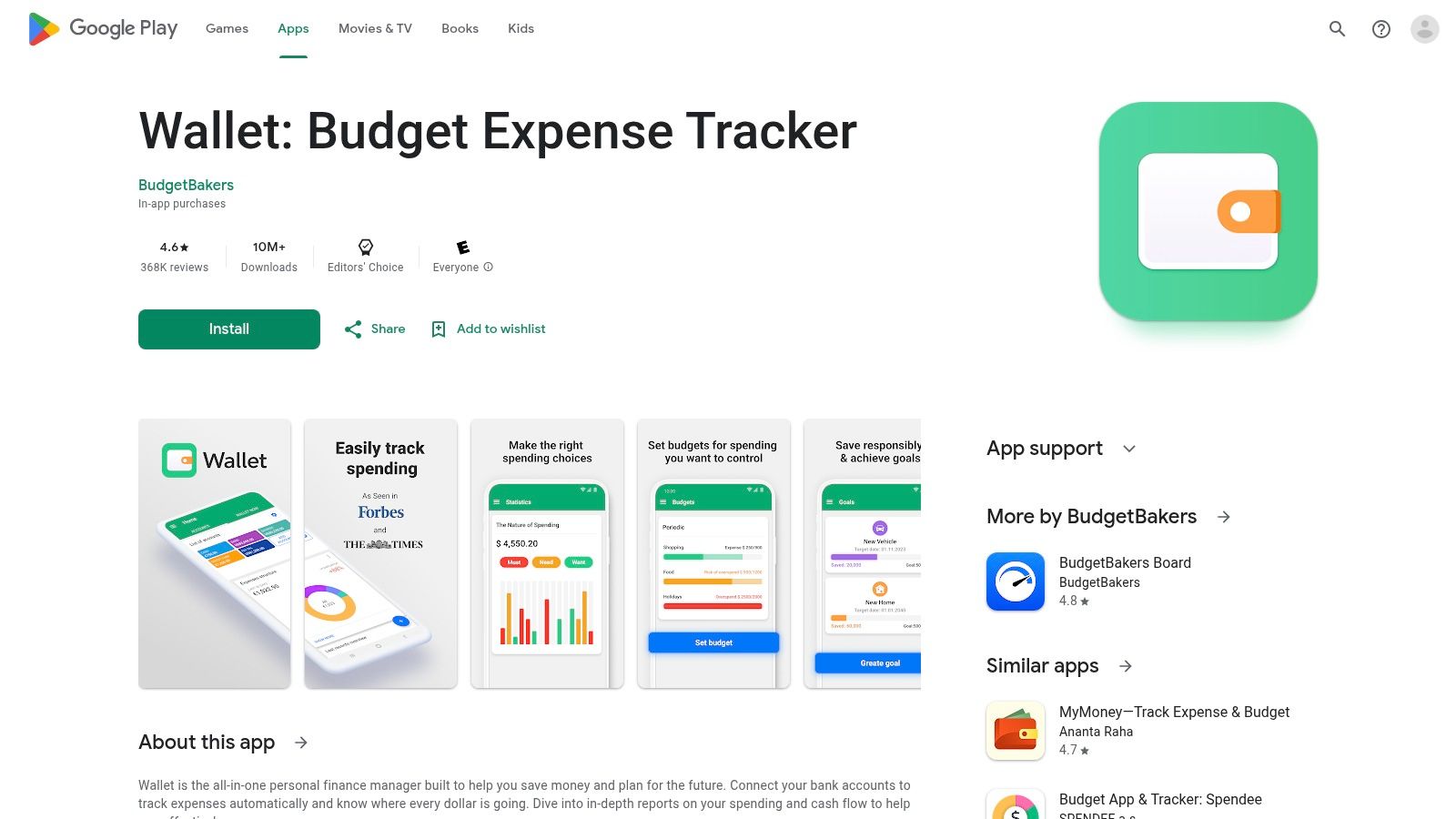
The real value of the Play Store is the transparency it offers. You can immediately see user ratings, read detailed reviews from other freelancers, and check the app's update history to see how actively it's maintained. For an app like Wallet, this provides assurance that you're downloading a well-supported tool with a large user base before you commit to connecting your bank accounts.
Key Features and Our Take
- Vast Selection of Trackers: The Play Store hosts countless spending trackers, allowing you to compare features and find the perfect fit for your freelance business needs.
- Transparent User Feedback: Reviews and ratings provide honest insights into an app's real-world performance, especially regarding bank-sync reliability and customer support.
- Comprehensive Feature Sets (via Apps): Top apps like Wallet offer bank syncing, multi-currency support for international clients, and cloud backup to keep your financial data secure.
- Clear Update History: You can easily verify that an app is regularly updated with bug fixes and new features, which is crucial for financial software.
Pricing and Plans
Pricing is determined by the individual app developer. Many, like Wallet by BudgetBakers, use a freemium model. The free version typically offers manual transaction entry and basic budgeting. To unlock premium features like unlimited bank syncing and advanced reporting, you’ll need to subscribe via an in-app purchase, with plans often starting from around £5-£10 per month.
Website: https://play.google.com/store/apps/details?id=com.droid4you.application.wallet
11. Spendee
Spendee is a visually appealing, cross-platform app that excels at collaborative budgeting. While many apps that track spending focus on the individual, Spendee’s strength lies in its shared wallets feature, making it a fantastic option for freelancers who manage finances with a partner or small business teams needing to track a joint project budget. It connects to your bank accounts to automatically categorise spending, providing a clear and colourful overview of your financial habits.
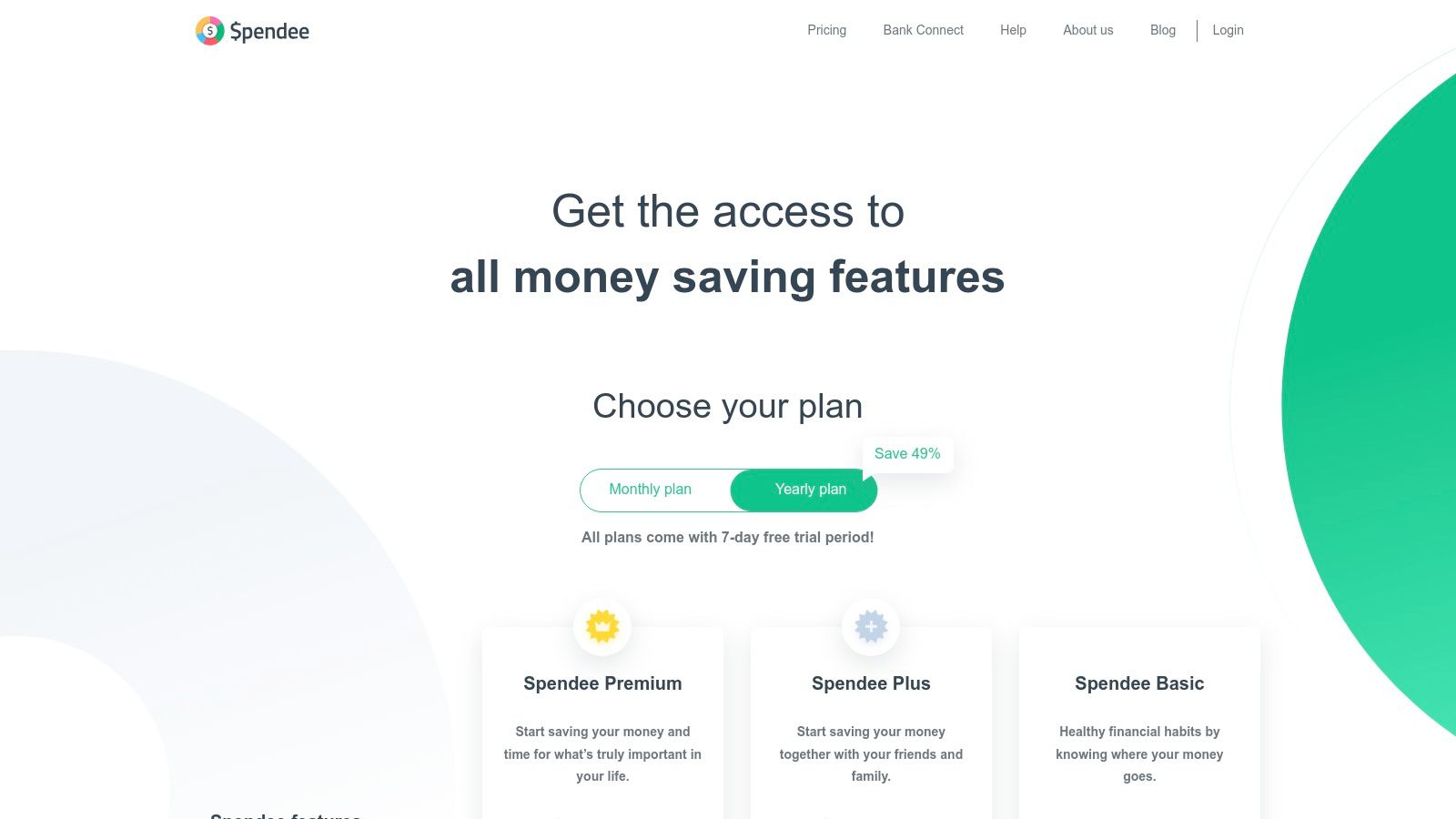
The app is designed to be intuitive, using graphs and charts to help you quickly understand where your money is going. Its multi-currency support is also a handy feature for freelancers who work with international clients or travel frequently for business, allowing you to create separate wallets for different currencies and manage them all in one place.
Key Features and Our Take
- Shared Wallets: The standout feature. Invite family or team members to a shared budget, making it easy to track household expenses or project costs collaboratively.
- Bank Account Sync: Automatically import and categorise transactions from your connected bank accounts, saving you from tedious manual entry.
- Unlimited Budgets (Paid): Create multiple, specific budgets for different spending categories like "Software Subscriptions," "Client Entertainment," or "Travel" to stay on track.
- Data Export: You can export your financial data to .csv or .xls files, which is useful for deeper analysis or for sharing with your accountant.
Pricing and Plans
Spendee has a free plan with manual entry and one budget. To unlock its best features, you'll need a paid subscription. Spendee Plus (€2.99/month) adds unlimited budgets and wallets, while Spendee Premium (€4.99/month) includes bank account synchronisation. The separation of features means you really need the Premium plan for a fully automated experience.
Website: https://www.spendee.com/pricing
12. HyperJar
HyperJar brings the classic "envelope" budgeting method into the digital age, making it one of the more unique UK apps that track spending. Instead of just tracking past expenditure, it encourages you to proactively partition your money into different "Jars" for specific purposes like taxes, software subscriptions, or client entertainment. You then spend directly from these Jars using the provided prepaid Mastercard.
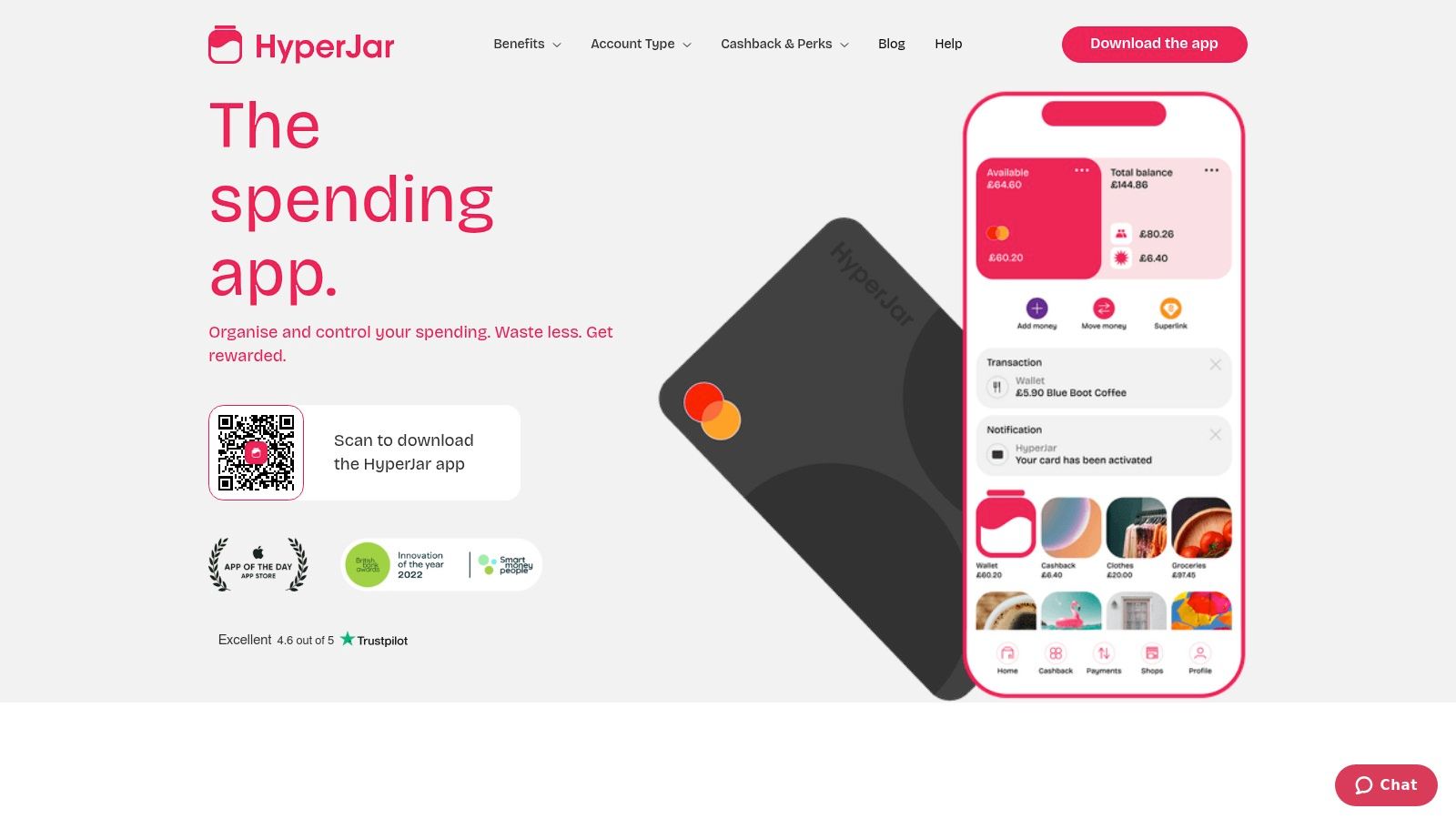
This compartmentalisation is its standout feature. It’s a hands-on way to ensure you don't accidentally spend your tax savings. The app also allows for shared Jars, which is a brilliant feature for freelancers collaborating on a project or small business partners managing a joint budget for an event, allowing you to pool and spend funds transparently.
Key Features and Our Take
- Digital "Jars" for Budgeting: Create separate pots for different business expenses. This is a very practical, visual way to ring-fence funds for tax, VAT, or specific project costs.
- Shared Jars: Easily create joint budgets with partners, collaborators, or family members. Spending is transparent and drawn from a shared pool.
- Prepaid Mastercard: Spend directly from your chosen Jar, ensuring you stick to your allocated budget for that category.
- Kids' Cards: While aimed at families, this feature can be repurposed by freelancers with assistants, providing a controlled way to manage petty cash or specific expenses.
Pricing and Plans
HyperJar is free to use for its core features, including the Jars, the prepaid Mastercard, and shared spending capabilities. However, be aware of potential fees, such as an inactivity fee that applies after 12 months of no card use. It's an e-money account, meaning funds are safeguarded but not protected by the FSCS like a traditional bank.
Website: https://hyperjar.com/
Top 12 Spending-Tracking Apps Feature Comparison
| Product | Core features | UX / Quality ★ | Price / Value 💰 | Target audience 👥 | Unique selling points ✨ |
|---|---|---|---|---|---|
| Receipt Router 🏆 | Automated receipt forwarding → FreeAgent attach / Google Drive archive; multi‑currency & smart matching | ★★★★☆ set‑and‑forget, reliable | 💰 From £10/mo; 30‑day money‑back guarantee | 👥 UK freelancers, sole traders, accountants | ✨ Unique forwarding address, FreeAgent native, privacy-first (no full inbox), auto currency conversion |
| Emma | Bank sync, real‑time categorisation, bills & subscriptions | ★★★★☆ clear UI, popular | 💰 Free + Premium (some features paywalled) | 👥 UK users wanting budgeting & subscription control | ✨ Strong UK bank connectivity, subscription cancel tools |
| Snoop | Open Banking aggregation, spend & merchant insights, savings tips | ★★★★ actionable insights | 💰 Free + Premium | 👥 Users seeking saving opportunities & switch suggestions | ✨ Deal/switching prompts, merchant‑level tips |
| Plum | Automated saving rules, pockets, optional investing | ★★★★ automation focused | 💰 Free + multiple paid tiers | 👥 Users who want automated saving/investing | ✨ Round‑ups, rules, interest‑earning pockets & ISA options |
| Monzo (Pots) | Pots (envelope budgeting), real‑time notifications, bill pay | ★★★★ native bank experience | 💰 Free account / paid tiers | 👥 Monzo customers wanting envelope budgeting | ✨ Integrated banking + Pots, instant transaction alerts |
| Starling Bank (Spending Insights) | Category & merchant breakdowns, Spaces, attach receipts | ★★★★ detailed native analytics | 💰 Free account | 👥 Users wanting in‑app bank analytics (personal/business) | ✨ Granular merchant/category insights; attach notes/receipts |
| Revolut (Budgeting & Analytics) | Analytics dashboard (spend, income, cashflow), multi‑currency | ★★★★ strong visuals | 💰 Free + paid tiers | 👥 Multi‑currency users & travellers | ✨ Total Wealth view, flexible cycles, visual dashboards |
| YNAB (You Need A Budget) | Zero‑based budgeting, goals, rollovers, education | ★★★★★ disciplined, effective | 💰 Paid subscription (USD) after trial | 👥 Users wanting a structured budgeting method | ✨ Proven zero‑based methodology, extensive workshops/resources |
| Apple App Store (UK) Finance | Curated app pages, reviews, GBP pricing, privacy details | ★★★★ trusted discovery | 💰 Free to browse; app/in‑app prices vary | 👥 iOS users discovering finance apps | ✨ App pages with screenshots, reviews & privacy labels |
| Google Play (example: Wallet) | App listings, reviews, multi‑currency apps, cloud sync | ★★★★ wide selection | 💰 Varies by app / in‑app purchases | 👥 Android users seeking spend trackers | ✨ Large install base, transparent ratings & update history |
| Spendee | Bank connection, unlimited budgets (paid), shared wallets | ★★★★ good for collaborative use | 💰 Free trial + paid plans | 👥 Households, couples, small teams | ✨ Shared wallets, data export, cross‑platform |
| HyperJar | Digital jars, prepaid Mastercard, shared jars & kids’ cards | ★★★★ practical envelope approach | 💰 Free (prepaid); merchant perks; inactivity fee applies | 👥 Families & envelope‑style budgeters | ✨ Pay directly from jars, shared jars & merchant cashback |
Choosing the Right Spending Tracker for Your Business Workflow
We’ve navigated the bustling marketplace of apps that track spending, from dedicated receipt wranglers and clever bank aggregators to the powerful financial tools built right into your digital bank account. The sheer volume of choice can feel overwhelming, but the journey to find your perfect system doesn't have to be complicated. The central takeaway is this: there is no single "best" app, only the one that is best for your specific workflow as a UK freelancer or small business owner.
The core challenge isn't just seeing where your money goes; it's about making that information useful, accurate, and easy to manage for your accounting. Your choice should hinge on what problem you are trying to solve. Are you looking for a beautiful, high-level dashboard of your financial health across multiple accounts? Or is your biggest headache the mountain of digital receipts cluttering your inbox, waiting to be manually entered into FreeAgent?
Finding Your Perfect Match: A Quick Recap
Think of this as a process of layering solutions. For many, the optimal setup isn't about picking just one app, but combining a couple to create a seamless, automated financial workflow.
Let's break it down based on your primary need:
- For a 360-Degree Financial Overview: If your main goal is to consolidate various bank accounts and credit cards into one place for a bird's-eye view of your spending habits, apps like Emma, Snoop, or Plum are fantastic. They excel at categorisation and identifying trends, helping you see where your cash is flowing on a day-to-day basis.
- For Integrated Banking and Budgeting: If you prefer an all-in-one solution and bank with them already, the native tools within Monzo, Starling, and Revolut are incredibly powerful. They offer instant notifications, smart pot systems for saving, and automated spending analysis without needing a third-party connection.
- For Meticulous, Hands-On Budgeting: For freelancers who want to adopt a specific financial methodology and actively assign every pound a job, YNAB (You Need A Budget) remains the gold standard. It's less about passive tracking and more about proactive financial planning.
- For Tackling the Receipt Nightmare: This is where the focus shifts from personal budgeting to business admin. If your biggest time-sink is forwarding, downloading, and manually processing invoices and receipts for your FreeAgent account, a specialised automation tool is not just a nice-to-have; it's essential. This is precisely the problem Receipt Router was built to solve.
The Power of a Hybrid Approach
The most effective strategy we see with successful freelancers is a hybrid one. They use a tool like Starling or Emma for a quick daily check on their spending categories. But for the critical, time-consuming task of business expense management, they layer an automation tool on top.
This creates a powerful, two-pronged system. Your banking app gives you the immediate insights, while a service like Receipt Router works quietly in the background, ensuring every single business expense from your email is captured, organised, and correctly filed in your accounting software. This frees you from the mundane data entry that eats into your billable hours.
Ultimately, the best collection of apps that track spending is one that removes friction from your financial life. It should give you clarity without creating more admin. By pinpointing your biggest pain point and choosing a tool designed to solve it, you can transform your financial management from a chore into a streamlined, automated, and dare we say, satisfying part of running your business.
Ready to eliminate the most tedious part of tracking your spending? Receipt Router connects directly to your inbox and automatically forwards every business receipt and invoice to your FreeAgent account, saving you hours of manual data entry each month. Stop chasing paperwork and start automating your expenses today by visiting Receipt Router.